Navigating the complexities of cloud spending is a critical challenge for businesses of all sizes. As infrastructure scales, unexpected costs can quickly erode budgets, making effective oversight essential. The market is filled with solutions, but identifying the right one requires a clear understanding of your specific needs, whether you're a small business just starting with AWS or a large enterprise managing multi-cloud environments. This guide is designed to cut through the noise and provide a direct, comprehensive overview of the best cloud cost management tools available today.
We will delve into a curated list of platforms, from native solutions like AWS Cost Explorer and Azure Cost Management to specialized third-party tools such as CloudZero, Harness, and our own CLOUD TOGGLE. Each entry provides a detailed analysis, including feature summaries, pricing structures, and honest assessments of their pros and cons. To help you make a well-informed decision, we've included screenshots for a visual preview and direct links to each platform.
This article moves beyond simple feature lists. You'll find practical implementation tips, specific use-case scenarios tailored for DevOps, FinOps, and leadership roles, and clear guidance on when a particular tool is the best fit. We’ll also offer a head-to-head comparison with native cloud schedulers and provide a buyer's guide that highlights key decision criteria. Our goal is to equip you with the insights needed to select a tool that not only reports on your cloud spend but actively helps you control and optimize it, turning a significant operational expense into a strategic advantage.
1. CLOUD TOGGLE
Best For: Automated Savings Through Compute Scheduling
CLOUD TOGGLE stands out as one of the best cloud cost management tools by delivering on a simple yet profound promise: automating cloud savings by powering off idle resources. It excels in its focused mission to reduce AWS and Azure compute costs through precise, user-friendly scheduling. While many comprehensive FinOps platforms offer scheduling as a minor feature, CLOUD TOGGLE makes it a powerful, accessible, and secure core competency. This specialization allows it to solve a very common and expensive problem, the cost of non-production servers running 24/7, with exceptional clarity and efficiency.
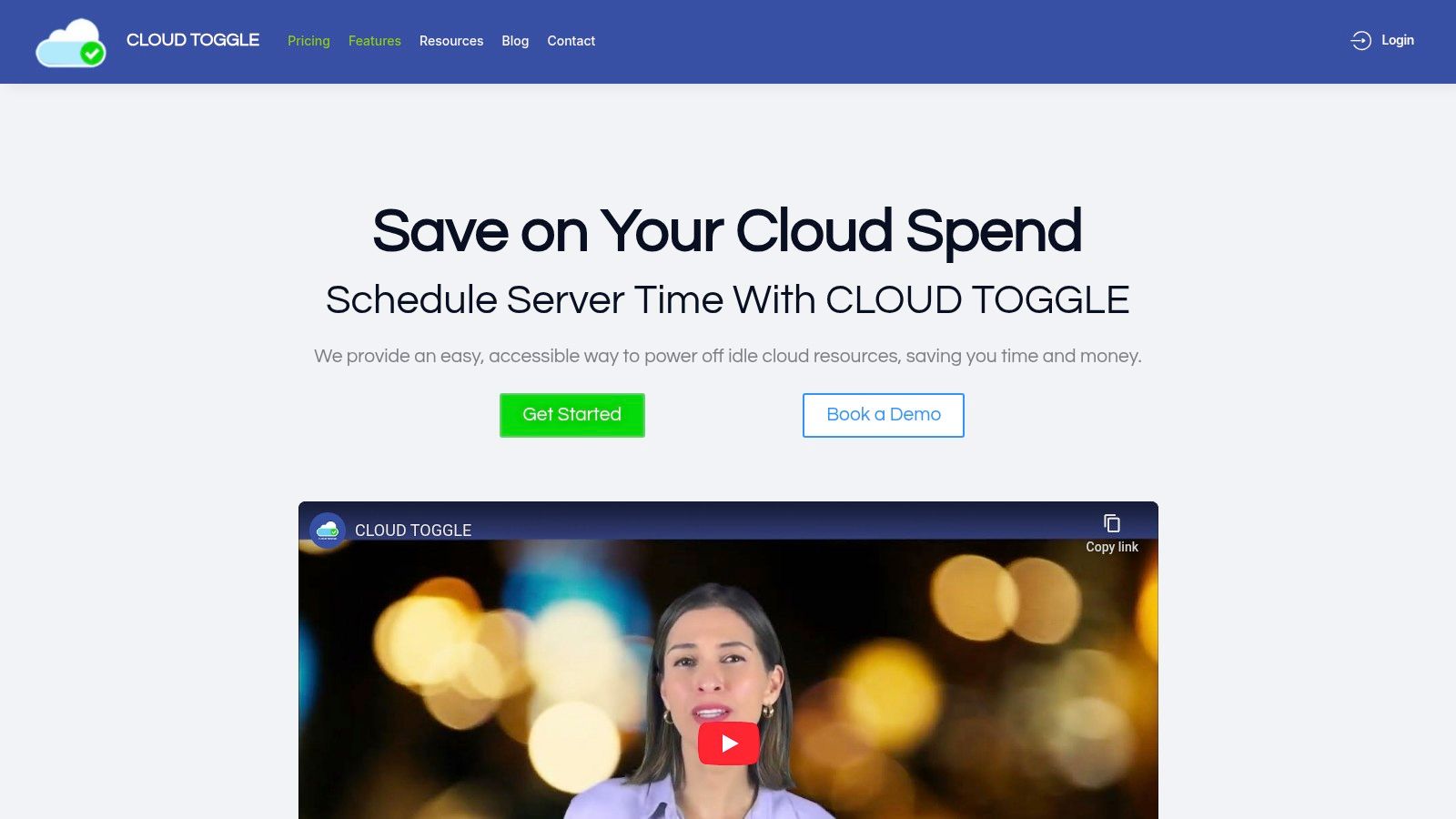
The platform is engineered for teams where cloud expertise varies. Its intuitive UI and role-based access controls empower non-engineers, like QA leads or project managers, to safely manage server uptime for their specific projects. They can apply daily or weekly schedules and make quick manual overrides without needing direct access to the AWS or Azure console, dramatically reducing the burden on DevOps and minimizing security risks. For businesses struggling with the complexity and security overhead of native tools like AWS Instance Scheduler, CLOUD TOGGLE offers a secure, multi-user solution that can be implemented in minutes. Learn more about the savings from eliminating idle VM costs and understand how a tool like CLOUD TOGGLE can help.
Core Strengths & Use Cases
- Multi-Cloud Simplicity: Unifies AWS and Azure instance scheduling under a single, easy-to-use interface.
- Delegated Cost Control: Enables engineering leaders to securely delegate scheduling responsibilities to project teams, fostering a culture of cost accountability without compromising security.
- Predictable Savings: Ideal for managing development, staging, and QA environments that only need to run during business hours, generating immediate and predictable savings.
| Feature | Details |
|---|---|
| Cloud Support | AWS and Azure |
| Primary Function | Automated, schedule-based shutdown of compute instances (VMs) |
| Key Differentiator | Role-based access for non-engineers and a simplified multi-cloud UI |
| Pricing | Starts at $49/month with a 30-day free trial; scales by server count/users. |
| Pros | Fast setup, immediate ROI, secure delegation, intuitive interface |
| Cons | Limited to compute scheduling; no GCP support mentioned |
Link: CLOUD TOGGLE
2. AWS Cost Explorer (AWS Cost Management suite)
For teams operating exclusively within the AWS ecosystem, AWS Cost Explorer offers a powerful and deeply integrated starting point for financial governance. As a native component of the AWS Cost Management suite, it provides a seamless way to visualize, understand, and manage your AWS costs and usage over time. You can filter and group data by various dimensions, including AWS service, linked account, region, or custom cost allocation tags, making it a foundational tool for any AWS-centric FinOps practice.
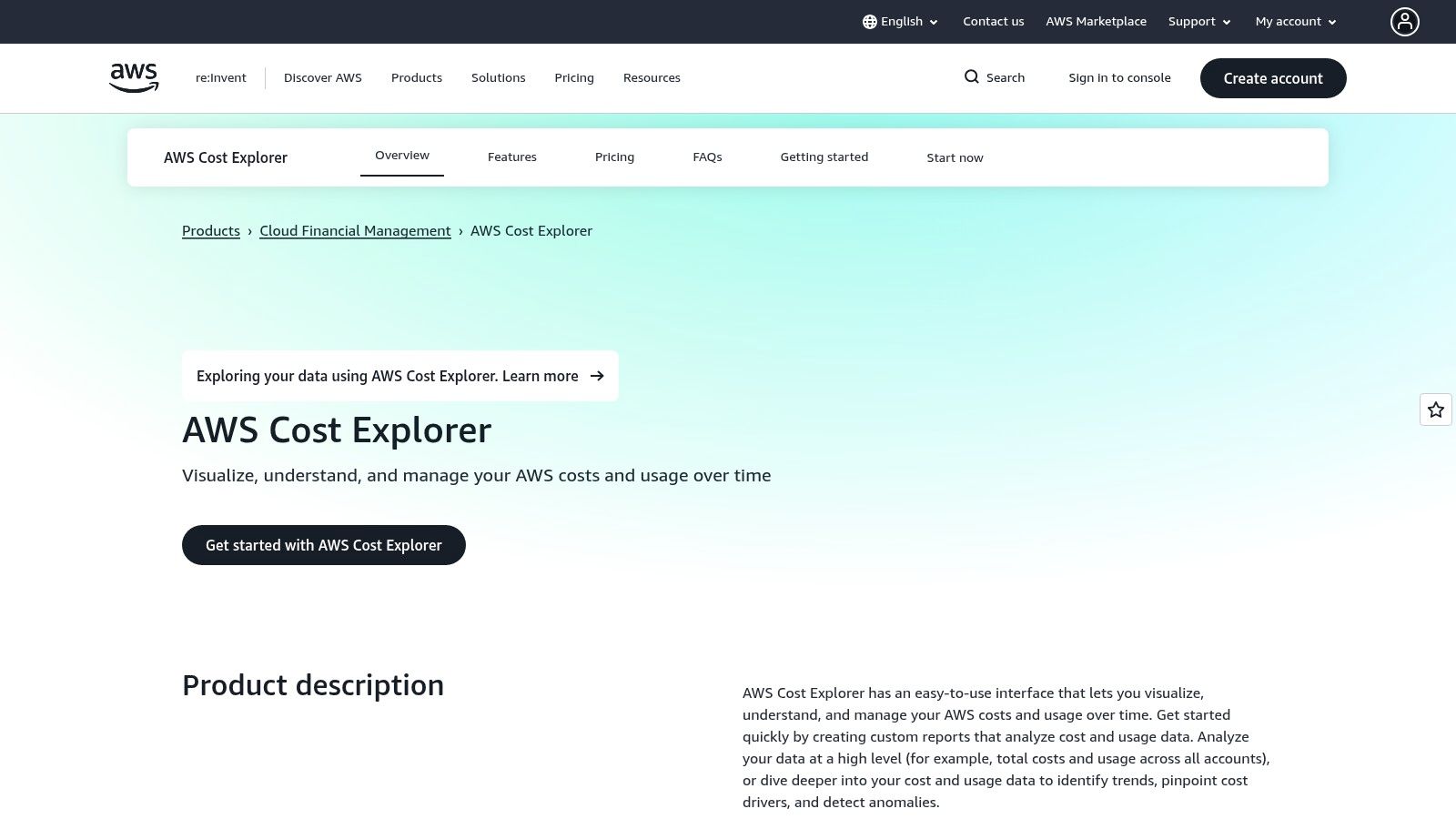
The platform’s strength lies in its native integration. It works directly with AWS Budgets to set spending alerts and with Cost Anomaly Detection to automatically identify unusual spend patterns using machine learning. The interface provides clear reports on Reserved Instance (RI) and Savings Plans coverage, helping you maximize commitment-based discounts. This tight coupling makes it one of the best cloud cost management tools for organizations that have not yet expanded into a multi-cloud strategy and need to get a handle on their AWS bills first. For those looking to dive deeper into its capabilities, we have a detailed guide on effectively managing AWS costs.
Key Features & Analysis
- Interactive Spend Analysis: Create custom reports with granular filtering by tags, services, and accounts to pinpoint cost drivers.
- Cost Anomaly Detection: Leverages machine learning to automatically flag unexpected cost increases and provides root-cause analysis.
- RI & Savings Plans Reporting: Offers dedicated views to track the utilization and coverage of your AWS commitments, identifying opportunities to purchase more.
- Direct API Access: Allows for programmatic access to cost and usage data for integration into custom dashboards or internal financial tools.
| Feature | Rating | Notes |
|---|---|---|
| Ease of Use | ★★★★☆ | The interface is relatively intuitive for those familiar with the AWS console, though complex reports can have a learning curve. |
| Multi-Cloud | ★☆☆☆☆ | Designed exclusively for AWS, offering no visibility into Azure, GCP, or other cloud providers. |
| Cost | ★★★★★ | Free to use. Small, optional charges apply for hourly granularity and certain API calls. |
| Best For | AWS-only environments, teams starting their FinOps journey, and businesses needing deep integration with AWS billing. |
Website: aws.amazon.com/aws-cost-management/aws-cost-explorer/
3. Microsoft Azure Cost Management + Billing
For organizations heavily invested in the Microsoft cloud, Azure Cost Management + Billing serves as the essential, built-in solution for financial oversight. As a native tool, it offers unparalleled integration with Azure services, providing a clear and direct way to analyze, forecast, and optimize your spending. Users can easily break down costs by resource groups, tags, and subscriptions, making it a cornerstone for any Azure-focused FinOps strategy and one of the best cloud cost management tools for Microsoft-centric environments.
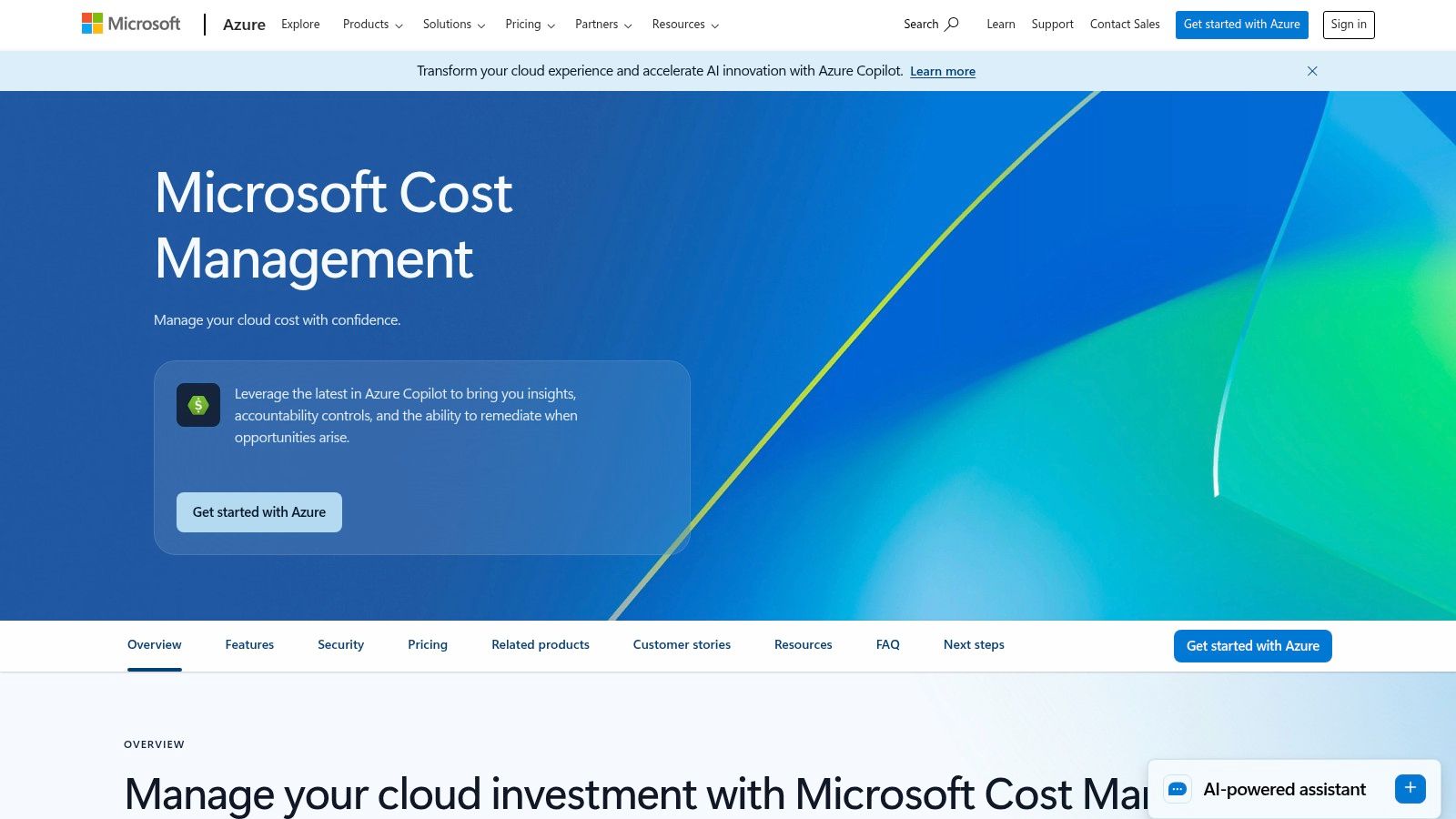
The platform’s primary advantage is its seamless connection to the broader Azure ecosystem. It works hand-in-hand with Azure Advisor to deliver personalized cost-saving recommendations, such as identifying idle resources or suggesting right-sizing opportunities. You can set budgets with automated alerts to prevent overspending and leverage management groups for hierarchical cost governance across your organization. While it excels within its native environment, those requiring advanced analytics often export data to Power BI for more complex, customized dashboarding.
Key Features & Analysis
- Cost Analysis & Reporting: Provides detailed breakdowns of historical and current spending with powerful filtering by tags and resource groups.
- Budgets and Alerts: Allows you to set spending thresholds on subscriptions or resource groups and receive notifications as you approach limits.
- Azure Advisor Recommendations: Integrates directly with Azure Advisor to provide actionable, AI-driven recommendations for cost optimization.
- Cost Allocation: Utilizes tags and management groups to accurately attribute costs to specific teams, projects, or business units for chargeback.
| Feature | Rating | Notes |
|---|---|---|
| Ease of Use | ★★★★☆ | Familiar and intuitive for existing Azure users, but the depth of features can require some exploration. |
| Multi-Cloud | ★☆☆☆☆ | Focus is entirely on Azure. Limited visibility into AWS or GCP without using a connector for basic ingestion. |
| Cost | ★★★★★ | Included free for all Azure customers. |
| Best For | Azure-centric businesses, teams needing native integration with Azure billing, and organizations starting with cloud cost management. |
4. Google Cloud Cost Management
For organizations heavily invested in the Google Cloud Platform (GCP), the native Google Cloud Cost Management suite provides a data-centric and highly customizable approach to financial governance. Its core strength lies in leveraging powerful GCP services like BigQuery and Looker Studio to offer deep, granular analysis of spending patterns. This makes it an ideal starting point for teams that want to move beyond basic dashboards and build sophisticated, query-based cost reporting directly within their cloud environment.
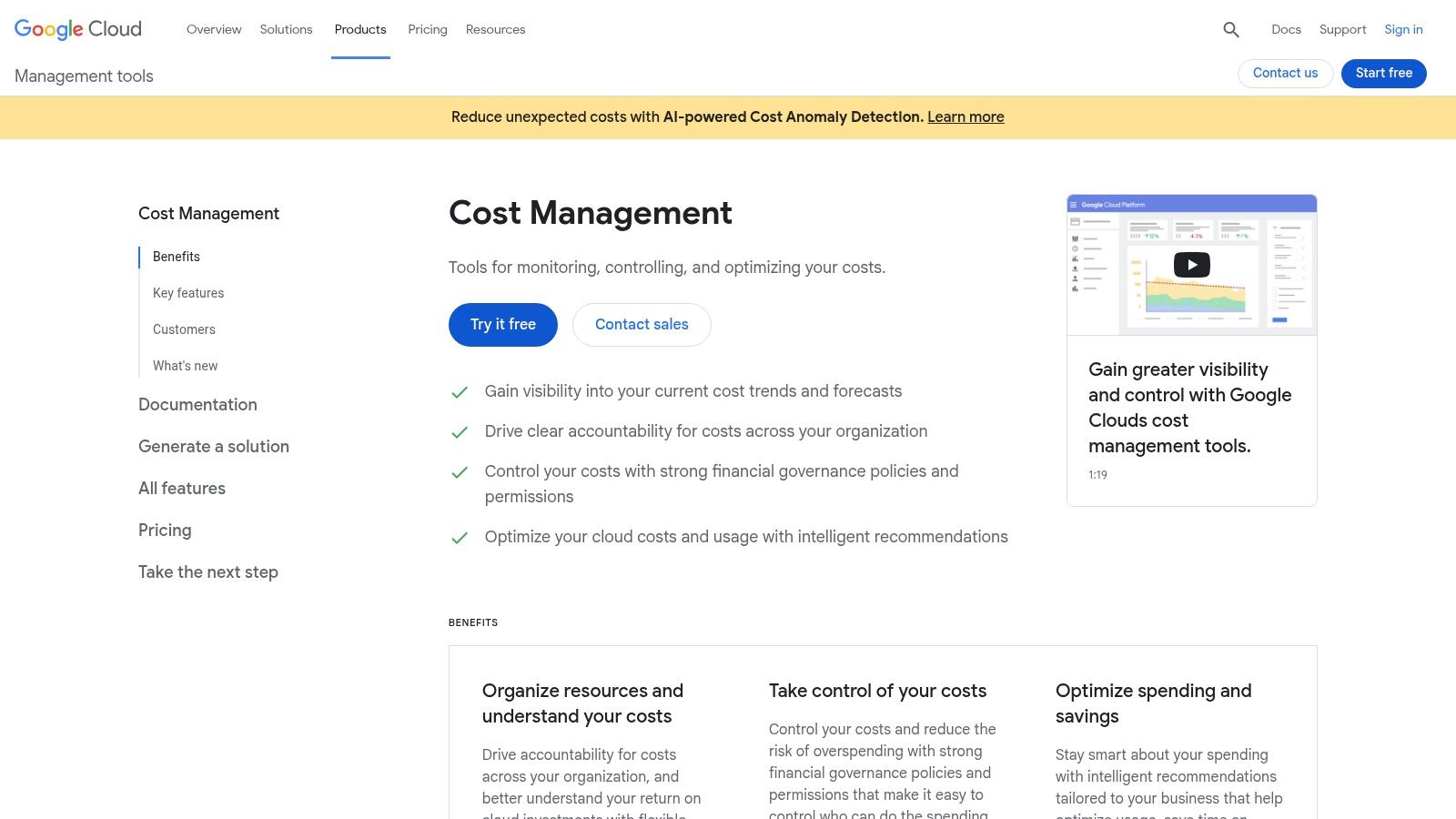
The platform distinguishes itself with its billing data export feature, which pipes detailed cost and usage information directly into BigQuery. From there, FinOps teams and data analysts can run complex SQL queries to uncover insights that are not available in standard interfaces. This data can be visualized in Looker Studio (formerly Google Data Studio) to create bespoke dashboards tailored to specific business units or projects. This analytical power, combined with proactive budget alerts that can trigger automated actions via Pub/Sub, makes it one of the best cloud cost management tools for data-driven teams. For a deeper understanding of its cost structure, you can explore our detailed guide on Google Cloud prices.
Key Features & Analysis
- BigQuery Billing Export: Provides highly granular cost and usage data for custom analysis, enabling teams to build their own financial models and reports.
- Automated Budget Actions: Set budgets that trigger notifications or automated responses (like disabling billing) via Pub/Sub topics to prevent overspending.
- Label-Based Allocation: Use resource labels to allocate costs accurately to different teams, projects, or environments within your organization.
- Looker Studio Integration: Create and share custom, interactive cost management dashboards to provide stakeholders with tailored visibility.
| Feature | Rating | Notes |
|---|---|---|
| Ease of Use | ★★★☆☆ | The basic interface is straightforward, but leveraging its full power requires familiarity with BigQuery, SQL, and Looker Studio. |
| Multi-Cloud | ★☆☆☆☆ | Built exclusively for GCP. It offers no native visibility into AWS, Azure, or other cloud providers. |
| Cost | ★★★★★ | The tools are free. You only pay for the underlying usage of GCP services like BigQuery storage and queries. |
| Best For | GCP-native environments, data-savvy FinOps teams, and organizations wanting to build custom cost analytics dashboards. |
Website: cloud.google.com/cost-management
5. AWS Marketplace – Cloud Cost Management Category
For organizations deeply embedded in the AWS ecosystem, the AWS Marketplace serves as a strategic procurement hub rather than a standalone tool. It streamlines the discovery, purchase, and deployment of third-party cloud cost management solutions by consolidating their billing directly onto your existing AWS invoice. This simplifies vendor management and procurement, allowing teams to leverage their AWS Enterprise Discount Program (EDP) or other agreements for marketplace purchases.
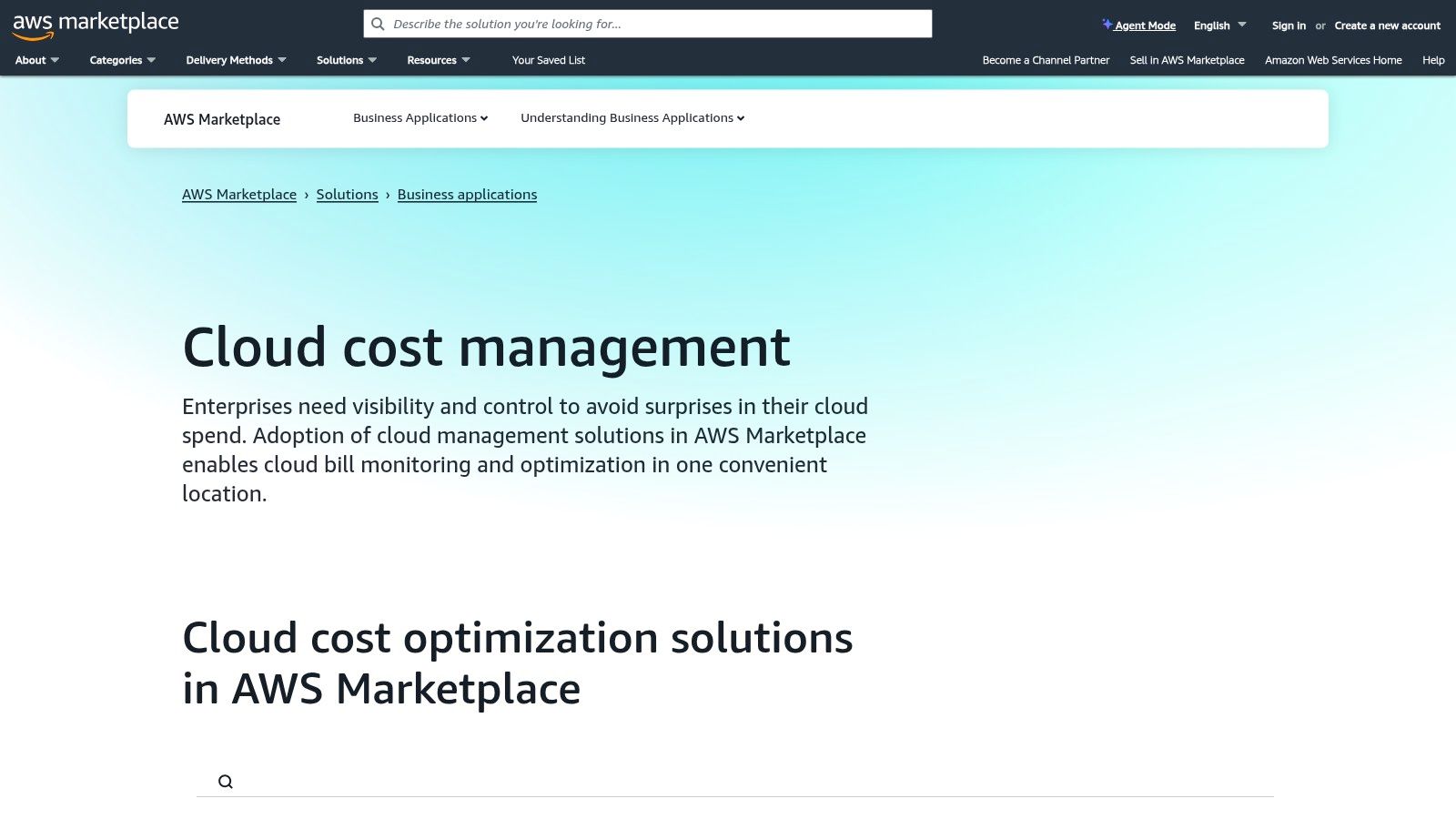
The platform features listings from many of the best cloud cost management tools on the market, including vendors like CloudHealth, CloudZero, and Kubecost. This centralized approach is invaluable for finance and procurement teams, as it unifies software spending and makes it easier to track against budgets. It also facilitates private offers, enabling enterprises to negotiate custom pricing and terms directly with vendors, all while maintaining the convenience of a single AWS bill. It’s an accelerator for adopting a robust FinOps toolset without the typical procurement friction.
Key Features & Analysis
- Centralized Procurement: Discover and deploy leading third-party cost management tools from a single, trusted source.
- Consolidated AWS Billing: All marketplace software charges are rolled into your monthly AWS invoice, simplifying accounting and spend tracking.
- Private Offers & Enterprise Terms: Facilitates custom contract negotiations with vendors, allowing for tailored pricing and EULA terms.
- Streamlined Deployment: Many marketplace products offer simplified, one-click deployment options that integrate directly with your AWS environment.
| Feature | Rating | Notes |
|---|---|---|
| Ease of Use | ★★★★☆ | Simplifies procurement and billing significantly, though each tool purchased has its own learning curve. |
| Multi-Cloud | ★★★☆☆ | Many multi-cloud tools are listed, but the procurement process and billing are inherently AWS-centric. |
| Cost | Varies | Pricing is determined by the individual third-party vendors listed on the marketplace. |
| Best For | AWS-centric enterprises, teams looking to streamline software procurement, and organizations wanting to consolidate vendor billing. |
Website: aws.amazon.com/marketplace/solutions/business-applications/cloud-cost-management
6. G2 – Cloud Cost Management Category
Instead of being a single tool, G2's Cloud Cost Management category page serves as a comprehensive meta-resource for discovering and comparing solutions. It aggregates real-world user reviews, ratings, and feature grids, allowing prospective buyers to evaluate the landscape based on peer experiences. This makes it an invaluable starting point for creating a vendor shortlist, offering a crowdsourced perspective that cuts through marketing claims to reveal how platforms perform in practice.
The platform excels at providing a bird's-eye view of the market, complete with filters for company size, features, and user satisfaction. You can directly compare up to four vendors side-by-side, examining aggregated pros and cons sourced from verified users. This comparative insight is crucial for identifying which of the best cloud cost management tools truly aligns with your specific technical and business requirements, from multi-cloud support to anomaly detection capabilities.
Key Features & Analysis
- User Reviews & Ratings: Access hundreds of verified, in-depth user reviews detailing platform strengths and weaknesses.
- Comparison Grids: Directly compare features, satisfaction scores, and market presence for multiple vendors simultaneously.
- Market Reports: Utilize G2 Grid Reports and Momentum Grids to identify market leaders, high performers, and emerging contenders.
- Vendor Shortlisting: Use advanced filters based on features, company size, and industry to create a targeted list of potential solutions.
| Feature | Rating | Notes |
|---|---|---|
| Ease of Use | ★★★★★ | The interface is highly intuitive for filtering, searching, and comparing different software products. |
| Multi-Cloud | N/A | As a review aggregator, it covers tools across the entire spectrum, from single-cloud to multi-cloud specialists. |
| Cost | ★★★★★ | Free to access all reviews, comparisons, and reports for research purposes. |
| Best For | Teams in the discovery phase, buyers creating a vendor shortlist, and anyone needing unbiased, user-sourced market intelligence. |
7. IBM Apptio Cloudability
For mature enterprises seeking a comprehensive FinOps platform, IBM Apptio Cloudability is a recognized leader that provides deep financial management capabilities across AWS, Azure, and GCP. It moves beyond basic cost reporting to offer advanced workflows designed to bridge the gap between finance, engineering, and leadership teams. The platform excels at translating complex cloud spend data into clear business metrics, enabling organizations to understand unit economics and make data-driven decisions about their multi-cloud investments.
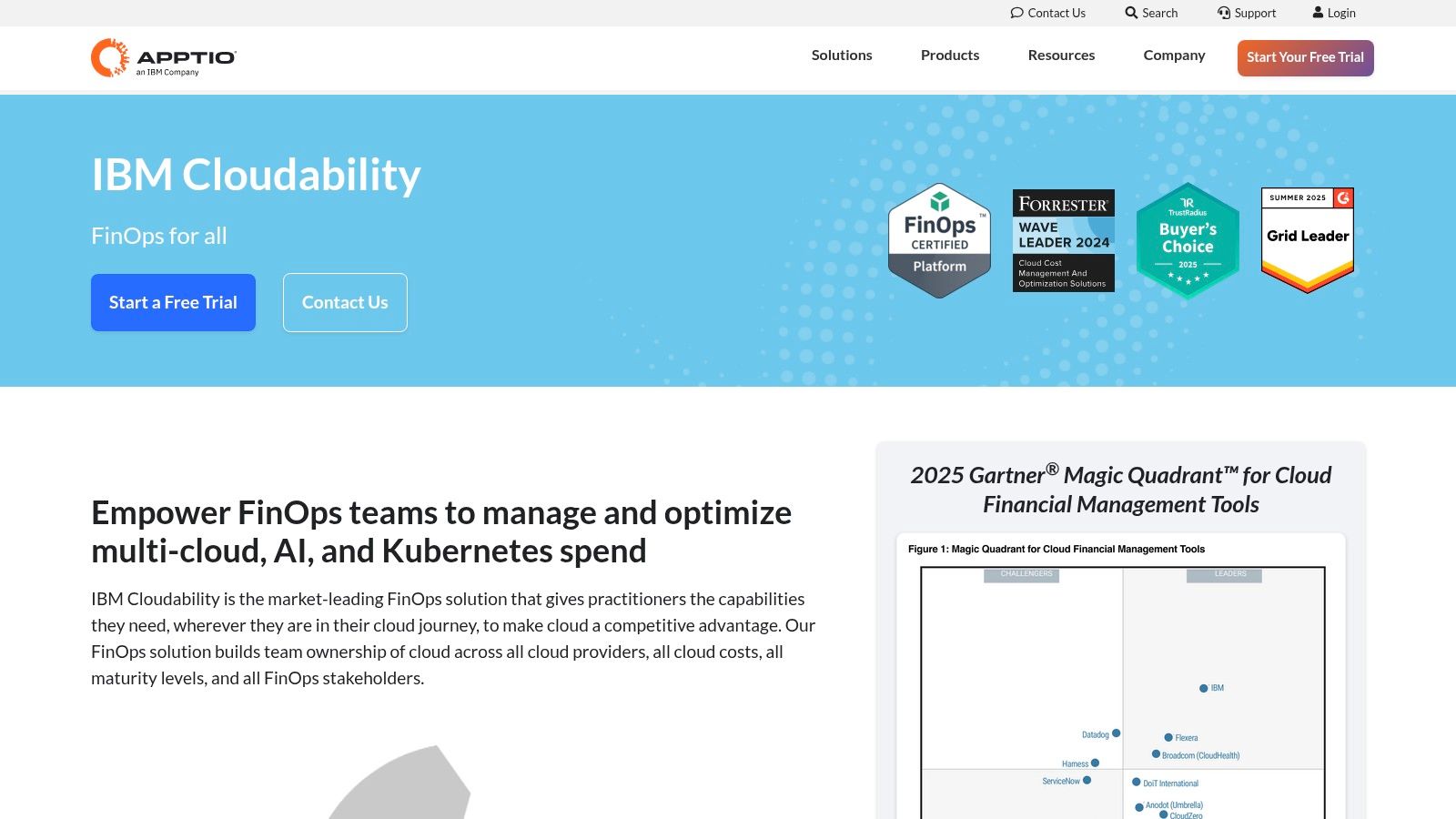
Cloudability's core strength is its ability to manage complexity at scale. It offers sophisticated, telemetry-based cost allocation to minimize unallocated spend and provides role-based reporting that delivers relevant insights to every stakeholder. Its powerful engine for managing commitment-based discounts like RIs, Savings Plans, and CUDs helps ensure businesses are maximizing savings across their entire cloud portfolio. This level of detail and control makes it one of the best cloud cost management tools for large organizations with advanced FinOps practices looking to optimize spend, improve accountability, and drive financial efficiency.
Key Features & Analysis
- Cross-Cloud Commitment Management: Delivers unified recommendations and amortization for AWS RIs/SPs and Google CUDs.
- Telemetry-Based Cost Allocation: Uses precise usage data to accurately allocate shared costs and reduce "unallocated" spend buckets.
- Unit Economics Reporting: Connects cloud costs to specific business metrics (e.g., cost per customer) to measure profitability and efficiency.
- Role-Based Dashboards: Provides customized views and reports tailored for finance, engineering, and executive stakeholders to foster collaboration.
| Feature | Rating | Notes |
|---|---|---|
| Ease of Use | ★★★☆☆ | Powerful but complex. The initial setup can be intensive, and the depth of features requires dedicated user training. |
| Multi-Cloud | ★★★★★ | Excellent support for AWS, Azure, and GCP with deep, integrated functionality for all three major providers. |
| Cost | ★★☆☆☆ | Quote-based enterprise pricing. It is a premium solution, and costs can be significant for larger environments. |
| Best For | Large enterprises, mature FinOps teams, and businesses needing to connect cloud spend to specific business value metrics. |
8. VMware Tanzu CloudHealth (CloudHealth by VMware)
VMware Tanzu CloudHealth is an established and powerful platform designed for large-scale, multi-cloud financial management and governance. It provides deep visibility across AWS, Azure, and GCP, allowing organizations to aggregate cost data and align it with business units through its robust reporting capabilities. The platform excels at creating and enforcing governance policies, such as budget adherence and usage rules, to maintain financial control as infrastructure scales.
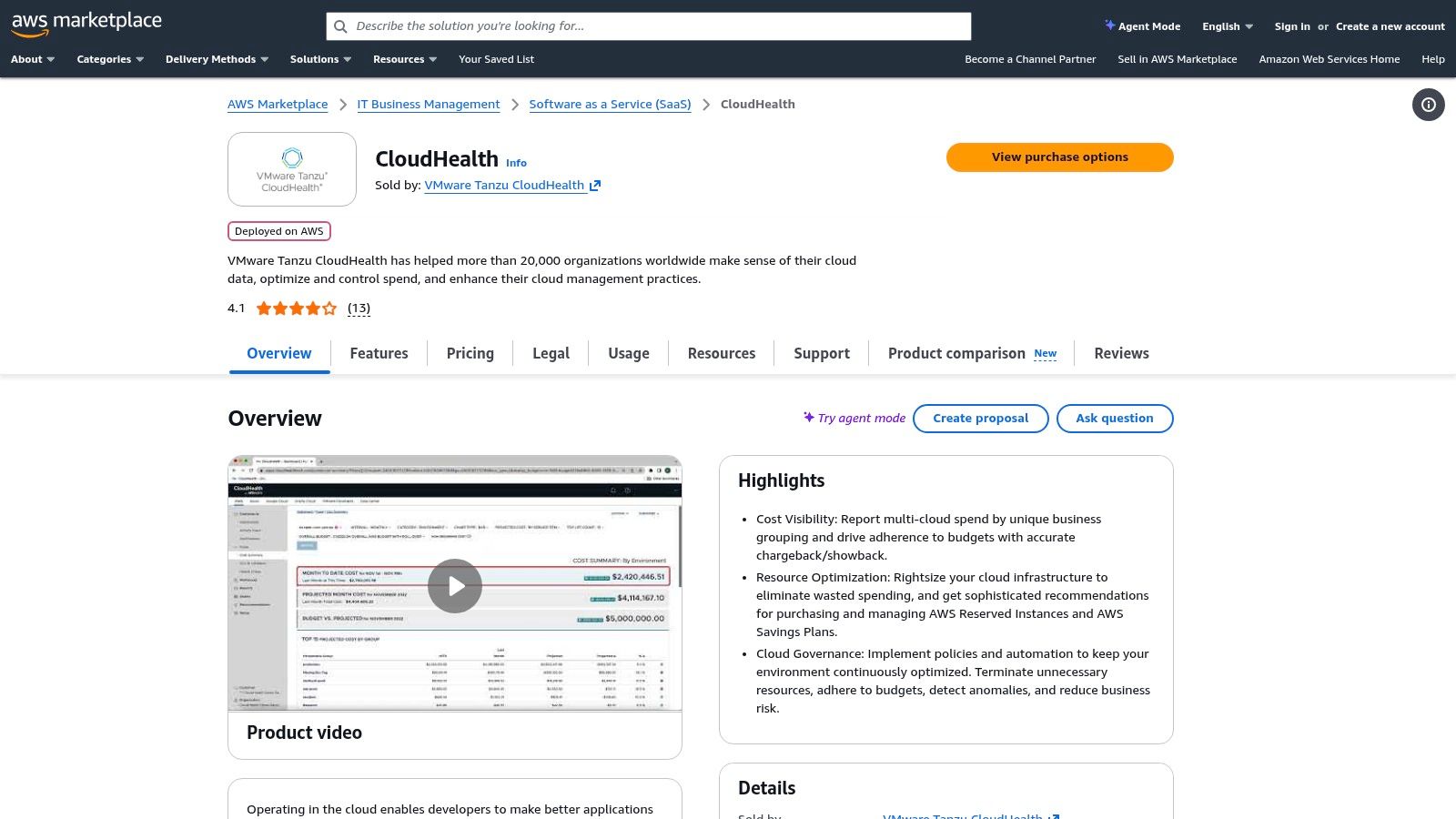
CloudHealth stands out with its mature analytics engine, which delivers detailed recommendations for commitment-based discounts like Reserved Instances and Savings Plans. Its policy automation features help enterprises proactively manage costs rather than just reporting on them. As one of the best cloud cost management tools for complex environments, it also extends its governance capabilities into the container space, offering cost visibility for Kubernetes clusters. Procurement is often streamlined through major cloud marketplaces, with public tiered pricing available, although enterprise quotes can be significant.
Key Features & Analysis
- Multi-Cloud Visibility: Aggregates cost and usage data from AWS, Azure, GCP, and on-premises environments into a single view.
- Business Group Reporting: Maps cloud costs to specific business units, projects, or teams for accurate chargeback and showback.
- Policy & Governance Automation: Set automated policies to trigger notifications or actions when costs exceed budgets or resources are non-compliant.
- Kubernetes Cost Governance: Provides cost allocation and visibility for containerized workloads, breaking down expenses by cluster, namespace, and label.
| Feature | Rating | Notes |
|---|---|---|
| Ease of Use | ★★★☆☆ | Powerful and feature-rich, but can be complex to configure and has a steeper learning curve for new users. |
| Multi-Cloud | ★★★★★ | Excellent support for AWS, Azure, and GCP, making it ideal for true multi-cloud enterprises. |
| Cost | ★★☆☆☆ | Enterprise-grade pricing can be expensive. Often procured via marketplace tiers; custom quotes are common. |
| Best For | Large enterprises with complex multi-cloud strategies, mature FinOps teams, and organizations needing strong policy and governance automation. |
Website: aws.amazon.com/marketplace/pp/prodview-btyciyjmdewhm
9. CloudZero
CloudZero positions itself as a cost intelligence platform, moving beyond basic visibility to connect cloud spend directly to business outcomes. Its core strength lies in translating complex, untagged cloud data into clear business metrics like cost per customer, feature, or product line. This unit economics approach is particularly valuable for SaaS, AI, and containerized environments where traditional tag-based allocation often fails, making it one of the best cloud cost management tools for engineering-led organizations focused on profitability.
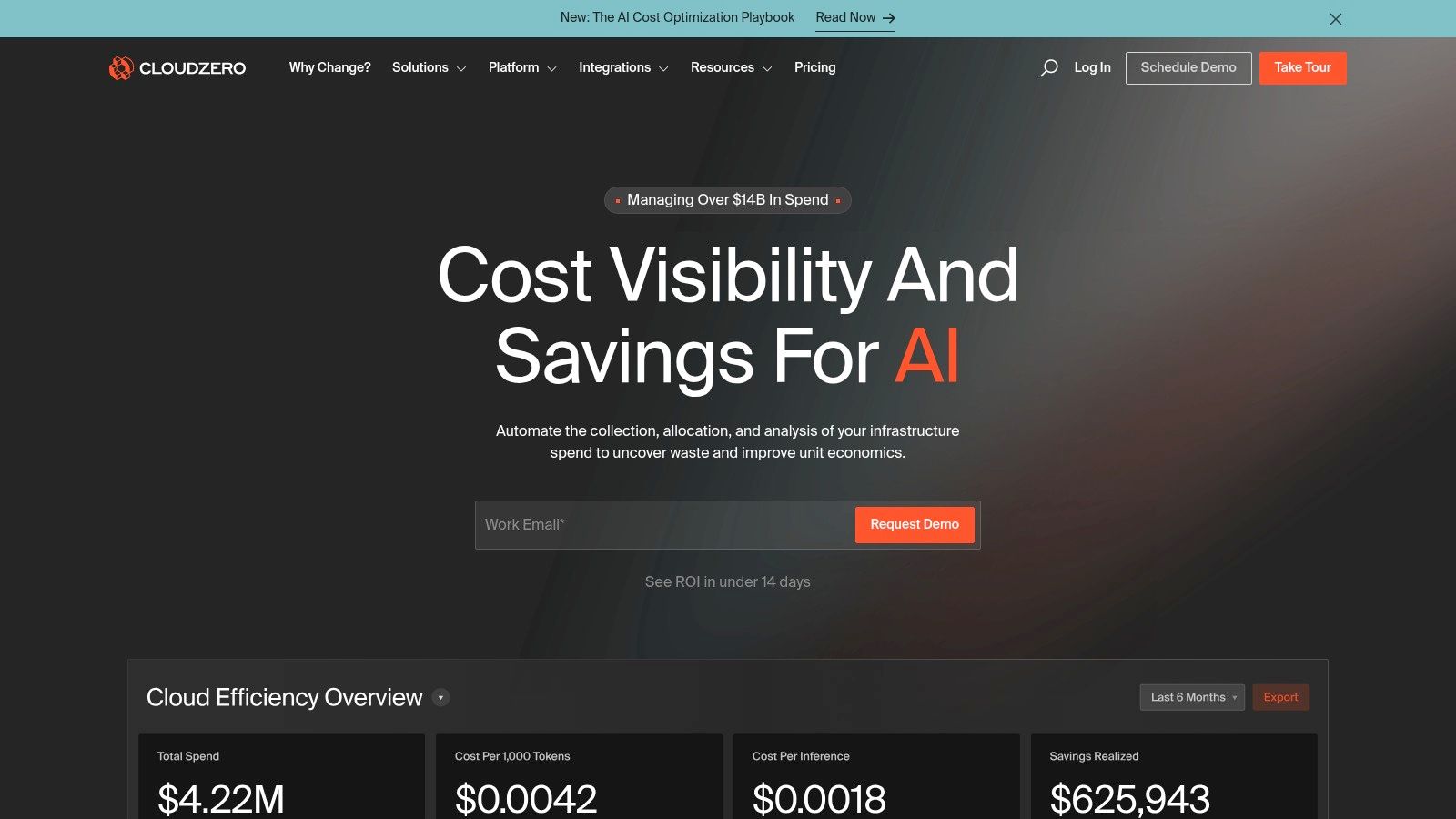
The platform ingests data from a wide array of sources, including AWS, Azure, GCP, Kubernetes, and even SaaS vendors like Snowflake and Datadog, providing a holistic view of COGS. By leveraging AI to analyze metadata and usage patterns, CloudZero can allocate 100% of spend without requiring perfect tagging hygiene. Its anomaly detection and AI-driven FinOps features help engineering teams proactively identify cost issues and receive contextual, actionable alerts directly in their workflow tools like Slack.
Key Features & Analysis
- Business-Aligned Cost Allocation: Maps all cloud spend to specific business dimensions like customers, features, or teams without relying solely on tags.
- Broad Cost Ingestion: Unifies cost data from multi-cloud, Kubernetes, PaaS, and SaaS sources into a single, normalized view.
- AI-Driven Anomaly Detection: Proactively identifies cost spikes and provides engineers with the context needed for rapid investigation and resolution.
- Unit Economics Reporting: Delivers detailed insights into COGS and gross margins, enabling data-driven decisions on pricing and product strategy.
| Feature | Rating | Notes |
|---|---|---|
| Ease of Use | ★★★☆☆ | Powerful and highly configurable, but the advanced features and unit economics setup can require a significant onboarding effort. |
| Multi-Cloud | ★★★★★ | Excellent support for AWS, Azure, GCP, Kubernetes, and other SaaS/PaaS platforms, offering a truly unified view. |
| Cost | ★★☆☆☆ | Quote-based pricing, which can be a barrier for smaller teams needing transparent costs. Typically positioned for mid-market and enterprise. |
| Best For | SaaS companies, AI-driven businesses, and organizations with complex Kubernetes environments needing to measure unit costs. |
Website: https://www.cloudzero.com/
10. Harness Cloud Cost Management (CCM)
Harness Cloud Cost Management (CCM) extends beyond simple visibility, focusing on actionable automation to actively reduce cloud waste. As part of the broader Harness software delivery platform, it connects cost data directly to the engineering workflows that generate it, providing context for DevOps and FinOps teams. The platform offers multi-cloud and Kubernetes cost visibility, allowing users to create custom "Perspectives" that align spending with specific teams, projects, or applications, making it a strong contender among the best cloud cost management tools for engineering-led organizations.
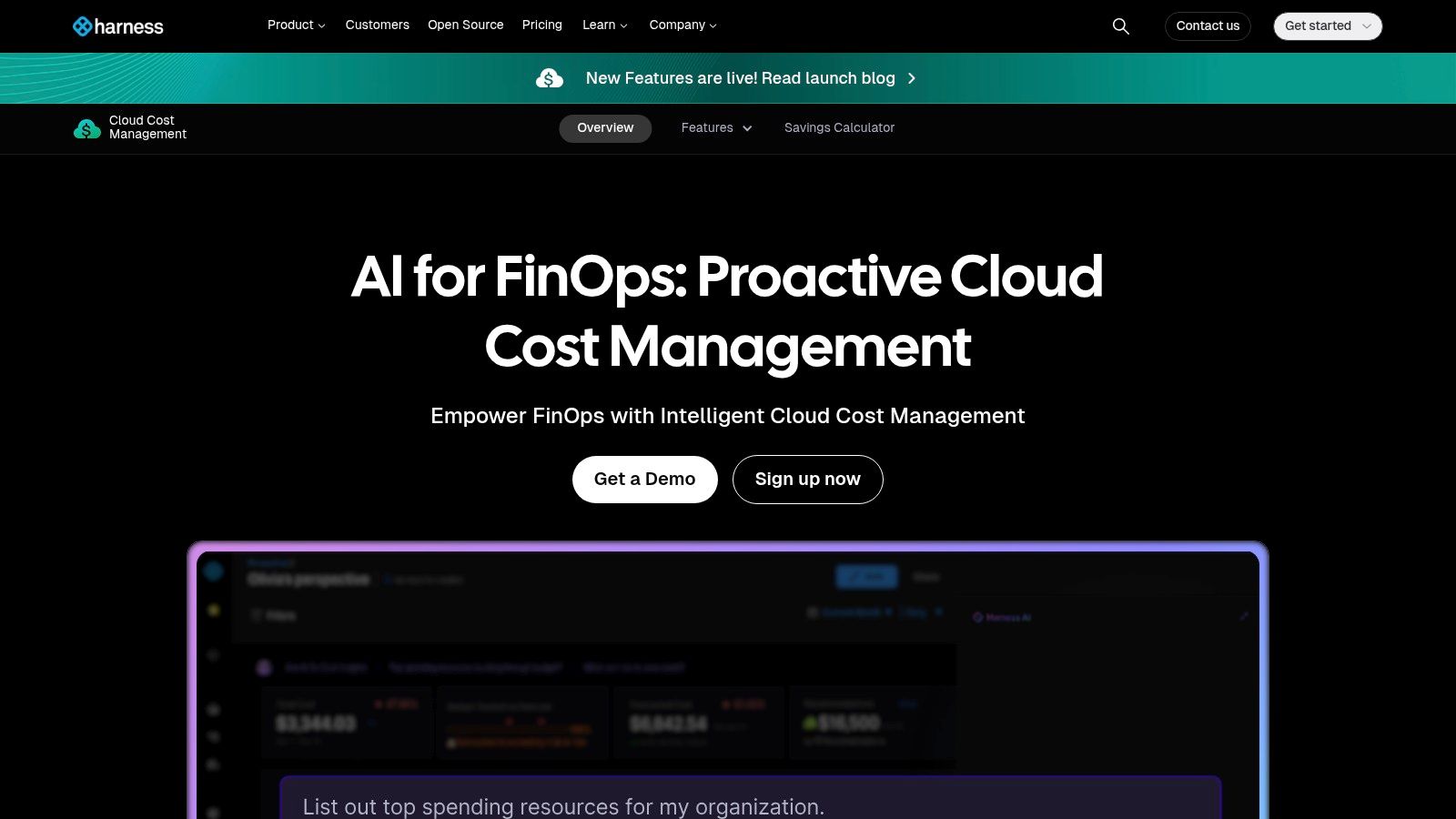
Its standout feature is AutoStopping, which automatically shuts down non-production resources when they are idle and restarts them on-demand, directly tackling a major source of unnecessary spend. This focus on automation, combined with budget alerting and anomaly detection, provides a powerful toolset for proactive cost control. While the free tier offers significant value for smaller teams, the platform's full potential is unlocked when integrated with other Harness modules like CI/CD, creating a unified view from code commit to cloud cost.
Key Features & Analysis
- AutoStopping: Automatically detects and shuts down idle cloud resources in non-production environments to eliminate waste.
- Cost Perspectives: Create custom, business-centric views to allocate and analyze costs by team, microservice, or product feature.
- Kubernetes Cost Visibility: Provides granular cost breakdowns for Kubernetes clusters, nodes, pods, and labels.
- Integrated CI/CD Context: Links cost changes directly to software deployments and pipeline activities, providing engineering accountability.
| Feature | Rating | Notes |
|---|---|---|
| Ease of Use | ★★★★☆ | The interface is modern and intuitive, with a quick setup process. Advanced configurations can require more expertise. |
| Multi-Cloud | ★★★★★ | Excellent support for AWS, Azure, GCP, and first-class visibility into Kubernetes environments. |
| Cost | ★★★★☆ | Offers a generous "Free Forever" plan with limits. Paid tiers are based on annual cloud spend. |
| Best For | DevOps-centric organizations, companies with significant Kubernetes workloads, and teams looking for automated waste reduction. |
Website: https://www.harness.io/products/cloud-cost-management
11. Kubecost
For organizations where Kubernetes is the center of the cloud universe, Kubecost provides unparalleled cost visibility right down to the container level. It bridges the gap between container orchestration and financial accountability, showing exactly how much each namespace, deployment, or even pod costs. By allocating out-of-cluster expenses like storage and network traffic back to the correct Kubernetes resources, it delivers a complete picture of your containerized infrastructure spend across EKS, GKE, AKS, and on-premises clusters.
The platform’s core strength is its deep, real-time integration with Kubernetes APIs, making it one of the best cloud cost management tools for engineering-led FinOps. Kubecost translates complex resource utilization into clear dollar amounts, enabling effective chargeback and showback within engineering teams. With both self-hosted and cloud marketplace options, including an EKS-optimized bundle from AWS, it offers flexible deployment models. It also provides actionable recommendations for rightsizing workloads and eliminating idle resources directly within the Kubernetes context.
Key Features & Analysis
- Real-time Kubernetes Cost Allocation: Breaks down costs by namespace, deployment, service, label, pod, and container.
- Unified Multi-Cluster Views: Aggregates cost and health data from multiple Kubernetes clusters into a single pane of glass.
- Actionable Savings Recommendations: Identifies abandoned workloads, overallocated resources, and opportunities to rightsize clusters.
- Cloud Bill Reconciliation: Integrates with AWS, GCP, and Azure billing data to provide accurate, reconciled cost reporting.
| Feature | Rating | Notes |
|---|---|---|
| Ease of Use | ★★★★☆ | The UI is clean and intuitive for those familiar with Kubernetes concepts. Initial setup can require some DevOps expertise. |
| Multi-Cloud | ★★★★★ | Excellent. Provides consistent cost visibility across all major managed Kubernetes services and on-prem clusters. |
| Cost | ★★★☆☆ | Offers a free self-hosted Foundations tier. Paid tiers vary by edition and marketplace; public pricing is not always transparent. |
| Best For | Engineering and DevOps teams, organizations with heavy Kubernetes adoption, and companies needing granular container-level chargeback. |
Website: www.kubecost.com
12. Finout
Finout positions itself as a cloud cost 'mega-bill' platform, designed to unify financial data from disparate sources like AWS, Azure, GCP, and even SaaS vendors like Snowflake and Datadog. It normalizes this data into a single, cohesive view, allowing businesses to analyze costs without the complexity of provider-specific billing formats. The platform's core value is its ability to map these unified costs to business-centric units, such as cost per customer or cost per feature, moving beyond simple infrastructure monitoring to genuine business intelligence.
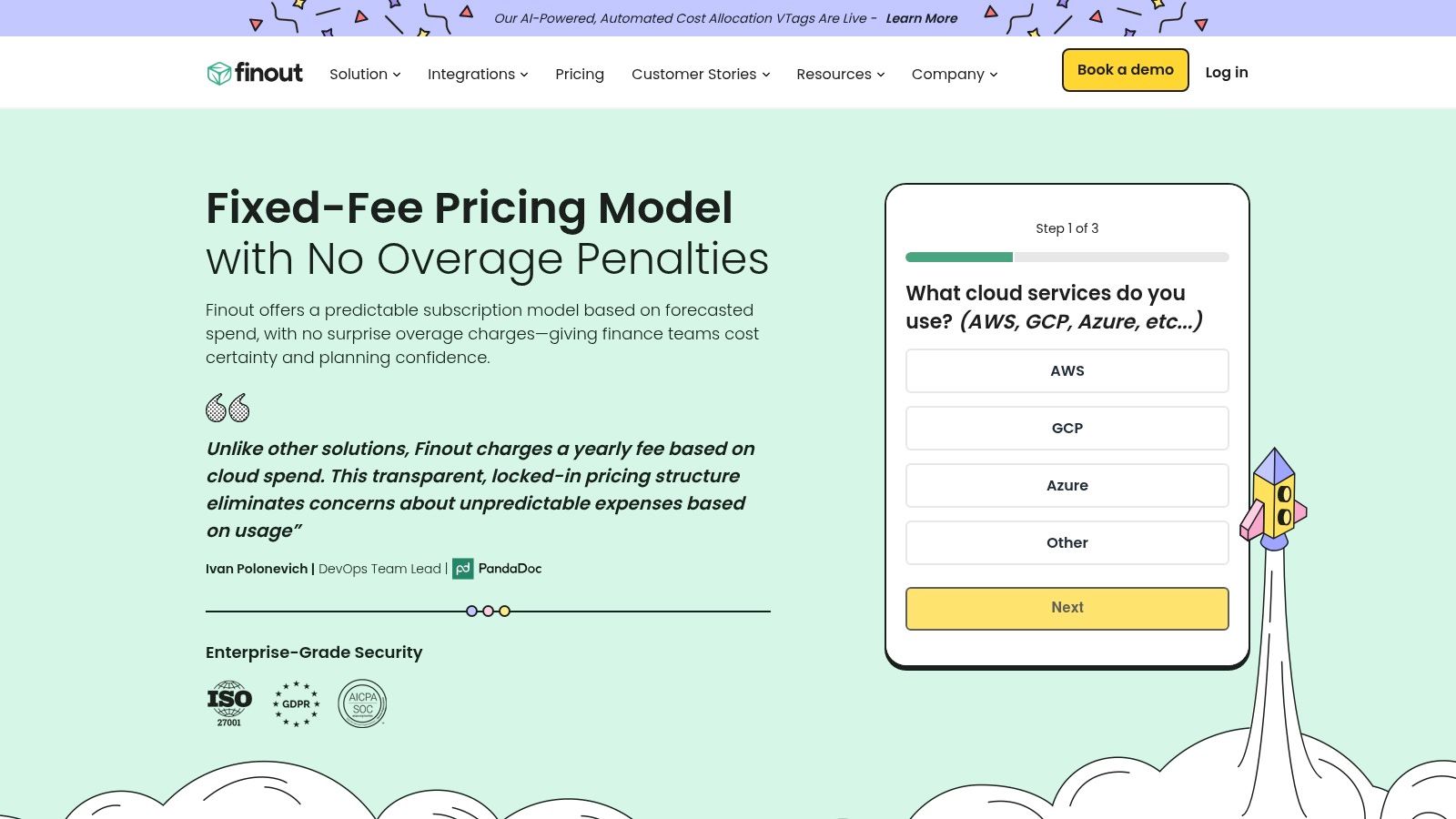
This approach makes it one of the best cloud cost management tools for companies struggling with a fragmented cost landscape. By leveraging virtual tagging, Finout can assign business context to resources that lack native tags, providing a complete picture of unit economics. Its transparent, published pricing tiers and quick onboarding process lower the barrier to entry for organizations that need immediate, multi-provider visibility. This focus on business context and data unification helps teams answer critical questions about product profitability and engineering efficiency.
Key Features & Analysis
- Mega-Bill Unification: Aggregates and normalizes cost data from all major clouds and supported SaaS platforms into a single bill.
- Virtual Tagging: Apply business context and assign ownership to untagged or untaggable resources for comprehensive cost allocation.
- Unit Economics Reporting: Directly maps unified costs to business metrics like "cost per customer" or "cost per feature" for profitability analysis.
- Kubernetes Cost Allocation: Provides deep visibility into Kubernetes costs by integrating directly with cloud billing data (e.g., AWS CUR).
| Feature | Rating | Notes |
|---|---|---|
| Ease of Use | ★★★★☆ | Onboarding is fast for multi-provider visibility, though setting up granular unit-cost metrics requires initial effort. |
| Multi-Cloud | ★★★★★ | Excellent. Built from the ground up to handle AWS, Azure, GCP, Snowflake, Datadog, and more. |
| Cost | ★★★★☆ | Transparent monthly plans with pay-as-you-grow tiers. Kubernetes features may be an add-on or limited in lower plans. |
| Best For | SaaS companies, teams needing unit economics (cost per customer), and organizations with a complex, multi-vendor cloud stack. |
Website: www.finout.io
Top 12 Cloud Cost Management Tools Comparison
| Product | Core features | UX & setup | Primary value & USP | Target audience | Pricing |
|---|---|---|---|---|---|
| CLOUD TOGGLE (recommended) | Schedule-based shutdowns for AWS & Azure, RBAC, multi-team, manual overrides | Intuitive UI, minimal setup, shareable schedules without full cloud access | Predictable immediate cost savings via simple scheduling; safe non-engineer access | Small teams to enterprises managing servers/VMs who want schedule-based savings | 30‑day free trial; plans from $49/mo (tiers $99/$249); custom for large deployments |
| AWS Cost Explorer (AWS Cost Management) | Spend & usage analytics, Cost Anomaly Detection, APIs, Savings Plans/RI views | Native AWS console; no extra deployment but can be complex | Deep AWS integration and governance hooks for budgeting and RI/Savings Plan insights | AWS-first orgs, finance and CloudOps teams | Included for AWS accounts; some hourly granularity/API usage may incur charges |
| Microsoft Azure Cost Management + Billing | Cost reports, budgets/alerts, tags/management groups, Advisor recommendations | Native Azure portal; seamless governance with billing workflows | Integrated Azure billing and recommendations at no extra cost | Azure-first organizations and enterprises | Included at no additional cost for Azure customers |
| Google Cloud Cost Management | Budgets/alerts, BigQuery billing export, label allocation, Looker Studio, Cost Explorer preview | Native GCP tools; strong export/analytics path (BigQuery/Looker) | Robust data export and analytics pipeline for detailed cost analysis | GCP-first teams and data/analytics teams | Tools free; pay for underlying services (e.g., BigQuery) |
| AWS Marketplace – Cloud Cost Management Category | Centralized procurement, vendor listings, private offers, consolidated billing | Easy procurement via AWS billing; vendor-dependent deployment | Simplifies purchase and billing of third-party cost tools through AWS | Procurement teams and AWS-centric buyers evaluating multiple vendors | Vendor-dependent; billed via AWS Marketplace |
| G2 – Cloud Cost Management Category | User reviews, rankings, comparison grids, filters, vendor links | Quick vendor shortlisting with community feedback | Real-world user insights and comparative market momentum | Buyers researching and shortlisting cost-management vendors | Free access; vendor demos/pricing vary |
| IBM Apptio Cloudability | Cross-cloud FinOps, commitment/discount management, allocation, anomaly detection | Enterprise-grade; more complex initial setup and onboarding | Mature FinOps workflows with role-based reporting for finance & engineering | Large enterprises and mature FinOps teams | Quote-based (enterprise pricing) |
| VMware Tanzu CloudHealth | Multi-cloud visibility, governance, budget policies, RI recommendations, Kubernetes cost | Mature platform; available via marketplace procurement | Policies, automation and analytics for large multi-cloud/Kubernetes estates | Enterprises with multi-cloud and Kubernetes footprints | Marketplace tiers / enterprise quotes |
| CloudZero | Unit-economics (cost per customer/feature), AI anomaly detection, broad ingestion | Enterprise onboarding; integrates many cost sources | Business-aligned cost intelligence for SaaS/AI teams (unit economics) | SaaS and AI/ML businesses measuring margins per customer/feature | Quote-based (custom enterprise pricing) |
| Harness Cloud Cost Management (CCM) | Cost perspectives, AutoStopping (idle shutdown), budgets, CI/CD integration | Free Forever tier available; best results with Harness ecosystem | Automation to stop idle resources + CI/CD/policy integration | Teams using Harness or needing automated stopping across clouds/K8s | Free tier with limits; paid plans for larger scale |
| Kubecost | Real-time K8s cost by namespace/workload, multi-cluster, savings recommendations | Self-hosted or SaaS; EKS-optimized bundles available | Deep Kubernetes cost visibility and chargeback | Kubernetes operators, SREs, multi-cluster teams | Edition-dependent pricing; check vendor/marketplace |
| Finout | Virtual tagging/mega-bill, unit-economics, broad connectors, CUR/K8s integration | Fast onboarding for multi-cloud; transparent published plans | Unified multi-cloud billing normalization with clear pricing tiers | Multi-cloud teams needing normalized bills and unit-economics | Published monthly plans; pay-as-you-grow tiers |
Final Thoughts
Navigating the complex landscape of cloud spending can feel like an endless battle against rising costs and opaque billing statements. We have explored a wide array of the best cloud cost management tools, from the foundational native services offered by AWS, Azure, and Google Cloud to sophisticated third party platforms like Cloudability, CloudZero, and Kubecost. Each solution offers a unique approach to taming the cloud bill, proving that there is no single, perfect tool for every organization.
The journey to effective cloud cost management is not just about adopting a new piece of software. It is a strategic shift that combines technology, process, and culture. The right tool acts as a catalyst, providing the visibility and automation necessary to make this shift possible. Your choice ultimately hinges on your specific operational realities, technical maturity, and business goals.
Key Takeaways and Your Next Steps
Reflecting on the tools we have covered, several core themes emerge. Visibility is the first and most critical step. You cannot optimize what you cannot see. Secondly, automation is the key to scaling your cost management efforts without overwhelming your engineering teams. Finally, a proactive, policy driven approach is far more effective than reactive, manual cleanups.
To move forward, consider these actionable steps:
- Assess Your Current State: Start by using the native tools like AWS Cost Explorer or Azure Cost Management. Understand your primary cost drivers, identify idle resources, and establish a baseline spending pattern. This initial analysis will reveal where you have the biggest opportunities for savings and what features you truly need in a dedicated tool.
- Define Your Core Requirements: Are you struggling with Kubernetes cost allocation? A tool like Kubecost might be your best fit. Is your primary challenge correlating cost to specific business features or products? Platforms like CloudZero or Finout excel here. Do you simply need to shut down non production resources on a schedule? A specialized automation tool is your answer.
- Conduct a Phased Evaluation: Instead of a massive, company wide rollout, select a single team or project for a pilot. Use this trial period to evaluate not just the tool's features but also its impact on your team's workflow and its ability to deliver tangible savings. This approach minimizes risk and helps build internal support for a broader implementation.
Choosing the Right Path for Your Business
Your company's size, cloud environment complexity, and internal expertise are the most significant factors in your decision.
- For small businesses and startups: Begin with native cloud provider tools and supplement them with a focused automation solution like CLOUD TOGGLE. This combination provides essential visibility and immediate cost savings without the complexity and overhead of a large enterprise platform. The goal is to establish good habits early.
- For midsize businesses and growing teams: As your environment scales, the limitations of native tools become more apparent. This is the ideal stage to invest in a dedicated third party platform. Look for solutions that offer robust reporting, anomaly detection, and integrations with your existing DevOps toolchain.
- For large enterprises and MSPs: Your needs will gravitate toward comprehensive platforms like Cloudability or Tanzu CloudHealth, which offer multi cloud support, intricate FinOps capabilities, and features designed for managing multiple business units or clients.
Ultimately, the goal is to transform cloud cost management from a monthly financial chore into an ongoing, integrated part of your engineering and operations culture. The right tool will not just cut your bill; it will empower your teams to build more efficiently and sustainably in the cloud, ensuring your infrastructure investment directly drives business value.
Ready to stop wasting money on idle cloud resources? CLOUD TOGGLE provides the simplest, most effective way to automate on/off schedules for your non production environments, delivering immediate savings with minimal effort. Take control of your AWS and Azure costs today by visiting CLOUD TOGGLE to learn more.