Skip to content Skip to footer

Author page: Molly Sturman

Viewing 1-7 posts

CLOUD TOGGLE | Creating and Managing New Users

Managing access to your cloud environment is a core administrative task. In CLOUD TOGGLE you can invite new users, assign them to teams, control what they can do and when their invites expire. This guide walks you through creating and managing users step by step, explains permissions, and offers practical tips for common scenarios. Follow…

CLOUD TOGGLE | Adding and Configuring a New Team

In this guide I walk you through creating and configuring a team in CLOUD TOGGLE. A Team is a grouping of users that can perform power on and power off functions against virtual machines they have access to via the team. This article explains each step and setting so you can get your teams working…

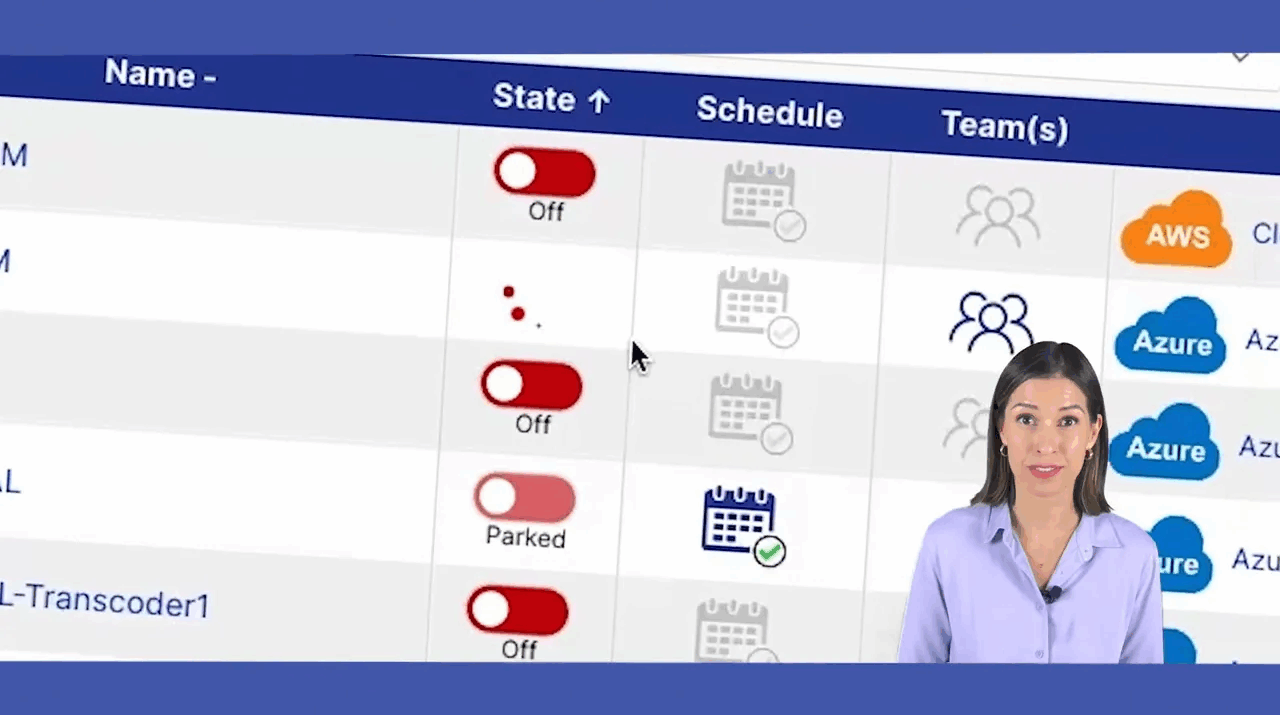
CLOUD TOGGLE | Explainer 

  Cloud costs can be sneaky. You would not leave your car engine running when you park and walk away, yet many teams leave cloud resources running when they are not being used. In this post I explain how to stop wasting money and time by powering off idle cloud resources, how scheduling can fit remote…

CLOUD TOGGLE | Schedule Weekly AWS Database Updates

    In this guide I'll walk you through a simple but powerful way to stop wasting money on AWS databases that are effectively "on" all the time. In the video I created, I show how to use CLOUD TOGGLE to schedule weekly database updates so your databases run only when they need to — not 24/7.…

CLOUD TOGGLE | How to set up a schedule

In this guide I'll walk you through creating schedules that control when your virtual machines automatically start and stop. Scheduling is one of the easiest ways to reduce cloud costs, enforce maintenance windows and make sure services are available only when required. Below you'll find a clear, step‑by‑step walkthrough of the scheduling UI, practical tips,…