If you're coming from the world of AWS, you're probably looking for the Azure EC2 equivalent. The short answer is Azure Virtual Machines (VMs). Both are the fundamental Infrastructure as a Service (IaaS) offerings on their respective platforms, letting you rent and manage virtual servers on demand.
But the real answer isn't quite that simple. While an Azure VM is the direct, one-for-one counterpart to an EC2 instance, Azure also offers other services that might be a better fit depending on what you were using EC2 for.
Understanding the Compute Equivalents in Azure and AWS
Moving from Amazon Web Services (AWS) to Microsoft Azure or running a multi-cloud setup means getting your head around the core compute services. Amazon's Elastic Compute Cloud (EC2) has been the go-to for virtual servers for years. Azure's Virtual Machines service is the direct alternative, but it's just the starting point.
Making the right architectural choice here is about more than just matching feature lists. It's about looking closely at how each platform handles the critical aspects of cloud computing, which directly impacts your performance, operations, and, most importantly, your budget.
Why the Nuances Matter
The differences between Azure VMs and AWS EC2 might seem small at first, but they can have a huge effect on your day-to-day operations and monthly bill. The devil is in the details.
Here are the key areas you need to watch out for:
- Instance Naming and Families: How each cloud names and groups its VMs for different jobs (like general purpose, compute-optimized, or memory-optimized).
- Pricing and Discount Models: The structure for pay-as-you-go, reserved instances, and spot pricing all work a little differently, offering unique ways to save.
- Managed Features: The amount of automation and management abstraction you get varies, which can simplify (or complicate) your life.
- Ecosystem Integration: How easily the compute services plug into other tools for storage, networking, and security on the same platform.
For any team planning a migration or trying to build a smart hybrid strategy, getting these details right is everything. It ensures you pick the most effective and cost-efficient tool for each workload. This table gives a quick snapshot of the direct equivalents.
| Category | Amazon Web Services (AWS) | Microsoft Azure |
|---|---|---|
| Primary IaaS Compute | Elastic Compute Cloud (EC2) | Virtual Machines (VMs) |
| Scalable VM Groups | EC2 Auto Scaling Groups | Virtual Machine Scale Sets |
| Managed Web Hosting | Elastic Beanstalk | App Service |
| Container Instances | Fargate / ECS | Container Instances (ACI) |
In this guide, we'll dive into each of these comparisons, giving you the practical insights needed to map your EC2 workloads to the right Azure service.
A Head-to-Head Comparison of Azure VMs and AWS EC2
So, you're looking for the Azure equivalent of AWS EC2. The short answer is Azure Virtual Machines (VMs). But while they serve the same core purpose, they are far from identical.
Once you’ve weighed the pros and cons of on-premise vs. cloud infrastructure and decided the cloud is right for you, understanding the differences between these foundational services is your next critical step. Getting this right is crucial for both performance and cost.
The first thing you'll notice is the terminology. It's like two people describing the same car using different words. What AWS calls "instance families," Azure calls "VM series." For example, Azure’s B-series for burstable workloads is the direct counterpart to the AWS T-family. Similarly, Azure's general-purpose D-series lines up with the AWS M-family.
This simple map shows how both Azure VMs and AWS EC2 fit into the bigger picture as the primary Infrastructure as a Service (IaaS) compute offerings from each provider.
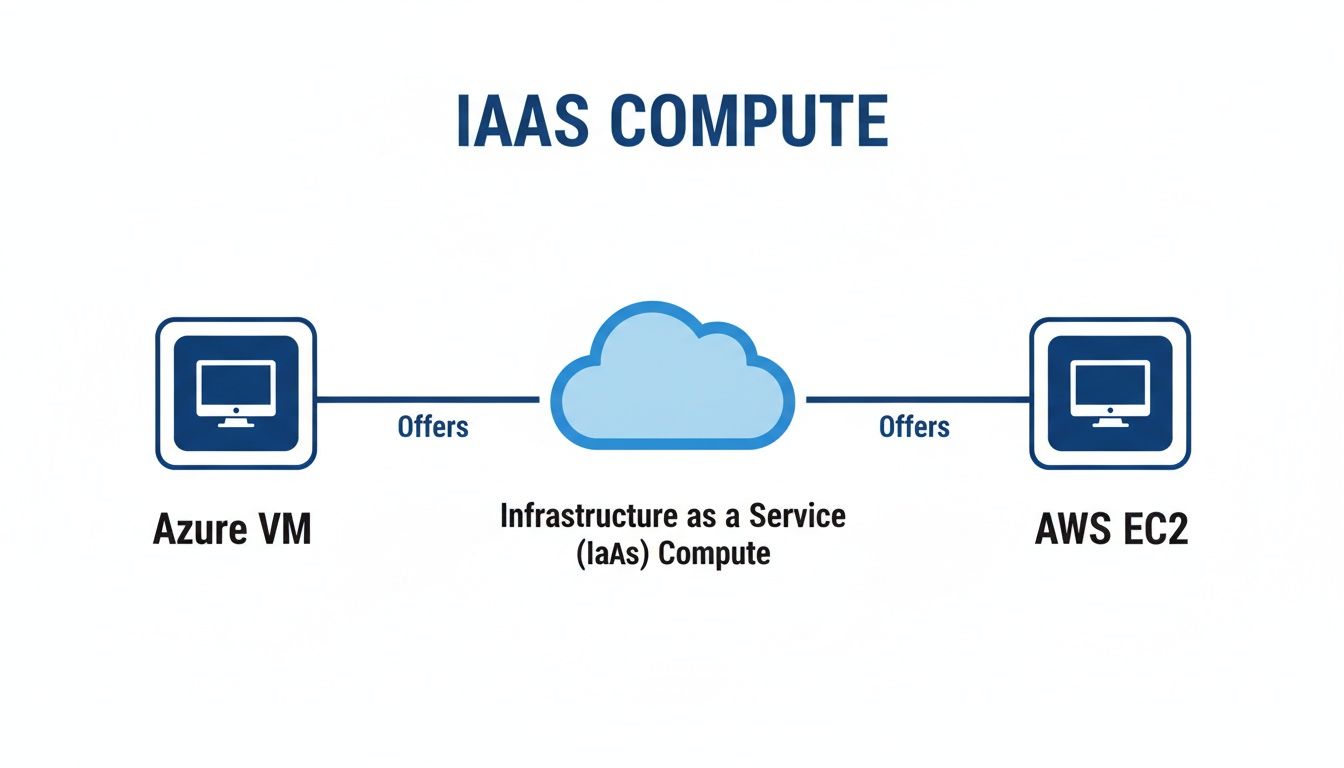
Despite the different branding, they both give you what you need: scalable, on-demand virtual servers to run your applications.
Pricing Models and Billing Granularity
Both platforms have similar pricing structures, but the devil is in the details. The standard pay-as-you-go model, which AWS calls On-Demand, gives you maximum flexibility. However, how they charge for that time can vary.
AWS rolled out per-second billing for many of its services back in 2017, though it usually comes with a 60-second minimum charge. Azure also offers per-second billing, but it isn't always available across every VM series or service type. For workloads that run in very short, frequent bursts, this small difference can add up to real money over time.
If you want to dive deeper into how the two cloud giants stack up on costs, check out our detailed guide on pricing for AWS vs Azure.
Reserved Capacity and Spot Instances
For predictable, long-running workloads, you can get massive discounts by committing to a longer term. Azure’s Reserved Virtual Machine Instances and AWS's Reserved Instances or Savings Plans can slash your compute costs significantly compared to on-demand rates. The main difference often comes down to flexibility. Azure has historically offered more generous options for changing or canceling reservations.
For workloads that can handle interruptions, Azure Spot Virtual Machines and EC2 Spot Instances are a game-changer. They offer the biggest discounts, often up to 90% off on-demand prices, by letting you use a provider's spare compute capacity. This makes them perfect for batch processing, data analysis, or dev/test environments.
The pricing behavior for these spot instances also differs. AWS Spot prices can fluctuate quite a bit throughout the day based on real-time supply and demand. Azure's Spot pricing, in contrast, tends to be more stable. This can make cost forecasting a little more straightforward for some teams.
Core Feature Comparison
If you're migrating from one cloud to the other or working in a multi-cloud setup, you need to know how to translate features and services. The table below gives you a quick, high-level map between the core terminology of Azure VMs and Amazon EC2.
Azure VMs vs AWS EC2 At a Glance
| Feature Category | Azure Virtual Machines | Amazon EC2 |
|---|---|---|
| Primary Service | Azure Virtual Machines (VMs) | Amazon Elastic Compute Cloud (EC2) |
| Instance Grouping | VM Series (e.g., D-series, F-series) | Instance Families (e.g., m5, c5) |
| Attached Block Storage | Azure Disk Storage | Amazon Elastic Block Store (EBS) |
| Scalable Sets | Virtual Machine Scale Sets (VMSS) | EC2 Auto Scaling Groups |
| Discount Model | Reserved Instances / Savings Plans | Reserved Instances / Savings Plans |
| Interruptible VMs | Spot Virtual Machines | Spot Instances |
Think of this table as your Rosetta Stone for IaaS compute. Whether you're setting up storage, configuring auto-scaling, or just trying to find the right discount model, knowing the correct terms is the first step to getting things done on a new platform.
Choosing the Right Instance Types and Families
Picking the right virtual machine is one of those decisions that hits you in two places: your application's performance and your monthly cloud bill. It's a lot like choosing the right tool for a job. You wouldn't use a hammer to turn a screw. Both Azure and AWS group their VMs into families built for specific tasks, and knowing these categories is the first step to making a smart, cost-effective choice.
The whole process really boils down to one question: what does your application demand most? Is it CPU-intensive, hungry for memory, or does it just need a good balance of everything? Answering that question is your map to navigating the massive catalogs from either cloud provider to find the perfect azure ec2 equivalent.
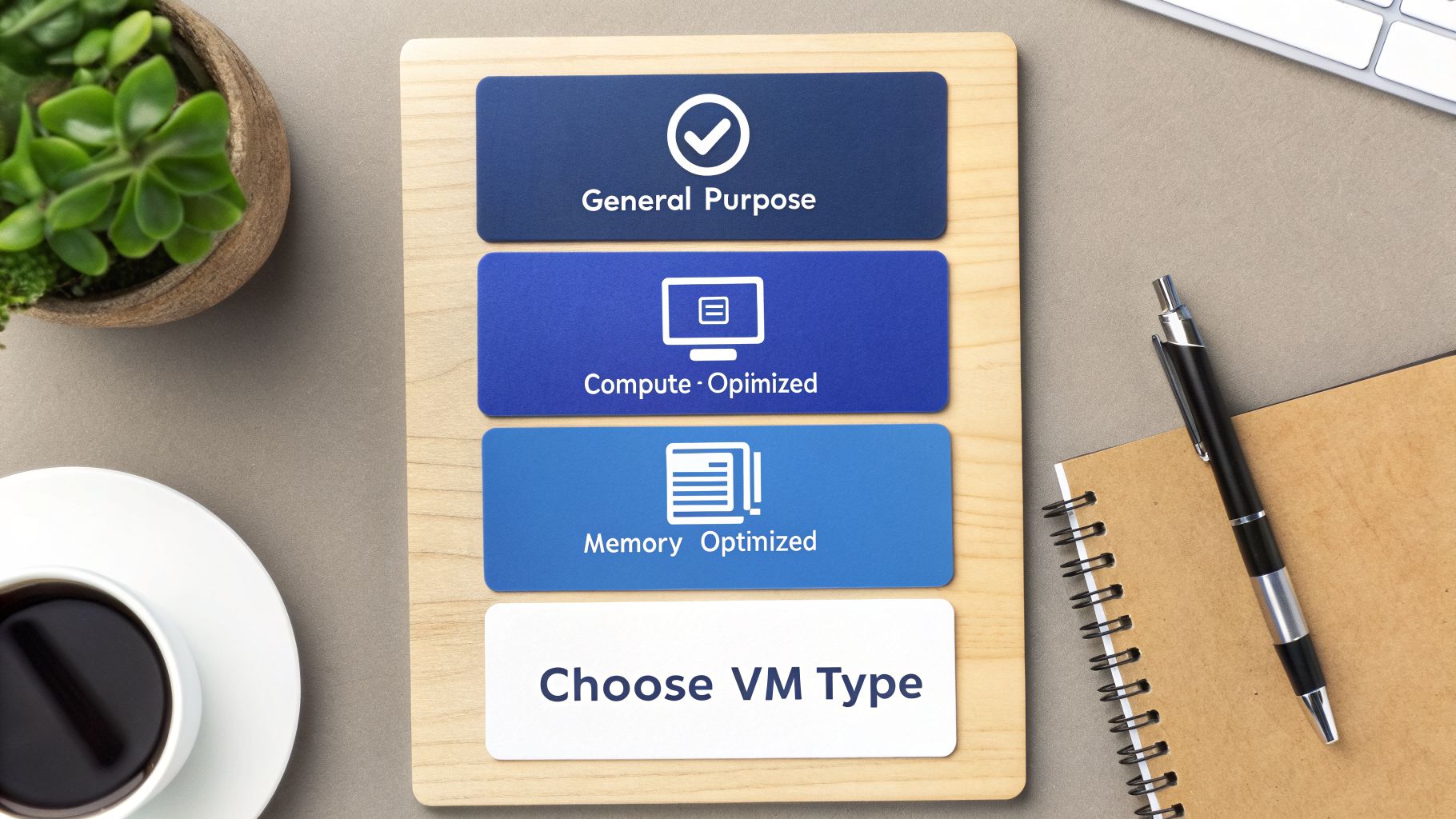
Getting this alignment right helps you avoid overprovisioning, which is a classic source of wasted cloud spend where you end up paying for resources you never actually use.
General Purpose Instances
General purpose instances are the dependable workhorses of the cloud. They give you a balanced mix of CPU, memory, and networking, making them a solid fit for a huge range of common applications.
- Azure: The go-to family here is the D-series, with popular options like the Dasv5 or Ddsv5. They're perfect for web servers, small-to-medium databases, and any dev/test environment that needs consistent, all-around performance.
- AWS: In the AWS world, the direct counterpart is the M-family (like m5 or m6g). If your app is running happily on an m5 instance today, moving it to an Azure D-series VM will feel very familiar from a performance standpoint.
Compute Optimized Instances
When your application’s performance is limited by raw processing power, you need a compute-optimized instance. These machines offer a high ratio of CPU cores to memory, designed specifically for CPU-bound workloads.
For jobs like high-performance web servers, scientific modeling, batch processing, or media transcoding, a compute-optimized instance is basically non-negotiable. If you try to run these on a general purpose VM, the CPU will choke, leading to sluggish performance and a terrible user experience.
- Azure: For these tasks, you'll want to look at the F-series, such as the Fsv2. They are engineered with a higher CPU-to-memory ratio for applications that need the fastest possible processors.
- AWS: The matching EC2 family is the C-family (think c5 or c6g). Any workload that thrives on a c5 instance will find a comfortable and powerful home on an Azure F-series machine.
Memory Optimized Instances
For applications that need to keep massive datasets in-memory for lightning-fast access, memory-optimized instances are the only way to go. These VMs provide a generous amount of RAM compared to their vCPU count.
This makes them the clear choice for workloads like:
- Large in-memory databases, such as SAP HANA or SQL Server running with large data caches.
- Big data analytics platforms powered by engines like Apache Spark.
- Any application doing real-time data processing.
In this category, Azure’s E-series (like the Easv5 or Edsv5) is the direct equivalent to the AWS R-family (such as r5 or r6g). If you're migrating a large relational database from an R-family instance, moving to an E-series VM will ensure your application has all the memory it needs to perform just as well, if not better. For more specialized work like AI and machine learning, Azure offers the N-series, which come equipped with powerful GPUs.
Comparing Pricing Models and Cost Management
Picking the right instance type is only half the battle. How you pay for it can make or break your cloud budget. Both Azure and AWS have a tiered pricing strategy, but the subtle differences between them can have a massive impact on your monthly bill.
The most direct option is what AWS calls On-Demand and Azure calls Pay-As-You-Go. You’re essentially renting compute power by the hour or second with no strings attached. This is great for getting started or for workloads that are completely unpredictable, but that flexibility comes at a premium. It’s the most expensive way to run a VM.
Commitment Based Discounts
If you have workloads with predictable, steady usage, committing to a longer term is where you’ll find deep savings. Azure’s Reserved Virtual Machine Instances and the AWS equivalents (Savings Plans or Reserved Instances) can slash your compute costs by over 70% compared to the pay-as-you-go rates.
The main difference often comes down to flexibility. Azure's Reserved Instances have a reputation for being more forgiving if you need to exchange or cancel a reservation because your infrastructure needs change. AWS Savings Plans, on the other hand, offer great flexibility across different instance families and even regions, but they lock you into a consistent dollar-per-hour spend commitment.
It’s a classic trade-off. You're balancing the certainty of your workload against the depth of the discount. A one or three-year commitment will drastically cut your costs, but only if you’re confident your resource needs won’t change much.
Spot Instances and Idle Resources
For any work that can handle interruptions, Azure Spot Virtual Machines and EC2 Spot Instances offer the biggest discounts, frequently up to 90% off. These instances run on a provider's spare compute capacity, which makes them a perfect match for batch jobs, data analysis, or non-critical dev/test environments.
While both are similar, Azure’s spot pricing tends to be more stable. In contrast, AWS spot prices can fluctuate more aggressively based on real-time supply and demand.
Drilling into the numbers, IaaS spending on services like AWS EC2 and Azure VMs is on track to hit $180 billion by 2024. Azure's steady growth is often tied to its strong hybrid cloud features, which is a major draw for the 89% of companies that now have a multicloud strategy. You can check out more of these cloud computing statistics over on Finout.
One of the biggest, and most preventable, sources of financial waste is paying for idle resources. That dev server left running all weekend, the test environment forgotten after a project wraps up, these costs bleed budgets dry. To get this under control, you need a clear strategy, and forecasting your expenses with the right tools is a critical first step. For a detailed guide on this, you might want to read our post on using an Azure Virtual Machine pricing calculator. By mapping your workloads to the right pricing model, you can find the most cost-effective azure ec2 equivalent and stop paying for resources you aren't using.
How to Stop Wasting Money on Idle Cloud Resources
One of the biggest, and most frustrating, financial drains in cloud computing is paying for resources you aren’t even using. Whether it’s an Azure VM or its AWS EC2 counterpart, an idle server left running overnight or over the weekend is just like leaving the lights on in an empty office building. The costs add up fast and can seriously inflate your monthly bill.
In the competitive cloud market, both Azure's Virtual Machines and AWS's EC2 power millions of businesses. The cost crunch, however, is very real: a staggering 6% of companies report having zero avoidable cloud spending. For businesses running on both AWS and Azure, idle compute can bloat bills by 30-50%, mostly from VMs sitting unused outside of standard business hours.

This wasted spend is exactly why both cloud providers offer native tools to help you get a handle on it. The problem is, they often come with their own set of challenges.
The Limits of Native Scheduling Tools
Azure provides tools like Azure Automation Start/Stop scripts to help you schedule your VMs. While they can be powerful in the right hands, they are far from a simple plug-and-play solution.
- Complex Setup: Getting these scripts running requires significant technical know-how. You need to be comfortable with PowerShell or Python, runbooks, and the fine details of Azure permissions.
- Rigid Permissions: Granting a team member access to manage schedules often means giving them much broader permissions than you’d like, which can create security headaches.
- Maintenance Overhead: These solutions are definitely not "set and forget." They need to be monitored, updated, and maintained, which eats up valuable engineering time that could be spent elsewhere.
These hurdles often make native tools impractical for teams without dedicated DevOps resources, leaving a lot of potential savings on the table. We take a deeper look at this problem in our article on the hidden cost of idle VMs.
For many organizations, the ideal solution for finding a cost-effective azure ec2 equivalent strategy isn't just about instance types; it's about operational efficiency. The goal is to eliminate waste without creating a new management burden for your IT team.
A Simpler Path to Cloud Savings
This is where a focused platform like CLOUD TOGGLE offers a much more practical alternative. Instead of forcing you to wrestle with complex scripts, it lets your teams set precise on/off schedules for both Azure and AWS VMs in minutes through a simple, intuitive interface.
The real benefit here is simplified, secure management. You can grant role-based access to specific teams or users, empowering them to control their own server schedules without ever needing to touch the main cloud console. This approach democratizes cost savings and delivers predictable, measurable results, all without the technical overhead. It's a valuable and common-sense addition to any cost optimization toolkit.
Exploring Other Azure Compute Services
While Azure Virtual Machines are the closest thing you'll find to an Azure EC2 equivalent, they aren't the only option. Azure offers more specialized services for times when you don't need (or want) full control over an operating system.
Moving up from IaaS (Infrastructure as a Service) to PaaS (Platform as a Service) can make life a lot simpler for certain kinds of work. It lets you focus on your application code instead of worrying about OS patching, security updates, or server maintenance.
When to Look Beyond Virtual Machines
Azure App Service is a perfect example of a PaaS offering. It's designed to be the ideal home for web applications and APIs because Microsoft handles all the underlying infrastructure for you. You just deploy your code, and Azure takes care of the rest, from scaling to security.
The core decision comes down to a trade-off: do you need the total control of a VM, or would you prefer the managed simplicity of a PaaS or container service? If you're building a standard web app, App Service almost always reduces your operational headaches.
Containers as a Compute Alternative
If you're working with containerized applications, Azure gives you two powerful choices. Azure Container Instances (ACI) is great for firing up single Docker containers quickly, with zero orchestration overhead.
For more complex needs, Azure Kubernetes Service (AKS) provides a fully managed Kubernetes environment to orchestrate containerized applications at a massive scale. The market reflects this flexibility, with Azure VMs standing as a serious EC2 rival. Azure’s huge footprint of over 60 global regions is a major draw for the 75% of enterprises now building cloud-native apps. You can learn more by checking out this Azure vs AWS comparison on costimizer.ai.
Common Questions About Azure VMs
When you're comparing AWS and Azure, a few questions always come up. Getting straight answers is crucial for making the right architectural choices and, just as importantly, the right financial ones for your workloads.
Is Azure Cheaper Than AWS for VMs?
Anyone who gives you a simple "yes" or "no" isn't telling the whole story. The truth is, it completely depends on your specific instance type, region, pricing model, and how you use your resources.
For instance, one provider might have a lower on-demand price for a general-purpose VM, but the other could offer far better discounts on reserved instances for compute-heavy machines. The most cost-effective platform is always the one that aligns with your technical needs and lets you take advantage of the best pricing model for your situation.
The real savings don't come from a list price comparison. They come from right-sizing your instances and being aggressive about shutting down idle resources.
How Difficult Is Migrating from EC2 to Azure VMs?
Moving from EC2 to Azure VMs is a well-traveled path, but it demands careful planning to avoid bumps in the road. Microsoft offers tools like Azure Migrate to help you assess your current setup and guide the process.
However, a successful migration hinges on a solid strategy. You need to account for the subtle (and sometimes not-so-subtle) differences in networking, storage, and security configurations between the two clouds.
As you plan, it's also a good time to review the comprehensive security risks inherent in cloud computing, as these apply to any virtualized environment you manage.
When Should I Use Azure VMs Instead of Azure App Service?
This is the classic IaaS vs. PaaS debate, and the decision really boils down to how much control you need versus how much operational work you want to offload.
Choose Azure VMs if you need:
- Total control over the operating system and the entire server environment.
- The ability to install custom software or tweak specific OS-level settings.
- To run applications that aren't simple web apps or APIs.
Go with Azure App Service if you want to:
- Concentrate only on your code and let Azure handle the server management.
- Get built-in auto-scaling, patching, and security managed for you.
- Deploy web apps and APIs incredibly quickly.
For the vast majority of web applications, App Service is a game-changer that dramatically cuts down on your team's operational burden.
Stop wasting money on idle cloud servers. CLOUD TOGGLE makes it easy to schedule your AWS and Azure VMs to turn off when you're not using them, saving you up to 70% on compute costs. Get started with a free trial at https://cloudtoggle.com.