Navigating the complexities of cloud spend is a major challenge for organizations of all sizes. As your infrastructure scales, so does the risk of overspending on idle resources, oversized instances, and inefficient configurations. The key to controlling these expenses isn't just about monitoring; it's about proactive management using the right azure cost optimization tools.
This guide explores the essential platforms and services you need to know, from native Azure features that provide foundational insights to specialized third party platforms that automate savings. Before diving into specific tools, it's beneficial to have a clear understanding of the foundational principles behind controlling your cloud spending and explore a comprehensive guide on what is cloud cost optimization. Having that context will help you select the most effective solution for your specific needs.
We will break down what each tool does best, who it's for, and how to implement it effectively to transform your cloud budget from a reactive expense into a strategic asset. Each review is structured to be practical and actionable, complete with screenshots, direct links, and insights into real world use cases. You'll get a clear picture of native options like Microsoft Cost Management and Azure Advisor alongside powerful third party platforms such as CLOUD TOGGLE, Flexera One, and Spot by NetApp. This resource is designed to help you quickly identify and implement the right solution to stop overspending and maximize the return on your cloud investment.
1. CLOUD TOGGLE
CLOUD TOGGLE is a specialized cloud cost optimization platform designed to solve one of the most persistent and costly problems in cloud infrastructure: idle compute waste. It delivers a direct, high-impact solution by automatically powering off non-production virtual machines and servers across Azure and AWS based on precise schedules. This focused approach makes it an exceptional choice for organizations seeking immediate and predictable savings without the complexity of a comprehensive FinOps suite.
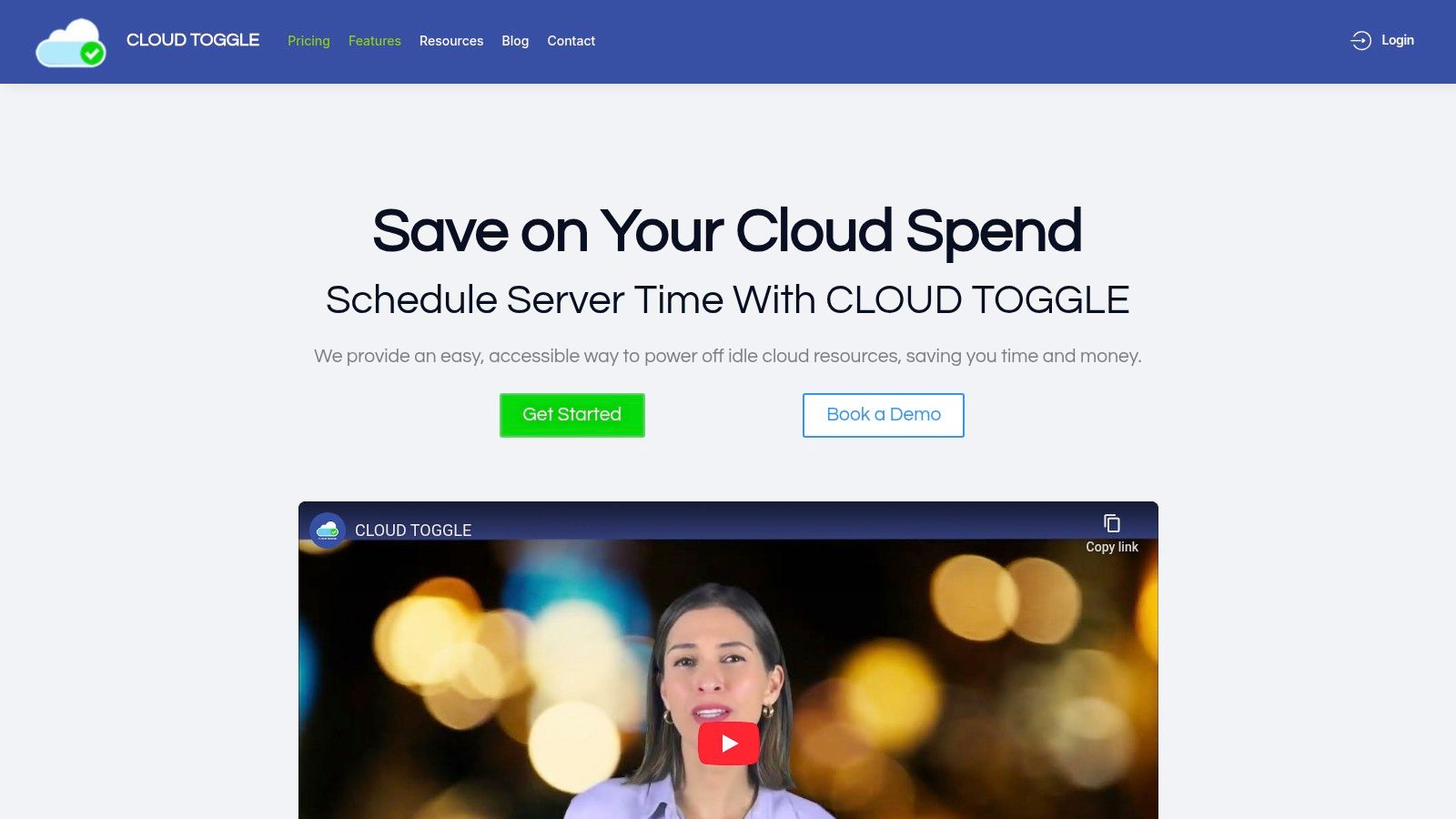
What sets CLOUD TOGGLE apart as one of the most pragmatic azure cost optimization tools is its emphasis on safety and accessibility. The platform's intuitive, non-technical user interface and role-based access control (RBAC) allow organizations to delegate scheduling responsibilities safely. This means project managers, QA leads, or even finance team members can manage VM uptime for their specific resources without ever needing direct, high-privilege access to the Azure portal.
Key Features and Use Cases
- Automated Scheduling: Create daily and weekly shutdown schedules for specific resource groups or individual VMs. This is ideal for development, staging, and testing environments that are only needed during business hours.
- Role-Based Delegation: Grant users permission to manage schedules for specific teams or projects. This empowers teams to control their own costs while maintaining centralized security and oversight.
- Manual Overrides: Instantly start or stop a scheduled VM with a single click, providing the flexibility needed for unexpected maintenance or late-night development sessions.
- Multi-Cloud Support: Manage both Azure and AWS shutdown schedules from a single, unified interface, making it perfect for multi-cloud environments.
- Team and User Management: Organize resources and users into teams, ensuring that policies and savings scale effectively as your organization grows.
Who Is It For?
CLOUD TOGGLE is particularly effective for SMBs, DevOps teams, and MSPs who need a straightforward, low-friction tool to eliminate unnecessary cloud spend. Its design philosophy prioritizes ease of implementation and immediate ROI over sprawling feature sets. For a deeper analysis of the financial impact, you can learn more about how scheduled shutdowns prevent wasted spend.
Pricing and Availability
The platform offers a 30-day free trial. Paid plans are tiered based on resource count and features, starting at $49/month for up to 15 servers and scaling to custom plans for larger enterprise needs.
| Strengths | Limitations |
|---|---|
| Immediate ROI through automated shutdowns of idle Azure VMs. | Focused exclusively on scheduling; lacks rightsizing or reserved instance recommendations. |
| Safe Delegation with RBAC allows non-engineers to manage schedules. | No public information on GCP support, limiting its use for three-cloud strategies. |
| Simple, Intuitive UI ensures rapid adoption and minimal training. | Lacks enterprise certifications or customer testimonials on its website, requiring due diligence from larger firms. |
| Multi-Cloud Management for both AWS and Azure from a single dashboard. | Does not replace a full FinOps platform for cost forecasting or anomaly detection. |
Website: https://cloudtoggle.com
2. Microsoft Cost Management
Microsoft Cost Management is the native, first-party solution for analyzing, managing, and optimizing your Azure expenses. Integrated directly into the Azure portal, it serves as the foundational starting point for any organization serious about cloud financial governance. Its primary strength lies in its deep, native integration with Azure billing and resource metadata, providing an unparalleled source of truth for your cloud spend without requiring any complex setup or third-party licenses.
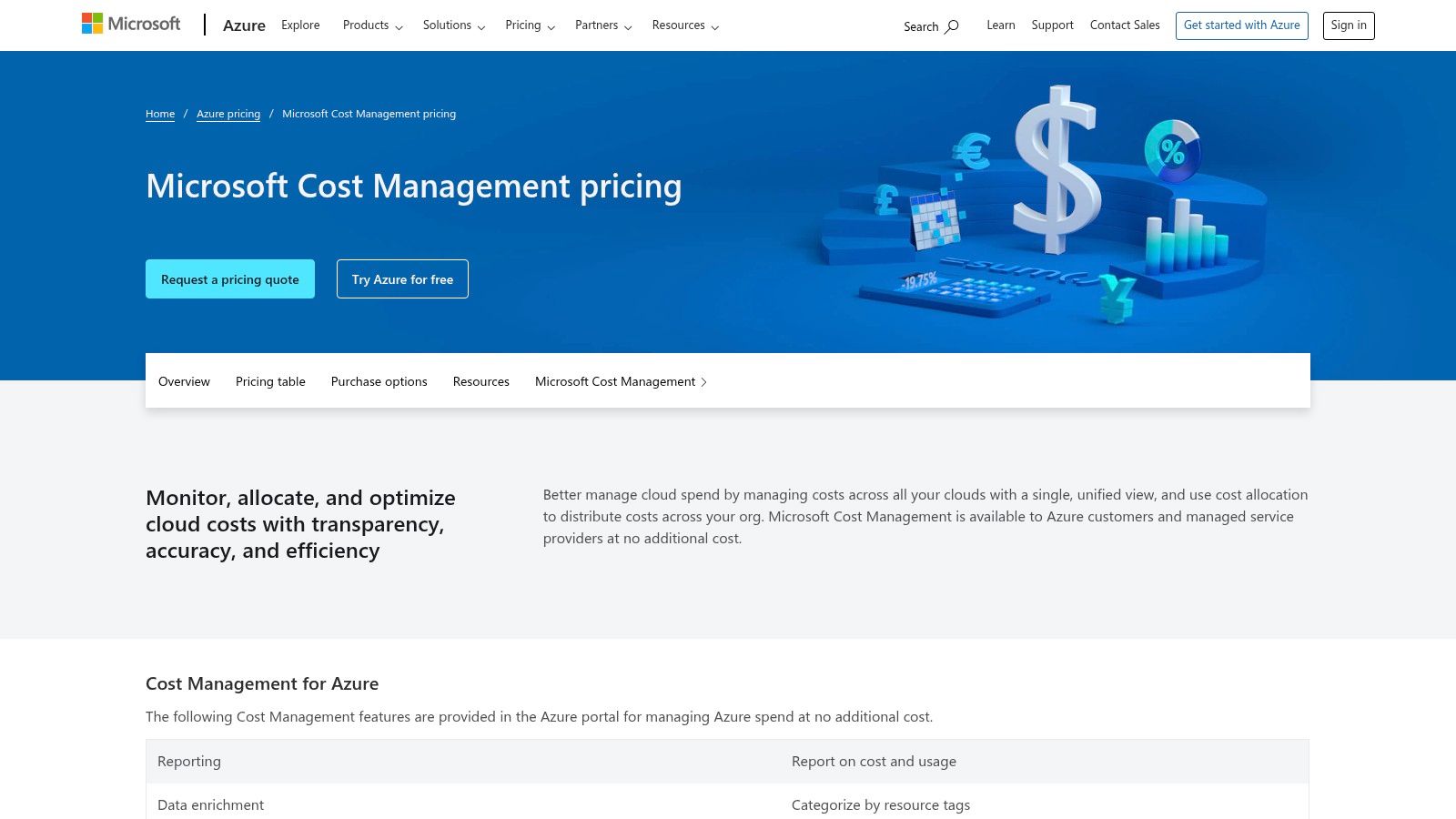
This tool excels at providing granular visibility through its cost analysis reports, which can be sliced and diced using resource tags for accurate showback and chargeback. The platform's budget and alerting features are crucial for proactive cost control, notifying teams when spending approaches predefined thresholds. Furthermore, it includes actionable recommendations from Azure Advisor, suggesting opportunities for rightsizing underutilized VMs or deleting idle resources.
Key Features and Considerations
The user experience is seamless for anyone already familiar with the Azure portal. Since it's an included service, there are no additional costs, making it the most accessible of all azure cost optimization tools.
- Pricing & Access: Free for all Azure customers and accessible directly within the Azure portal.
- Best For: Teams needing a no-cost, deeply integrated tool to begin their Azure cost management journey. It's perfect for tracking spending against budgets and implementing basic recommendations.
- Limitations: While excellent for Azure, its multi-cloud capabilities are limited compared to specialized third-party platforms. Advanced FinOps practices, like automated policy enforcement or sophisticated Reserved Instance management, often require more powerful external tools.
Website: https://azure.microsoft.com/en-us/pricing/details/cost-management/
3. Azure Advisor
Azure Advisor acts as your personalized cloud consultant, providing proactive, actionable recommendations to optimize your Azure resources for cost, performance, security, and high availability. While Microsoft Cost Management shows you what you've spent, Advisor tells you how you can spend less. It analyzes your resource configuration and usage telemetry to identify inefficiencies, such as idle virtual machines or underutilized SQL databases, presenting them as prioritized, actionable tasks.

This tool is invaluable for translating raw spending data into tangible optimization opportunities. Its machine-learning algorithms identify low-utilization VMs and provide specific resizing recommendations. It also guides you on purchasing Azure Reservations and Savings Plans to maximize commitment-based discounts, estimating potential savings directly within the portal. This makes it one of the most direct and effective native azure cost optimization tools for taking immediate action.
Key Features and Considerations
The user experience is straightforward, with recommendations categorized and presented with clear impact statements and step-by-step implementation guidance. Because it's a core part of the Azure platform, there are no extra charges for its insights, making it a critical first stop for cost-saving initiatives.
- Pricing & Access: Free for all Azure customers and accessible directly within the Azure portal.
- Best For: Engineering and operations teams looking for a prioritized list of quick-win cost optimizations, such as rightsizing VMs and deleting unprovisioned ExpressRoute circuits.
- Limitations: The quality and relevance of its recommendations depend heavily on consistent resource tagging and sufficient usage telemetry. In complex scenarios, its suggestions may lack the broader business context that a dedicated FinOps practitioner or a third-party platform could provide.
Website: https://azure.microsoft.com/en-us/services/advisor/
4. Azure Pricing Calculator
The Azure Pricing Calculator is Microsoft's official, web-based tool for estimating the cost of Azure services before deployment. Unlike tools that analyze existing spending, this calculator focuses on proactive financial planning, allowing you to model various "what-if" scenarios for new projects or migrations. Its primary value is in providing a reliable forecast, enabling teams to build a business case and set accurate budgets from the outset. It acts as an essential first step in any cost-conscious cloud strategy.
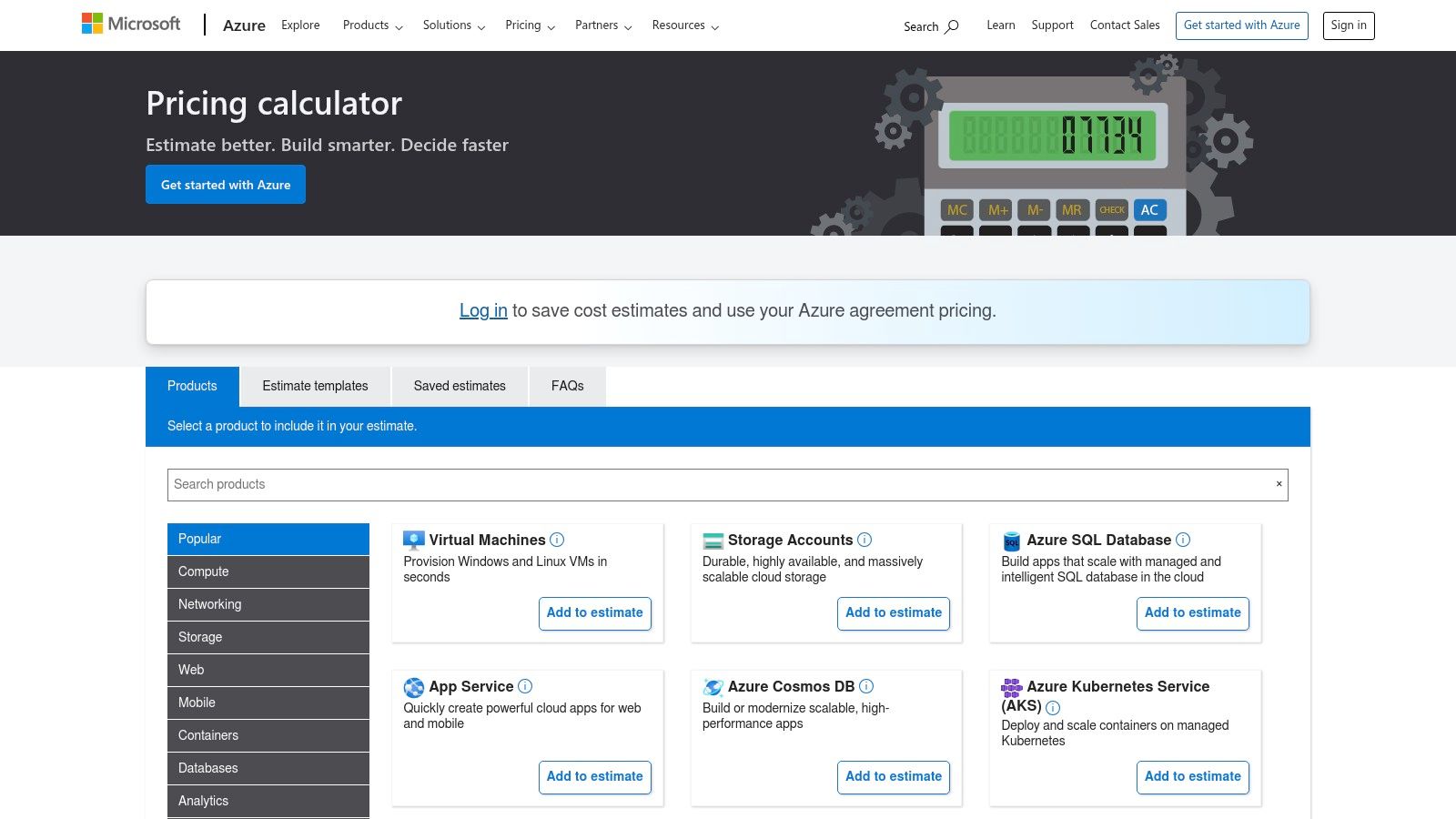
The tool excels at building complex, multi-service estimates in a shopping-cart style. You can compare costs across different purchasing models like Pay-As-You-Go, Reservations, and Azure Savings Plans. For organizations with negotiated rates, signing in provides access to tenant-specific pricing, ensuring the estimates are as accurate as possible. This ability to model different commitment levels makes it an indispensable resource for strategic financial decisions, and you can learn more about how to use the Azure virtual machine pricing calculator to maximize its potential.
Key Features and Considerations
The interface is straightforward, guiding users to configure services and view estimated monthly costs. The ability to export and share these estimates facilitates collaboration between engineering, finance, and procurement teams, making it a cornerstone among azure cost optimization tools for planning.
- Pricing & Access: Free for everyone and publicly accessible via a web browser.
- Best For: Architects, FinOps specialists, and IT managers planning new deployments or comparing the cost impact of different architectural decisions. It is perfect for pre-deployment budgeting.
- Limitations: The calculator's accuracy is entirely dependent on the quality of your usage assumptions. It provides a forecast, not ongoing governance, and does not analyze or optimize existing, deployed resources.
Website: https://azure.microsoft.com/en-us/pricing/calculator/
5. Azure Spot Virtual Machines
Azure Spot Virtual Machines offer access to unused Azure compute capacity at significant discounts compared to pay-as-you-go pricing. This makes them a powerful, native tool for cost optimization, particularly for workloads that can tolerate interruptions. Rather than a traditional software tool, Spot VMs are a purchasing option that allows you to tap into Azure's spare capacity, making them an essential strategy for any large-scale compute environment.

The core trade-off is that these VMs can be "evicted" or deallocated by Azure with minimal notice when the capacity is needed for regular pay-as-you-go or reserved instances. This makes them ideal for fault-tolerant applications like batch processing jobs, big data analytics, rendering farms, and continuous integration/continuous delivery (CI/CD) pipelines. When planning a deployment, using the official Azure Pricing and TCO Calculators is crucial for estimating potential savings.
Key Features and Considerations
The integration is seamless, as Spot VMs are managed directly within the Azure portal, CLI, or ARM templates just like standard VMs. The key to successful implementation lies in designing applications that can handle interruptions gracefully, often using orchestration tools like Azure Batch or Azure Kubernetes Service (AKS) with the Cluster Autoscaler.
- Pricing & Access: Offers discounts of up to 90% versus pay-as-you-go. Prices vary based on region, VM size, and real-time capacity. Accessible to all Azure customers.
- Best For: Organizations running stateless, fault-tolerant, or interruptible workloads that are not time-critical. It's one of the most effective azure cost optimization tools for slashing compute spend.
- Limitations: Not suitable for production workloads that require high availability, such as databases or critical business applications. The potential for eviction requires careful architectural planning to avoid data loss or service disruption.
Website: https://azure.microsoft.com/en-us/products/virtual-machines/spot/
6. Apptio Cloudability
Apptio Cloudability is an enterprise-grade FinOps platform designed for mature organizations managing complex, multi-cloud environments, including a strong focus on Azure. It moves beyond basic cost reporting to provide a full-stack financial operations framework, helping teams map cloud spend to specific business units, products, or initiatives. The platform's core strength lies in its ability to translate raw cloud billing data into actionable business intelligence, empowering leaders to make data-driven decisions.
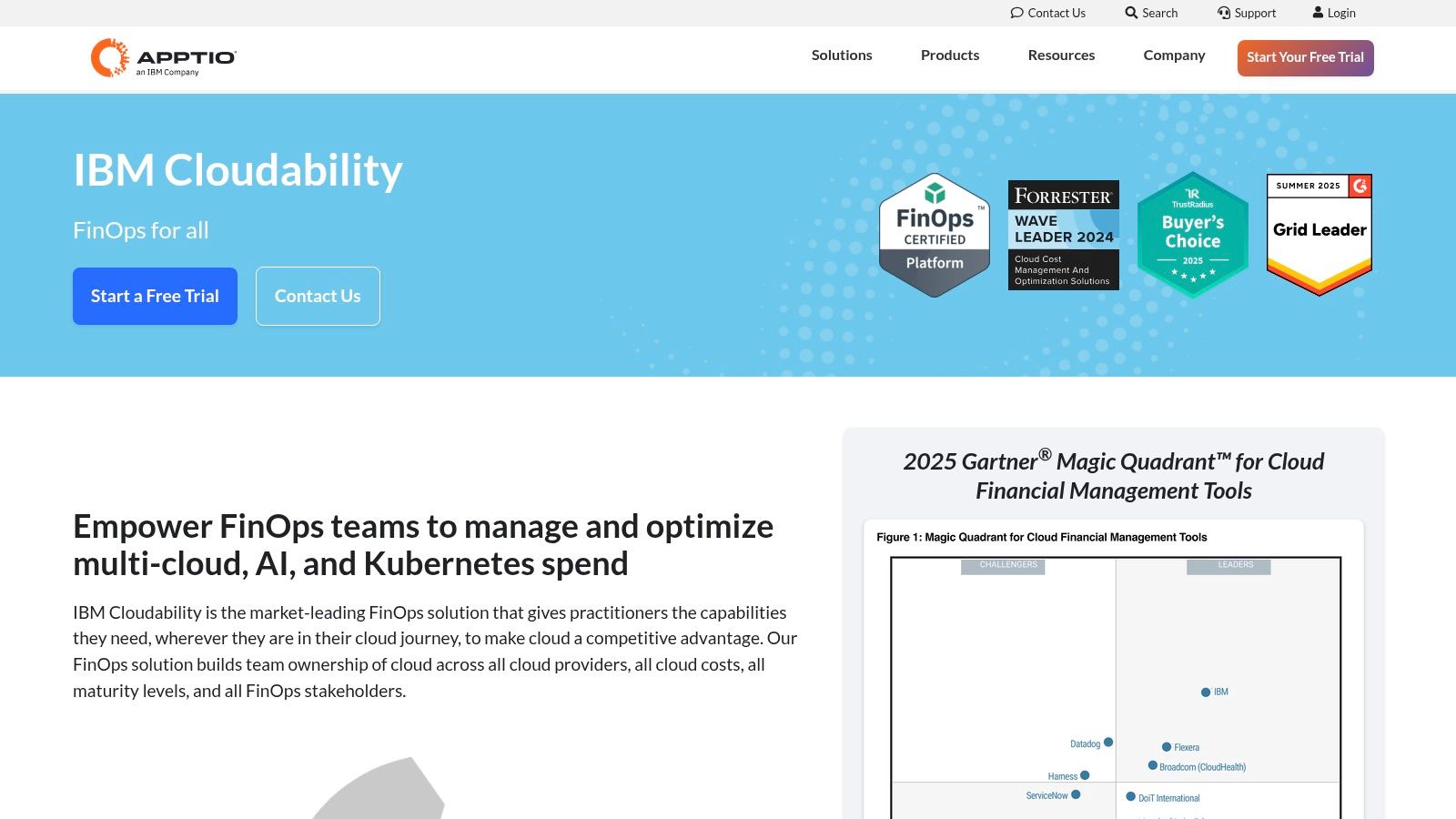
This tool excels at providing deep analytics for rightsizing, waste reduction, and managing Azure Hybrid Benefit or Reserved Instances. Cloudability enables organizations to build a culture of financial accountability by giving engineers visibility into the cost impact of their architectural choices. Its powerful business mapping and unit economics features are critical for calculating metrics like cost per customer or cost per transaction, which is essential for scaling efficiently.
Key Features and Considerations
The platform is recognized by industry analysts for its comprehensive capabilities, making it a leading choice among enterprise-level azure cost optimization tools. However, the robust feature set requires a dedicated implementation effort to integrate with business processes and see its full value.
- Pricing & Access: Quote-based. Pricing is tailored to enterprise needs and consumption levels.
- Best For: Large enterprises with established FinOps teams that require sophisticated multi-cloud cost allocation, unit economics, and governance across Azure and other cloud providers.
- Limitations: The premium pricing and implementation complexity can be prohibitive for smaller businesses or teams just starting their FinOps journey. It is not an entry-level tool and requires organizational commitment to be effective.
Website: https://www.apptio.com/products/cloudability/
7. Flexera One (FinOps)
Flexera One offers a comprehensive platform that extends beyond the cloud to provide a unified view of your entire hybrid IT estate. For organizations managing complex environments, it connects Azure cost optimization with on-premises software asset management and SaaS spend. This holistic approach allows IT and finance teams to see the full picture, making it one of the more powerful enterprise-focused azure cost optimization tools for organizations with significant hybrid footprints.
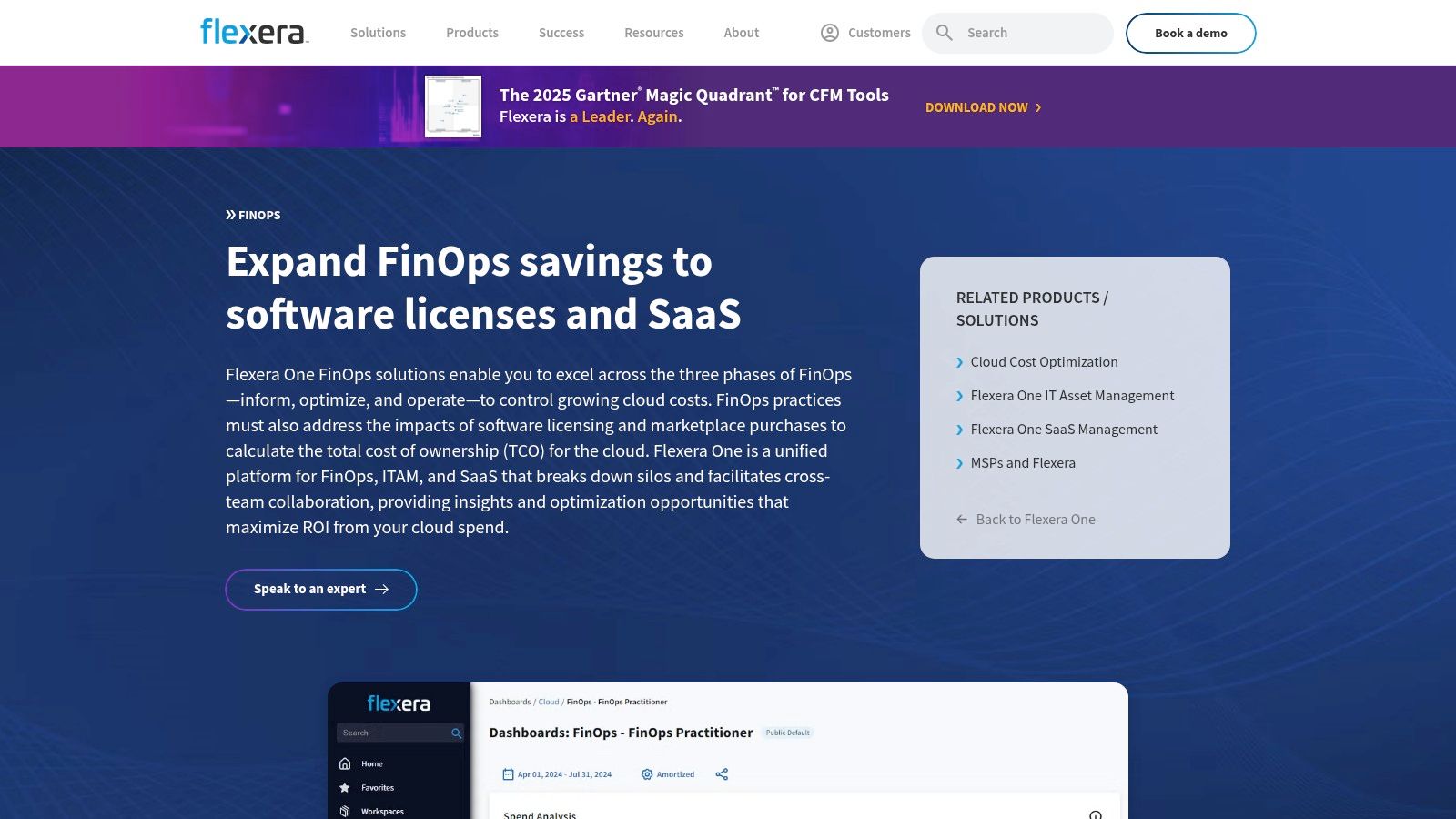
The platform is designed to support mature financial governance by centralizing cost data from multiple sources, including Azure, other public clouds, and traditional data centers. Its strength lies in its ability to manage budgets, forecasts, and allocations across these disparate environments. This makes it particularly valuable for large enterprises aiming to implement a consistent FinOps strategy across all technology investments, not just their cloud infrastructure.
Key Features and Considerations
Flexera One’s user experience is geared toward enterprise IT asset managers and FinOps practitioners who need deep, cross-functional visibility. The platform’s robust budgeting and forecasting workflows are a standout feature, enabling decentralized planning where individual teams can manage their own budgets within a centralized governance framework.
- Pricing & Access: Quote-based licensing tailored for enterprise needs. Access is through their SaaS platform.
- Best For: Large enterprises seeking a single pane of glass for hybrid IT financial management, combining cloud, on-premises, and SaaS spend analysis.
- Limitations: The platform's extensive scope and enterprise focus may be overly complex and costly for teams solely concentrated on Azure cost optimization. Its broad feature set can present a steeper learning curve compared to cloud-native tools.
Website: https://www.flexera.com/products/flexera-one/finops
8. Spot by NetApp
Spot by NetApp specializes in automating cloud infrastructure to dramatically reduce compute costs, primarily by leveraging Azure Spot VMs. Its sophisticated AI-driven engine predicts Spot VM interruptions and proactively provisions replacement capacity, enabling even stateful and production workloads to run reliably on the most cost-effective instances available. This approach goes beyond simple scheduling, offering a dynamic and resilient infrastructure layer that constantly seeks the lowest possible cost for your compute needs.
The platform shines with its Ocean for AKS feature, which provides serverless infrastructure for Azure Kubernetes Service, automatically managing and scaling node pools with the optimal blend of Spot, Reserved, and On-Demand instances. By continuously analyzing workload requirements, Ocean ensures containers run on the most efficient and cheapest possible VMs without manual intervention. This focus on automation makes Spot a powerful ally for DevOps and engineering teams looking to cut costs without sacrificing performance or availability.
Key Features and Considerations
The platform is managed through a separate console but integrates deeply with your Azure environment and is available directly through the Azure Marketplace. Its value is unlocked by allowing it to manage the lifecycle of compute resources, which requires a shift in operational thinking.
- Pricing & Access: Operates on a percentage of savings model, meaning it only charges when it successfully reduces your costs. Available via the Azure Marketplace.
- Best For: Engineering-led organizations with stateless or containerized applications that can tolerate instance interruptions. It is an exceptional tool for optimizing large-scale AKS environments.
- Limitations: The primary drawback is the architectural requirement to handle interruptions, which isn't suitable for all applications. It also introduces another third-party platform into your operational toolkit, which requires management and oversight.
Website: https://www.netapp.com/spot/
9. Densify for Microsoft Azure
Densify focuses on a specific, high-impact area of cloud cost management: analytics-driven rightsizing. It uses machine learning to analyze workload patterns and provide precise recommendations for Azure VMs and AKS container resources. The platform's core value is its ability to reduce costs without negatively impacting application performance, ensuring that optimization efforts don't lead to production issues. It moves beyond simple utilization metrics to understand the true resource needs of your applications.
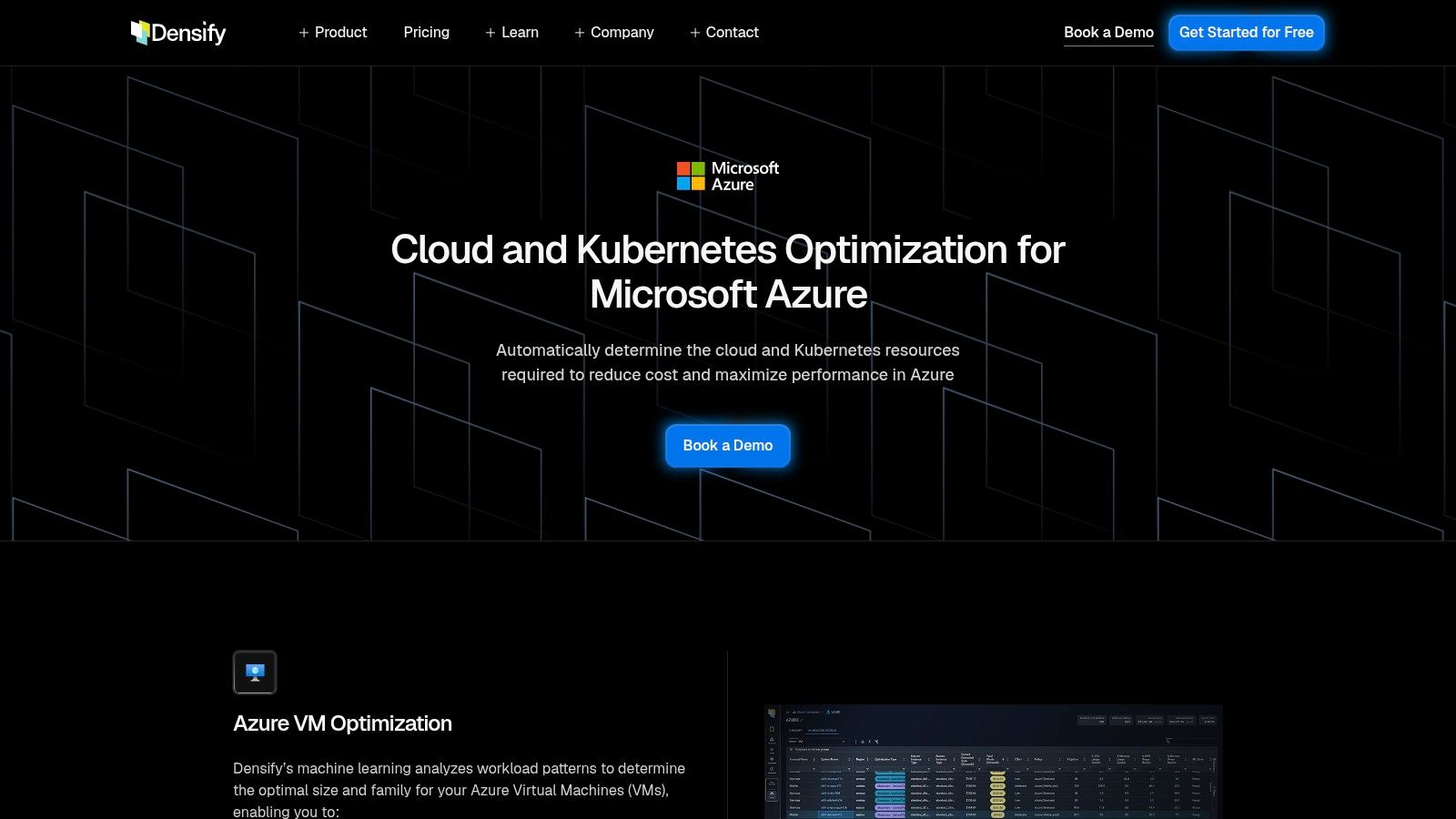
The platform stands out by recommending not just size changes but also optimal VM families, which is critical for organizations looking to modernize or adapt to new Azure offerings. Its detailed health visuals for AKS environments help teams understand the risk and impact of container resource adjustments. Densify provides a continuous feedback loop, making it a powerful component of an ongoing FinOps strategy for resource-intensive workloads.
Key Features and Considerations
The user experience is centered around its analytics dashboard, which requires integrating your Azure data to generate insights. While not a complete FinOps suite, its deep focus on rightsizing makes it one of the most sophisticated azure cost optimization tools for that specific purpose.
- Pricing & Access: Quote-based pricing. Access is provided after a demo and consultation process with their sales team.
- Best For: Enterprises with complex, scaled-out Azure environments that need to safely optimize VM and container costs while guaranteeing performance. It's ideal for teams that frequently adopt new VM instance families.
- Limitations: The platform is specialized on rightsizing and does not cover broader cost management areas like budget tracking or anomaly detection. Its quote-based model and sales-led process can be a barrier for teams wanting immediate, self-service access.
Website: https://www.densify.com/azure-optimization/
10. CAST AI
CAST AI is an automated Kubernetes optimization platform specifically designed to tackle the complex cost challenges of running containerized workloads on Azure Kubernetes Service (AKS). It goes beyond simple monitoring by actively and continuously analyzing, rightsizing, and rebalancing your clusters. The platform’s core strength is its intelligent, real-time autoscaler that selects the most cost-effective Azure VM types and sizes for your pods, ensuring you never overprovision or pay for idle capacity.
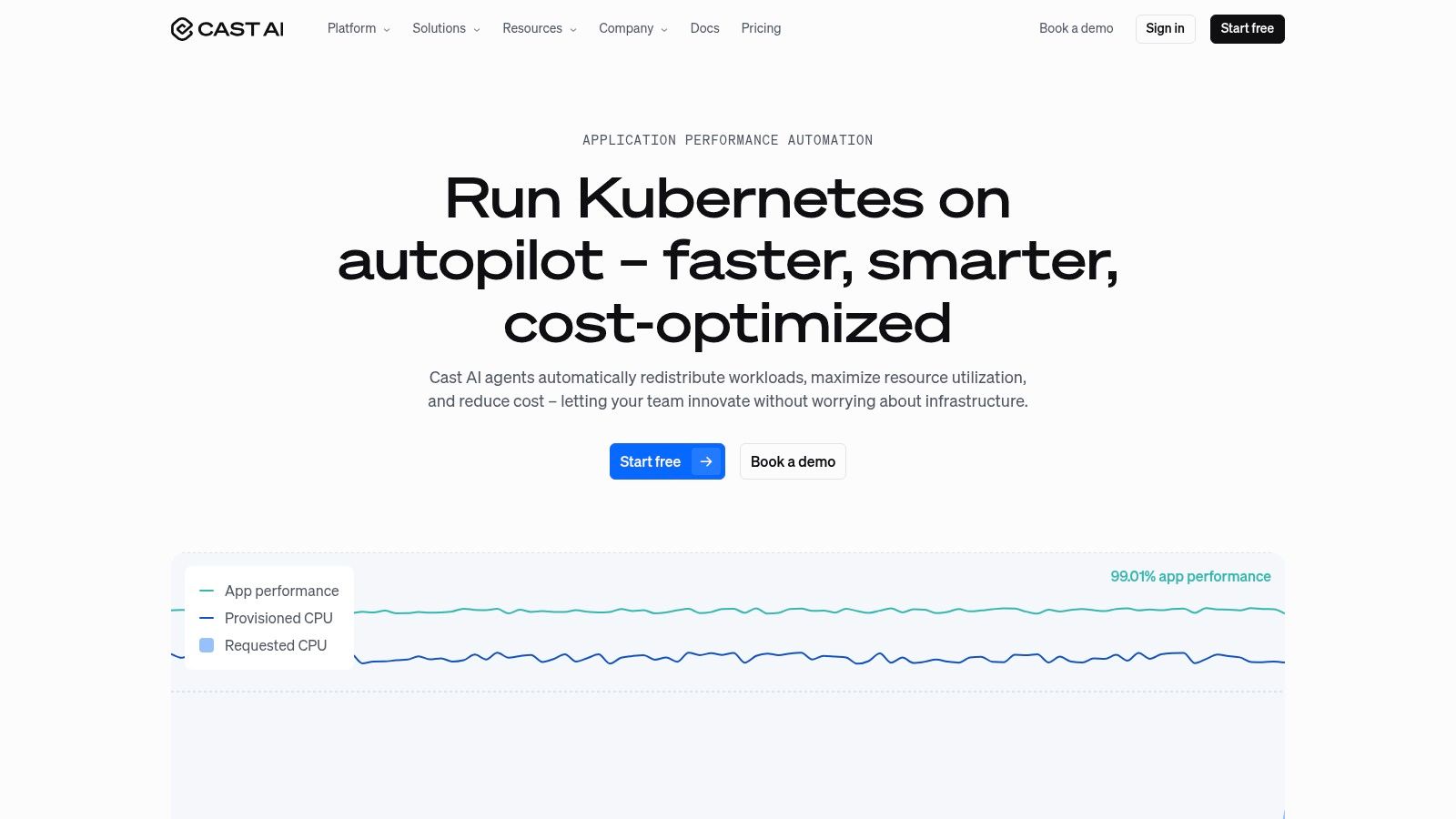
This tool is purpose-built for DevOps and platform engineering teams who need to reduce AKS spending without sacrificing performance or reliability. It automates difficult tasks like bin-packing pods onto fewer nodes and leveraging spot instances safely. With deep integration into the Azure ecosystem, it can manage Reserved Instances and Savings Plans to maximize their utilization, making it one of the most powerful azure cost optimization tools for modern, cloud-native environments.
Key Features and Considerations
The platform provides a detailed savings report and requires agent installation with specific cluster permissions to operate. Its hands-off approach can yield significant savings within minutes of activation.
- Pricing & Access: Offers a free Savings Report to analyze potential cost reductions. Paid plans are based on a percentage of the savings achieved, providing a clear ROI.
- Best For: Organizations with significant AKS deployments looking for automated, continuous optimization. It's ideal for teams that want to offload the complexity of Kubernetes resource management.
- Limitations: Its focus is exclusively on Kubernetes. Teams not running containerized workloads on AKS will not benefit from this tool. Implementation requires careful planning regarding cluster permissions and change management.
Website: https://cast.ai/
11. Kubecost (IBM Kubecost) for AKS
For organizations heavily invested in containerized workloads on Azure Kubernetes Service (AKS), gaining cost visibility can be a significant challenge. Kubecost addresses this specific pain point by providing granular, real-time cost allocation and optimization insights directly within the Kubernetes ecosystem. It breaks down AKS spending by namespace, workload, label, or even individual pod, translating complex Azure billing data into actionable metrics for engineering teams.
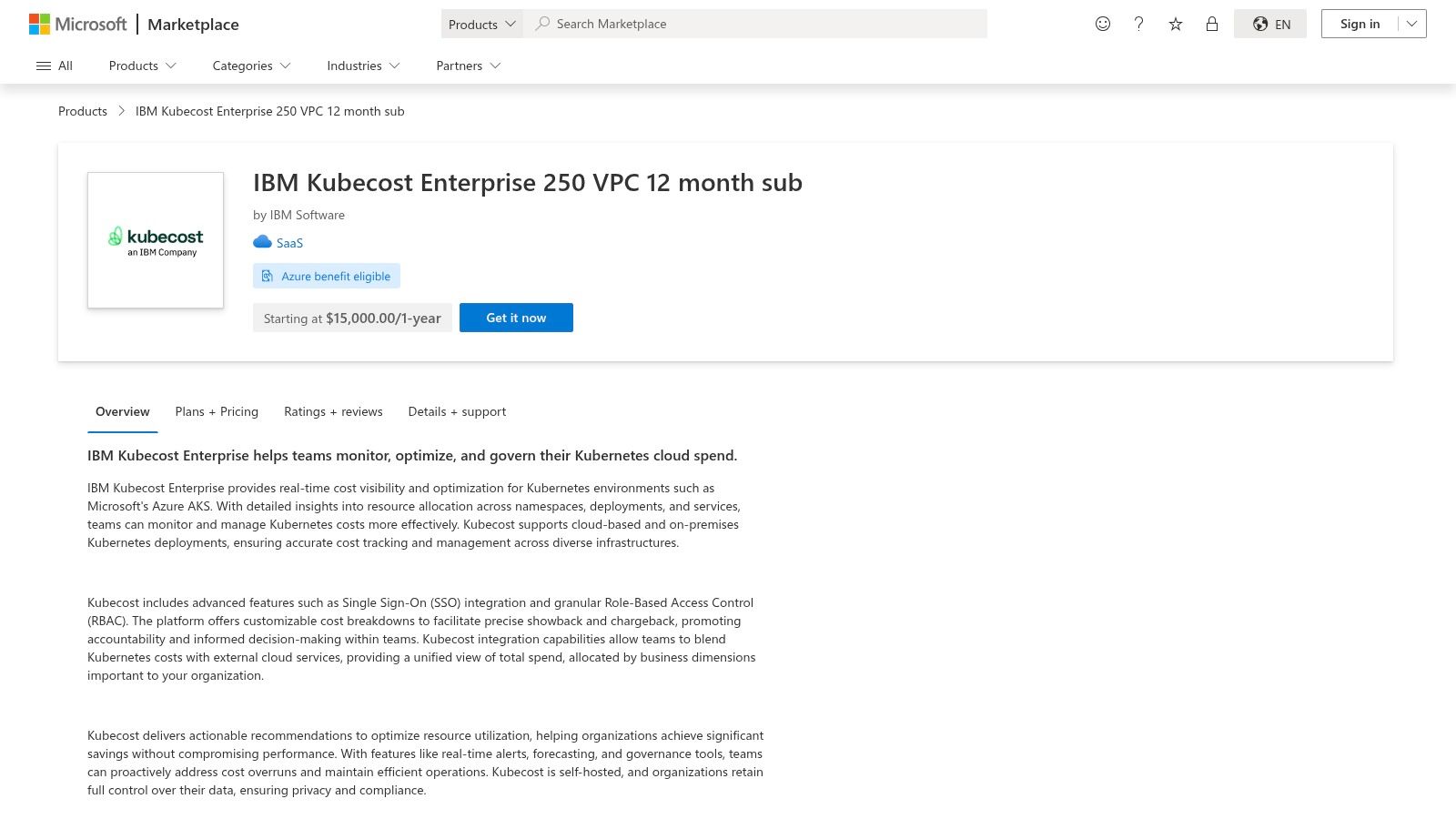
The platform shines by integrating out-of-cluster Azure costs, like storage and networking, and associating them with the correct Kubernetes resources. This unified view helps teams understand the true total cost of their microservices. With built-in alerting and recommendations, Kubecost empowers developers and DevOps engineers to make cost-aware architectural decisions, making it one of the most effective azure cost optimization tools for container-native environments.
Key Features and Considerations
Kubecost is highly regarded in the developer community for its open-source roots and engineer-friendly interface, which presents data in a familiar context. Deployment is flexible, with options ranging from a self-hosted open-source version to enterprise editions available directly through the Azure Marketplace.
- Pricing & Access: Offers a free, open-source core. Enterprise features and support are available through paid licenses, including subscriptions via the Azure Marketplace.
- Best For: DevOps and platform engineering teams who need detailed, real-time cost visibility and optimization capabilities specifically for their AKS workloads.
- Limitations: Its primary focus is Kubernetes. While it can ingest associated Azure costs, it provides limited value for optimizing non-containerized resources like traditional VMs, PaaS databases, or serverless functions.
12. CloudZero
CloudZero is a cloud cost intelligence platform designed for engineering and finance teams that need to connect Azure spending to specific business outcomes. Instead of solely relying on resource-level data, it focuses on translating cloud costs into meaningful unit economics, such as cost per customer, feature, or product line. This approach provides a powerful business context that is often missing from native tools, even when tagging is inconsistent or incomplete.
The platform ingests Azure billing data through a secure, read-only API connection and combines it with other business data streams to allocate 100% of your spend. Its strength lies in its ability to map costs to business dimensions, empowering teams to make informed decisions about architecture, pricing, and resource allocation. It also includes anomaly detection to flag unexpected cost spikes and provides actionable recommendations to reduce waste, making it one of the most business-centric azure cost optimization tools available.
Key Features and Considerations
The user experience is built for collaboration between technical and financial stakeholders, presenting data in a way that both sides can understand and act upon. Quick onboarding allows teams to start seeing business-relevant cost insights rapidly, shifting the focus from simply cutting costs to optimizing for profitability and efficiency.
- Pricing & Access: Custom tiered pricing is provided upon request through their sales team.
- Best For: Organizations with a mature FinOps practice or those aiming to understand unit cost metrics. It's ideal for engineering teams that want to own their cloud spend and finance leaders who need to tie cloud investment to business value.
- Limitations: The platform is focused on cost intelligence and visibility, not direct workload orchestration; it pairs best with other tools that execute scheduling or rightsizing actions. Realizing its full potential requires an initial investment in data modeling to define your business dimensions.
Website: https://www.cloudzero.com/go/azure-cost-management/
Top 12 Azure Cost Optimization Tools Quick Comparison
| Tool | Core features | User experience / Quality | Value proposition | Target audience | Pricing |
|---|---|---|---|---|---|
| CLOUD TOGGLE | Cross-provider schedule-based shutdowns (AWS, Azure), RBAC, fast manual overrides, team/user management | Intuitive non-technical UI; low-friction setup and day-to-day use | Predictable, immediate savings by stopping idle compute safely | SMBs, DevOps/IT, FinOps leads, MSPs | 30-day free trial; plans from $49/mo |
| Microsoft Cost Management | Cost & usage reporting, budgets/alerts, recommendations, tagging support | Native Azure portal experience; integrated billing views | Free, built-in visibility and basic optimization for Azure tenants | Azure customers and finance/ops teams | Included with Azure (free) |
| Azure Advisor | ML-driven recommendations, rightsizing hints, reservation guidance, impact estimates | Actionable in-portal recommendations with prioritization | Personalized cost and performance recommendations | Azure operators and architects | Free |
| Azure Pricing Calculator | Multi-service cost estimates, reservations/savings plan modeling, share/export | Web-based estimator; good for pre-deployment planning | Accurate "what-if" pricing and commitment comparisons | Architects, procurement, finance planners | Free |
| Azure Spot Virtual Machines | Deep discounts on interruptible VMs, eviction policies, wide VM coverage | Native Azure procurement; requires orchestration | Large compute cost reductions for resilient workloads | Batch, CI, fault-tolerant workloads | Pay-as-you-go (discounted spot rates) |
| Apptio Cloudability | Rightsizing, forecasting, automations, unit economics mapping | Enterprise-grade reporting and FinOps workflows | Full-stack FinOps for multi-cloud cost governance | Large enterprises and mature FinOps teams | Quote-based (enterprise pricing) |
| Flexera One (FinOps) | Multi-cloud cost ingestion, budgeting/forecasting, IT & SaaS integration | Holistic IT+cloud view; mature planning features | Unified cloud + software cost management | Enterprises consolidating cloud and SaaS spend | Quote-based |
| Spot by NetApp | Elastigroup automation, Spot/on-demand fallback, AKS Ocean | Strong automation for production Spot use; marketplace availability | Reliable Spot capacity with orchestration to maximize savings | Teams running resilient production workloads | Marketplace / quote-based |
| Densify for Microsoft Azure | ML-based rightsizing, AKS optimization, continuous recommendations | Performance-safe recommendations; analytics-driven | Reduce cost while preserving performance through rightsizing | Teams needing VM/AKS sizing optimization | Quote-based |
| CAST AI | AKS autoscaling, rebalancing, commitment management | Automated Kubernetes-focused UX; active AKS feature set | Lowest-cost Kubernetes with automated optimization | Kubernetes/AKS-focused engineering teams | Quote-based / usage pricing |
| Kubecost (IBM Kubecost) for AKS | Real-time cost by namespace/workload, alerts, governance | Engineer-friendly dashboards; open-source core + enterprise tiers | Detailed Kubernetes cost visibility and allocation | Kubernetes/AKS operators and FinOps | Open-source core; paid Marketplace editions |
| CloudZero | Cost allocation, anomaly alerts, business-dimension mapping, dashboards | Finance + engineering friendly; fast onboarding for cost intelligence | Business-focused cost insights without perfect tagging | Product, finance, and engineering teams | Sales-tiered / quote-based |
Choosing the Right Tool for Your Azure Environment
Navigating the landscape of Azure cost optimization tools can feel overwhelming, but the journey from reactive spending to proactive financial governance is a crucial step in maturing your cloud operations. As we've explored, there is no single "best" tool; instead, there is a spectrum of solutions designed to address different challenges, from visibility and recommendations to fully automated, policy-driven actions. The most effective strategy is rarely about finding one perfect platform but about layering complementary tools to create a comprehensive FinOps toolkit.
Your starting point should always be the native Azure services. Microsoft Cost Management is the non-negotiable foundation, providing the essential visibility you need to understand where your money is going. Paired with Azure Advisor, it offers a powerful one-two punch for identifying low-hanging fruit like underutilized resources and Reserved Instance opportunities. These tools are free, integrated, and provide the baseline data that will inform every subsequent decision.
From Insight to Action: Selecting Your Next Step
Once you have a firm grasp on your spending patterns, the key is to move from insight to action. This is where third-party Azure cost optimization tools demonstrate their true value. Your decision should be guided by your organization's specific pain points and operational maturity.
- For organizations struggling with idle resource waste: If your primary challenge is non-production environments running 24/7, a specialized scheduling tool is your most direct path to significant savings. Solutions like CLOUD TOGGLE are designed for this exact purpose, offering automated start/stop schedules that can slash costs by up to 70% on these resources without requiring deep technical expertise or complex integrations.
- For complex, containerized workloads: If you heavily rely on Azure Kubernetes Service (AKS), a container-native solution is essential. Tools like Kubecost or CAST AI provide the granular visibility into pod-level spending that is impossible to achieve with standard cloud management platforms. They address the unique challenges of rightsizing nodes, managing persistent volumes, and allocating costs in a shared cluster environment.
- For enterprises seeking comprehensive FinOps governance: Large organizations with multiple teams, complex billing, and a need for sophisticated showback and chargeback will benefit from a full-featured FinOps platform. Apptio Cloudability, Flexera One, and CloudZero offer deep analytics, anomaly detection, and business-centric reporting that align cloud spend with strategic objectives. These platforms are investments in cultural change, not just technical fixes.
- For dynamic, performance-sensitive applications: If your workloads are unpredictable and can tolerate interruption, leveraging spot instances through a management platform like Spot by NetApp is a powerful strategy. These tools automate the process of bidding on and managing spot capacity, delivering deep discounts while maintaining application availability.
Building a Culture of Continuous Optimization
The ultimate goal is to embed cost-consciousness into your operational DNA. The right Azure cost optimization tools are catalysts for this cultural shift. They transform cost management from a periodic, manual cleanup effort into a continuous, automated process. This frees your engineering teams from tedious manual tasks and allows them to focus on innovation, confident that a financial guardrail is in place.
Start small. Identify your single biggest area of predictable waste, likely idle dev/test VMs, and select a tool that provides a clear, measurable return on investment for that specific problem. Implement it, track the savings, and use that success to build momentum for tackling more complex challenges like rightsizing and architectural optimization. By taking a methodical, layered approach, you can build a robust cost management practice that scales with your Azure footprint, ensuring every dollar spent delivers maximum value.
Ready to stop wasting money on idle resources? CLOUD TOGGLE provides the simplest, most effective way to automate on/off schedules for your non-production Azure VMs. Stop paying for servers when no one is using them and see an immediate reduction in your cloud bill. Start your free trial at CLOUD TOGGLE and begin saving in minutes.