Navigating the world of hybrid cloud computing providers can be a complex task. The promise of blending private infrastructure with public cloud resources for greater flexibility, cost control, and performance is clear, but choosing the right partner is critical. This guide is designed to cut through the marketing noise and provide a direct, in-depth analysis of the leading options available today.
We will explore a curated list of top-tier providers, from hyperscalers like AWS, Microsoft Azure, and Google Cloud with their on-premises extensions like Outposts, Azure Stack, and Anthos, to established enterprise leaders such as VMware, IBM, and Oracle. Each entry details practical use cases, specific feature breakdowns, and honest assessments of their limitations, helping you match a solution to your specific operational needs, whether for DevOps agility or SMB cost-efficiency. As you explore the complexities of integrating on-premises infrastructure with public cloud services, understanding how to approach multi cloud security effectively becomes paramount.
This resource is built for action. You will find screenshots for a visual reference and direct links to each platform, allowing you to move from evaluation to implementation. We will also examine specialized platforms from companies like Nutanix, Dell, HPE, and Red Hat, focusing on how their solutions facilitate seamless hybrid operations. Our goal is to equip your team, whether you are in IT operations, engineering, or FinOps, with the insights needed to select the best hybrid cloud provider for your organization's unique requirements, without any filler.
1. Amazon Web Services (AWS) – Hybrid Cloud (Outposts, Local Zones, ECS/EKS Anywhere, Direct Connect)
For teams deeply integrated into the AWS ecosystem, extending that environment on-premises is a logical next step. AWS provides a portfolio of hybrid cloud computing providers and services that offer a consistent operational experience, from your data center to the public cloud. This approach is ideal for organizations needing to keep data local due to latency, processing, or residency requirements, without sacrificing the native AWS tools and APIs their DevOps teams already use.
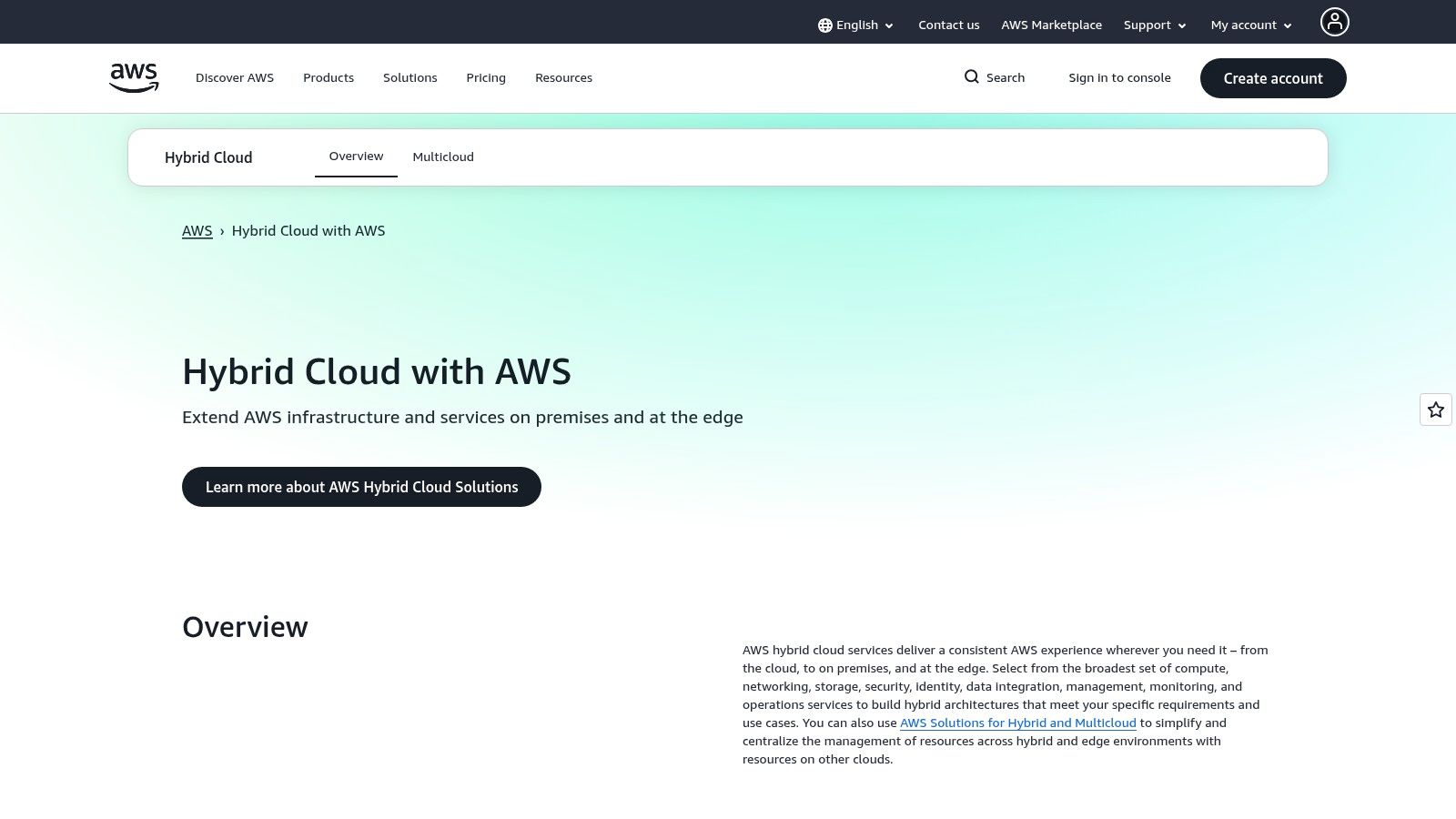
The flagship offering, AWS Outposts, is a fully managed service that delivers a rack of AWS infrastructure to your facility. This allows you to run services like Amazon EC2, S3, and RDS locally while managing them from the same AWS console. For containerized workloads, ECS Anywhere and EKS Anywhere enable you to run and manage container orchestration on your own hardware, providing operational consistency.
Key Considerations
- Use Case: Best for existing AWS customers needing low-latency compute for local data processing, financial trading, or factory automation, while maintaining a single control plane.
- Implementation: Outposts involves significant planning for physical space, power, and networking. It requires a hardware commitment with lead times. The "Anywhere" services offer a software-only path but require you to manage the underlying infrastructure.
- Pricing: Outposts pricing combines term-based hardware capacity charges with standard pay-as-you-go rates for AWS services running on it. This can make cost modeling complex.
A critical decision point for businesses is understanding the exact boundary between their public and private environments. For a deeper analysis of how these models compare, you can explore the differences between hybrid cloud vs multi-cloud strategies.
Pros: A single vendor for cloud and on-prem reduces integration complexity and skill gaps. You gain access to a mature, extensive ecosystem of tools and support.
Cons: Outposts requires upfront capacity planning and a physical hardware footprint. Cost management can be intricate, blending fixed hardware costs with variable service usage fees.
Visit the AWS Hybrid Cloud Website
2. Microsoft Azure – Azure Arc + Azure Stack HCI (Azure Local)
Microsoft’s approach to hybrid cloud computing focuses on extending its Azure control plane to any infrastructure, anywhere. For organizations invested in the Azure ecosystem, this strategy offers a familiar management and security experience across on-premises, multi-cloud, and edge environments. This makes it a strong choice for businesses aiming to standardize governance and operations without being locked into a specific hardware vendor.
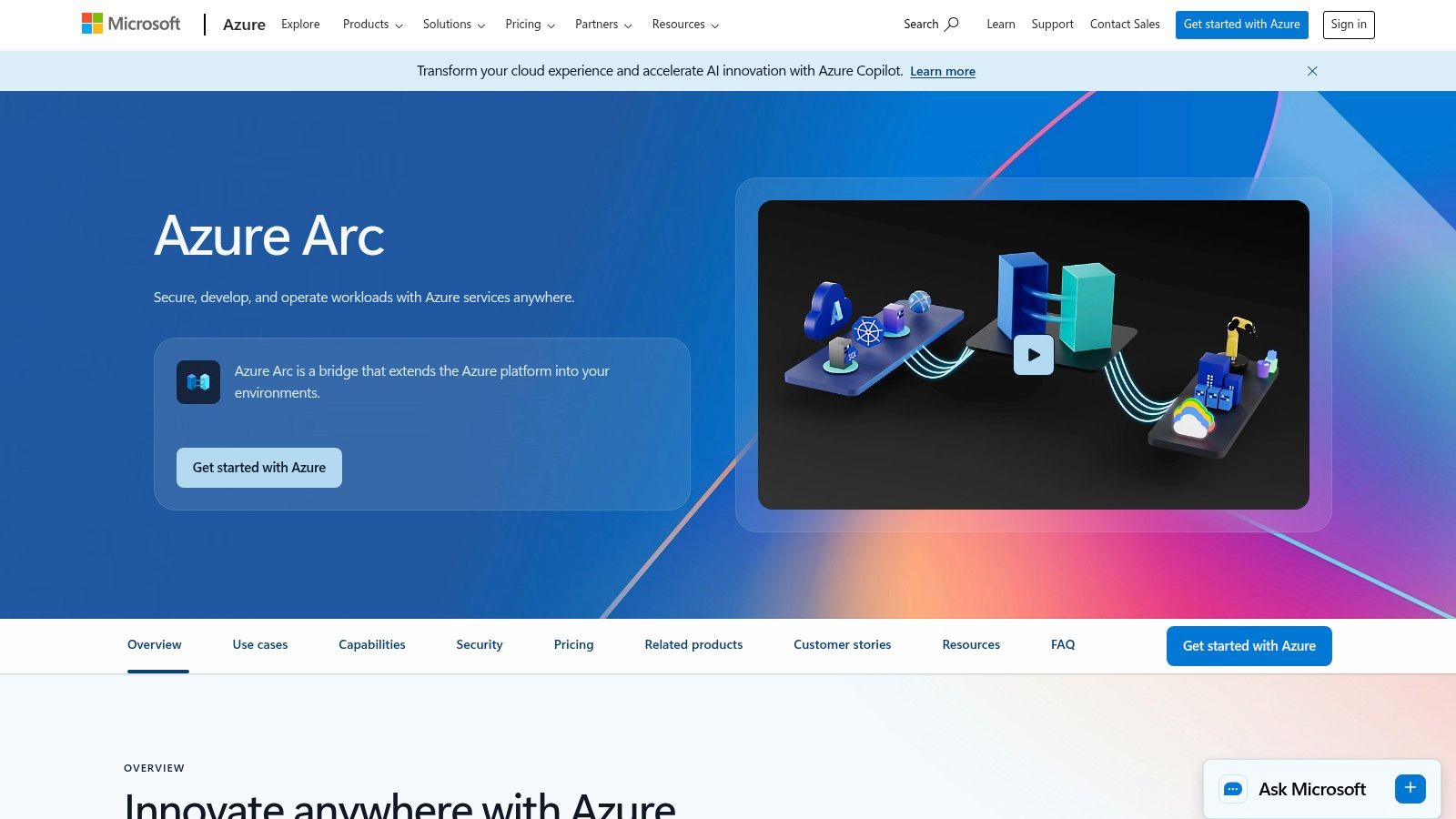
The core of this strategy is Azure Arc, which projects existing non-Azure and on-premises resources into Azure Resource Manager. This enables you to apply Azure security, governance, and management services like Defender for Cloud and Update Manager to servers and Kubernetes clusters, regardless of where they run. For on-premises infrastructure, Azure Stack HCI provides a cloud-integrated hyperconverged operating system, allowing you to run virtual machines and Arc-enabled services on validated hardware in your data center.
Key Considerations
- Use Case: Ideal for businesses that want a unified management plane for diverse infrastructure, including legacy servers and multi-cloud Kubernetes clusters. It's well suited for enforcing consistent security policies and simplifying compliance across hybrid estates.
- Implementation: Azure Arc is primarily software-based, connecting to existing servers via an agent. Azure Stack HCI requires deploying Microsoft-validated hardware from a partner ecosystem, which demands planning for procurement and setup.
- Pricing: Azure Stack HCI is billed per physical core, providing a predictable cost model for on-premises capacity. Arc-enabled services are often priced per-resource or per-feature, which can add up, so careful monitoring of usage is necessary.
Choosing the right public cloud provider is a significant decision. For a detailed breakdown of the major players, you can explore this comparison of AWS vs Azure vs GCP.
Pros: The familiar Azure control plane simplifies policy and security management at scale. The per-core pricing for Azure Stack HCI makes capacity planning straightforward.
Cons: Some Arc and HCI capabilities come with additional per-service charges that can complicate cost forecasting. Deploying Azure Stack HCI requires hardware that meets specific validation requirements.
3. Google Cloud – Google Distributed Cloud (GDC) and Anthos
For organizations prioritizing modern, container-based applications, Google Cloud extends its powerful Kubernetes engine to the data center and edge. The portfolio, combining Google Distributed Cloud (GDC) and Anthos, delivers a consistent platform for building and managing applications across diverse environments. This makes it one of the key hybrid cloud computing providers for companies standardizing on Kubernetes for operational consistency.
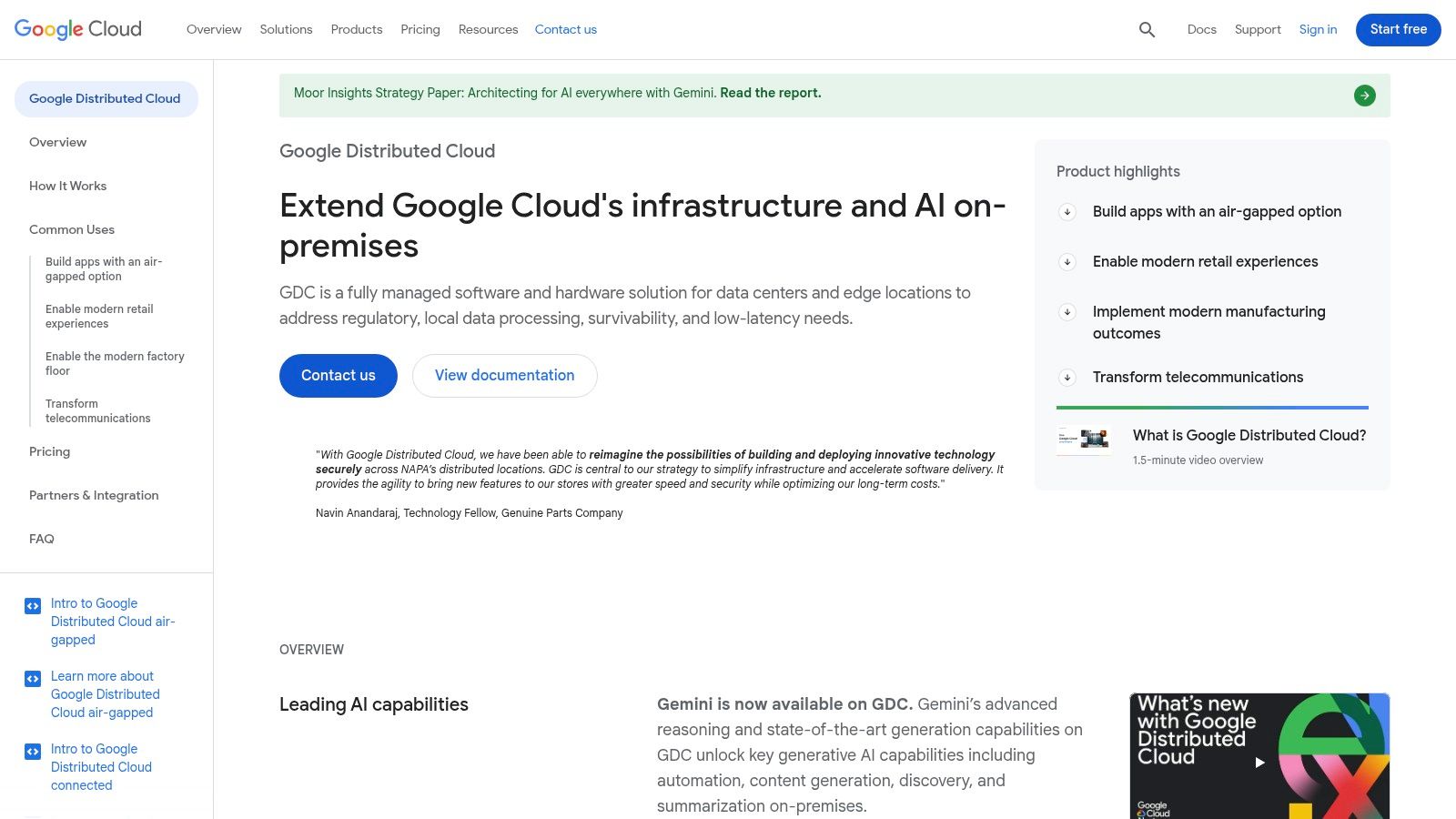
Google Distributed Cloud offers fully managed hardware and software solutions that can run connected to Google Cloud or in a completely air-gapped configuration for high-security needs. Anthos, the software layer, enables you to run Google Kubernetes Engine (GKE) on your own hardware, such as existing VMware or bare metal servers. This provides flexibility while centralizing management and policy enforcement.
Key Considerations
- Use Case: Ideal for organizations building a modern application portfolio on Kubernetes who need a unified control plane for on-prem and cloud deployments. Strong for hybrid AI/ML use cases that integrate with Google AI like Gemini.
- Implementation: GDC provides a hardware-inclusive path, while Anthos offers a software-only deployment. The software option requires you to manage the underlying infrastructure but gives you more control over existing hardware investments.
- Pricing: The portfolio's licensing and pricing can be complex, with most options requiring a direct sales quote. This makes upfront cost estimation more challenging compared to providers with publicly listed pricing.
A major decision point is whether a fully managed hardware appliance or a software-only overlay best fits your operational model and existing infrastructure. Anthos provides a flexible software path, while GDC offers a turnkey solution.
Pros: Provides excellent Kubernetes consistency and lifecycle management across all sites. The air-gapped GDC option is a significant advantage for industries with strict governance and data sovereignty rules.
Cons: The portfolio's various options and licensing models can be difficult to navigate. A heavy reliance on sales-led pricing can obscure total cost of ownership during the evaluation phase.
Visit the Google Distributed Cloud Website
4. IBM Cloud – IBM Cloud Satellite
IBM Cloud Satellite offers a distributed cloud model designed for organizations that want to run IBM Cloud services anywhere: on-premises, in other public clouds, or at the edge. It establishes a secure link to IBM Cloud, allowing you to deploy and manage services like databases, AI/ML toolchains, and Red Hat OpenShift on your own infrastructure using a single, unified control plane. This makes it one of the most flexible hybrid cloud computing providers for companies with diverse infrastructure footprints.
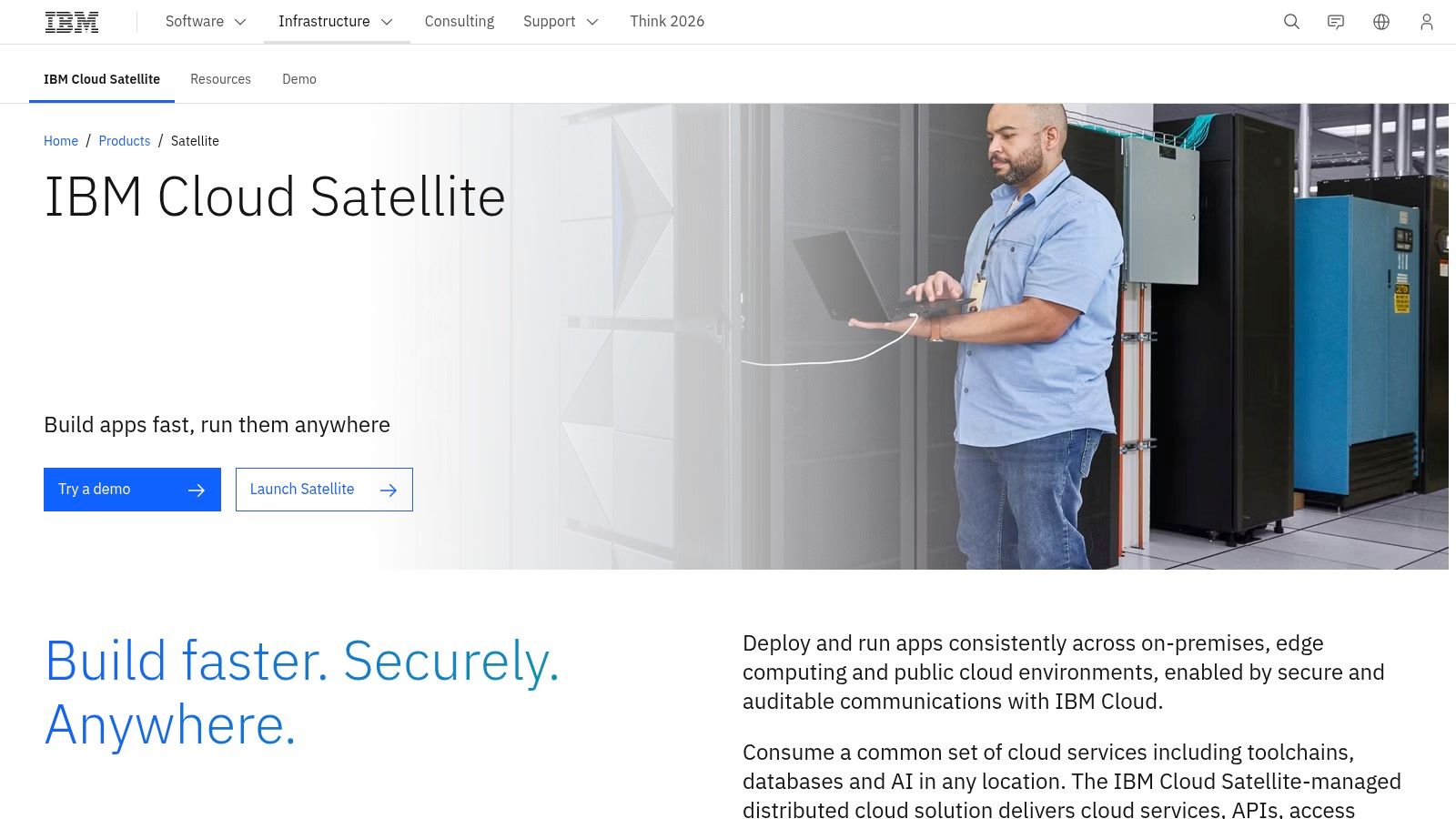
The core concept is creating a "Satellite location" on your hardware, which then appears in your IBM Cloud account. From there, you can deploy IBM-managed services to that location just as you would to a public IBM Cloud region. This is particularly powerful for containerized applications, given its deep integration with Red Hat OpenShift, enabling consistent CI/CD pipelines and application management across all environments.
Key Considerations
- Use Case: Excellent for running IBM's managed data and AI services on-premises for compliance or data sovereignty. Also strong for creating a consistent OpenShift environment that spans multiple clouds (AWS, Azure, GCP) and private data centers.
- Implementation: Requires setting up host machines (Linux) that meet specific requirements to create the Satellite location. IBM manages the control plane and service operations, but you are responsible for the underlying hardware and its connectivity.
- Pricing: The Satellite location management fee is separate from the costs of the IBM Cloud services you deploy to it. This means you pay for the services (e.g., a database) on a pay-as-you-go basis, plus a location fee, making careful scoping necessary to predict total cost.
Choosing a provider often comes down to your existing ecosystem. If your organization is already invested in IBM middleware or Red Hat, Satellite presents a natural and consistent extension.
Pros: Strong multicloud and OpenShift support provides great flexibility. IBM-managed Day-2 operations for services can significantly reduce your team's operational burden.
Cons: Pricing is complex, combining a management fee with per-service costs that require a custom quote. Proper infrastructure planning is essential to avoid performance bottlenecks or unexpected costs.
Visit the IBM Cloud Satellite Website
5. Oracle Cloud Infrastructure (OCI) – Dedicated Region / Cloud@Customer
For organizations heavily invested in the Oracle ecosystem, especially those running critical database workloads, OCI presents a compelling hybrid cloud model. It brings the entirety of the public OCI region, including all services and APIs, directly into your data center. This approach provides operational parity and consistent pricing, making it a strong choice for companies with strict data residency, security, or low-latency processing needs that cannot be met by public cloud regions alone.
The two main offerings are OCI Dedicated Region and Cloud@Customer. Dedicated Region is a self-contained, fully managed private cloud region that mirrors an OCI public region. Cloud@Customer delivers specific OCI services, like the powerful Exadata Database Service, to run on managed infrastructure within your facility. Both options ensure you can manage on-premises resources with the same console and tools as your public cloud deployments, which is a key advantage for hybrid cloud computing providers.
Key Considerations
- Use Case: Ideal for existing Oracle customers in regulated industries like finance, healthcare, or government that need to modernize applications while keeping sensitive data on-premises. It is particularly suited for running high-performance Oracle Database and Exadata workloads.
- Implementation: Requires significant upfront planning and enterprise-scale commitment. The deployment involves detailed solution design for physical space, power, and networking in your data center, with a non-trivial onboarding process.
- Pricing: A major differentiator is Oracle’s commitment to consistent pricing across public and dedicated deployments. This predictability can simplify financial planning and FinOps, though the initial investment for the dedicated infrastructure is substantial.
Pros: Provides a predictable, consistent pricing model that simplifies cost management between public and private environments. It offers an unmatched fit for organizations needing to run Oracle Database or Exadata workloads on-premises.
Cons: The commitment level and initial setup are aimed at large enterprises, making it less accessible for smaller businesses. The onboarding and operational setup can be complex and require specialized expertise.
Visit the Oracle Cloud Website
6. VMware by Broadcom – VMware Cloud Foundation (VCF) and hyperscaler VMware solutions
For organizations heavily invested in VMware's virtualization stack, VMware Cloud Foundation (VCF) offers a direct path to hybrid cloud. This full-stack platform bundles vSphere, vSAN, NSX, and Aria to create a consistent software-defined data center (SDDC) that operates identically on-premises and within major public clouds. This model is one of the most effective hybrid cloud computing providers for enterprises wanting to migrate workloads with minimal application refactoring or re-skilling of their existing vSphere administrators.
The hybrid capability is realized through managed services like Azure VMware Solution (AVS) and Google Cloud VMware Engine (GCVE). These offerings allow you to run the native VMware SDDC stack on dedicated bare-metal hardware inside the hyperscalers' data centers. This provides direct, low-latency access to native cloud services while maintaining operational consistency with your private cloud environment.
Key Considerations
- Use Case: Ideal for organizations performing large-scale, "lift-and-shift" migrations to the cloud, aiming for data center extension, or establishing disaster recovery sites without changing operational tools.
- Implementation: Deployment involves procuring the VCF stack for on-premises and subscribing to a managed VMware service in the public cloud. It requires careful network planning to establish connectivity between environments but preserves existing operational workflows.
- Pricing: Following the Broadcom acquisition, VMware has shifted to a subscription model based on per-core licensing. Pricing for cloud-based VMware solutions varies by hyperscaler and is sold through Broadcom and its partners, so a thorough review of commercial terms is critical.
Pros: Accelerates cloud migration by minimizing the need for application modernization. Leverages existing VMware skill sets and tools, reducing the learning curve for IT teams.
Cons: Recent, significant changes to licensing and the partner program under Broadcom require careful evaluation. The commercial terms can vary significantly depending on the sales channel and specific cloud provider.
Visit the VMware by Broadcom Website
7. Red Hat OpenShift – Hybrid Cloud Application Platform
For organizations prioritizing a consistent, enterprise-grade Kubernetes experience, Red Hat OpenShift provides a robust application platform designed for hybrid and multi-cloud realities. It abstracts away the underlying infrastructure, allowing developers and operations teams to build, deploy, and manage containerized applications the same way, whether on-premises or across public clouds like AWS, Azure, and GCP. This makes it one of the leading hybrid cloud computing providers for enterprises standardizing on containers.
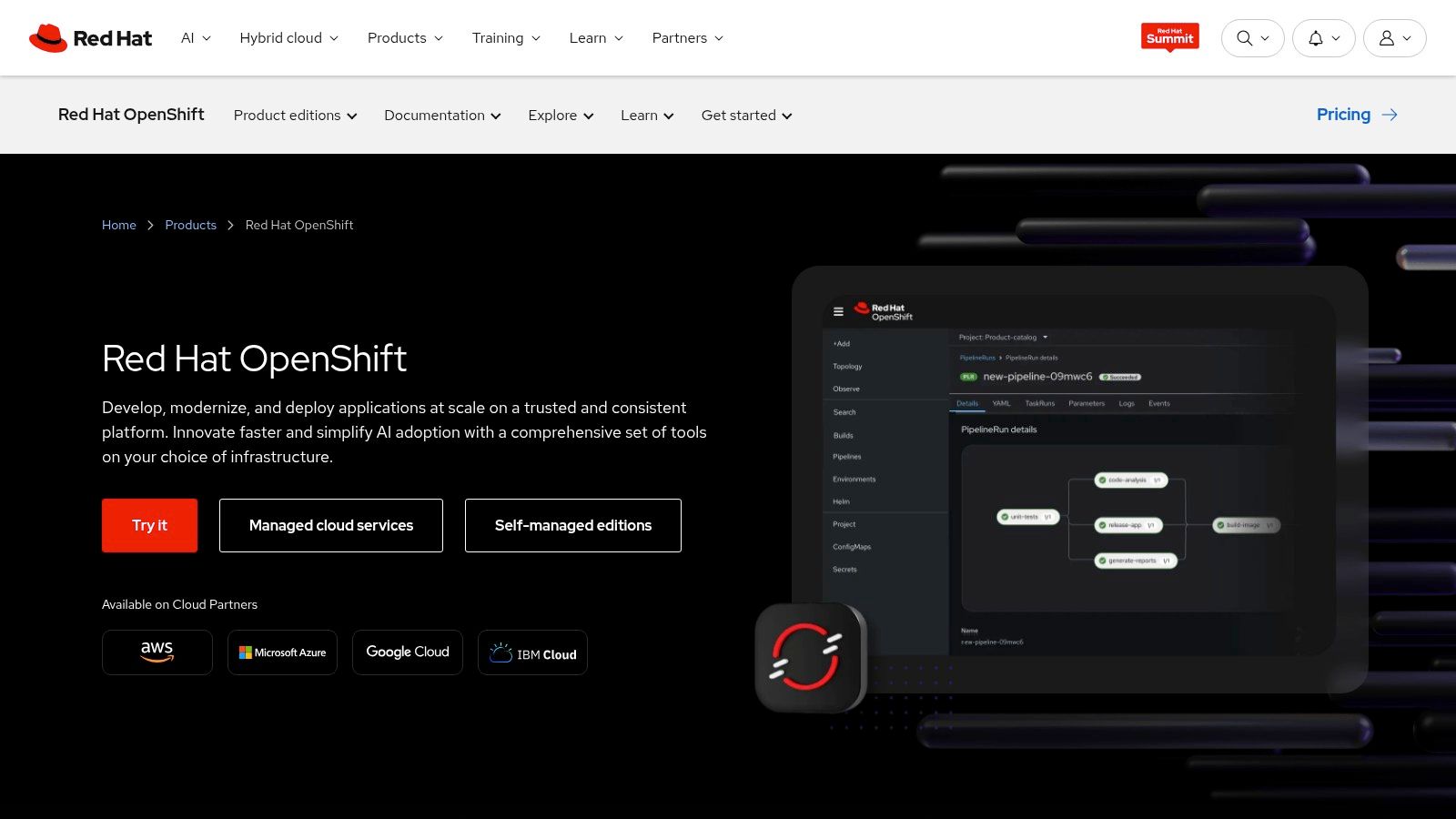
At its core, OpenShift is an enterprise Kubernetes distribution bundled with integrated CI/CD pipelines, service mesh, monitoring, and security tooling. Built on Red Hat Enterprise Linux CoreOS, it offers a secure and immutable foundation for clusters. Its flexibility is a key differentiator, with deployment models ranging from self-managed on your own hardware to fully managed services offered directly by Red Hat or through major cloud provider marketplaces.
Key Considerations
- Use Case: Ideal for businesses that want a single, portable application platform to run anywhere, avoiding vendor lock-in at the cloud infrastructure layer. It suits teams with mature DevOps practices needing a full-featured container environment.
- Implementation: Self-managed OpenShift requires significant Kubernetes expertise and operational overhead. Managed options on public clouds or Red Hat OpenShift on IBM Cloud offer a much faster path to production but come with their own cost structures.
- Pricing: Pricing for self-managed OpenShift is quote-based and depends on the number of cores and support level. Managed cloud versions often follow a pay-as-you-go model for the control plane and worker nodes, which can simplify budgeting.
Pros: Delivers a common developer and operational experience across all infrastructure, backed by strong enterprise support. Its broad ecosystem of certified partners and tools is a major advantage for complex deployments.
Cons: Self-managed versions carry a steep learning curve and high operational cost. The all-inclusive nature means it can be more resource-intensive than a vanilla Kubernetes installation.
Visit the Red Hat OpenShift Website
8. HPE GreenLake – Hybrid Cloud Platform (as‑a‑Service)
For organizations seeking cloud-like economics without moving workloads off-premises, HPE GreenLake offers a compelling "as-a-service" model. It effectively flips the traditional hardware procurement process on its head, allowing you to consume compute, storage, and private cloud on-premises with a pay-per-use, operational expenditure (OPEX) approach. This makes it one of the more financially distinct hybrid cloud computing providers.
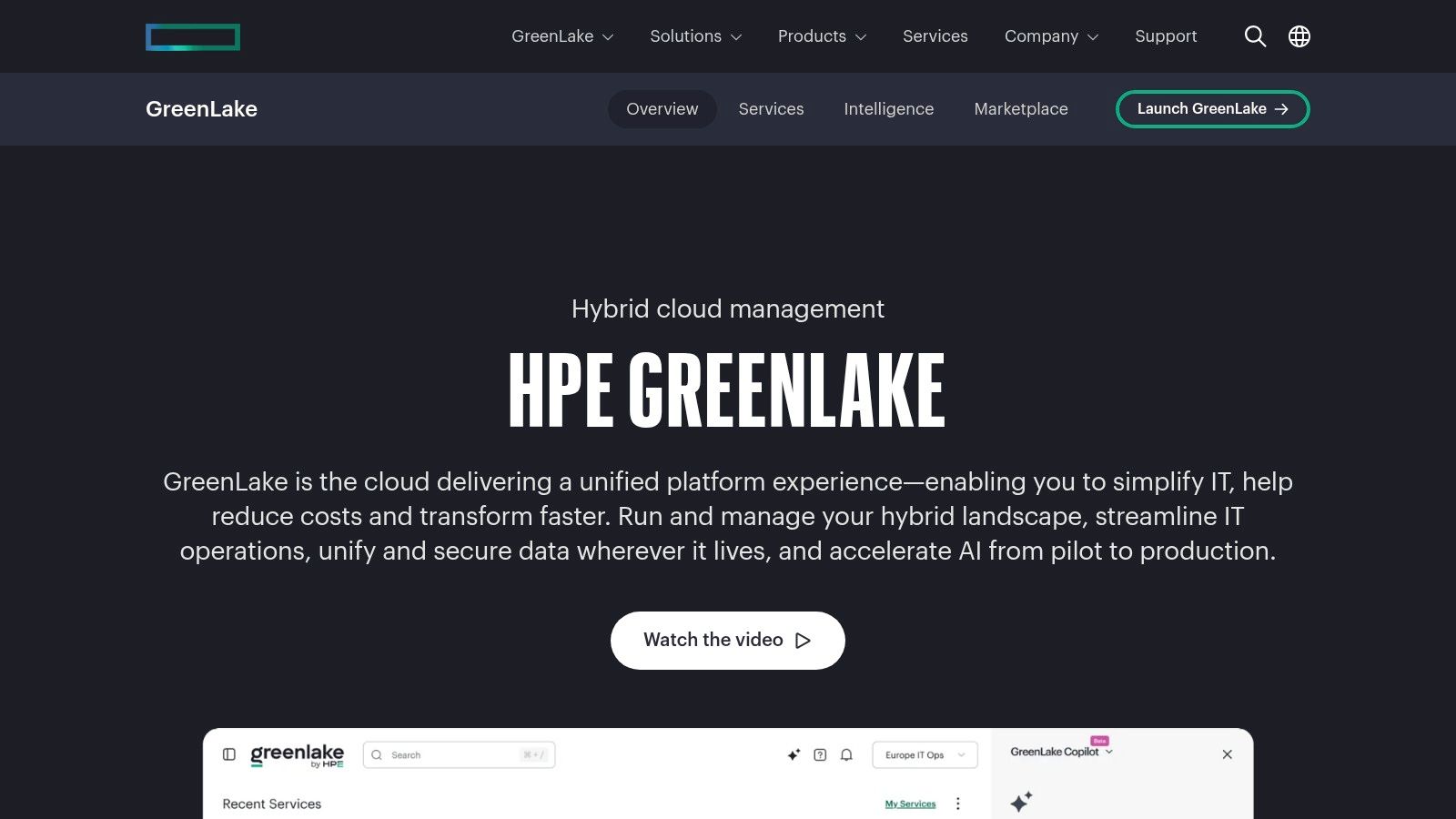
The platform’s core is built around delivering HPE infrastructure with cloud-like metering and capacity buffers, ensuring you can scale up without waiting for new hardware. Offerings for private cloud, data analytics, and even AI workloads are delivered via monthly subscriptions. A key differentiator is the option for fully managed services, which offloads the operational burden of lifecycle management from your internal IT teams.
Key Considerations
- Use Case: Ideal for businesses that want to shift from CAPEX to predictable OPEX for on-prem infrastructure. It's also a strong fit for organizations needing to meet data sovereignty rules or run latency-sensitive applications locally while enjoying a cloud consumption model.
- Implementation: Setup involves an initial assessment and sizing process with HPE or a partner to determine capacity needs. Since it’s a managed service, the hardware deployment and configuration are handled for you, simplifying the rollout.
- Pricing: Billing is a monthly subscription based on metered usage. While this provides cost predictability, most agreements involve multi-year commitments that require careful upfront capacity planning to avoid paying for under-utilized resources.
Pros: Provides predictable OPEX for on-premises capacity and complements public cloud strategies. You benefit from a broad HPE server and storage portfolio with global channel support.
Cons: Multi-year commitments are common and demand careful sizing to be cost-effective. There is a risk of under-utilization if workload demand does not match the provisioned capacity.
Visit the HPE GreenLake Website
9. Dell Technologies – Dell APEX Cloud Platform for Microsoft Azure
For organizations committed to the Microsoft ecosystem, Dell offers a turnkey solution designed to accelerate hybrid deployments. The Dell APEX Cloud Platform for Microsoft Azure is co-engineered with Microsoft to extend and optimize Azure hybrid cloud services like Azure Arc, Azure Stack HCI, and Azure Kubernetes Service (AKS) on validated Dell infrastructure. This approach delivers a consistent operational model for teams managing workloads across their data center and the public Azure cloud.
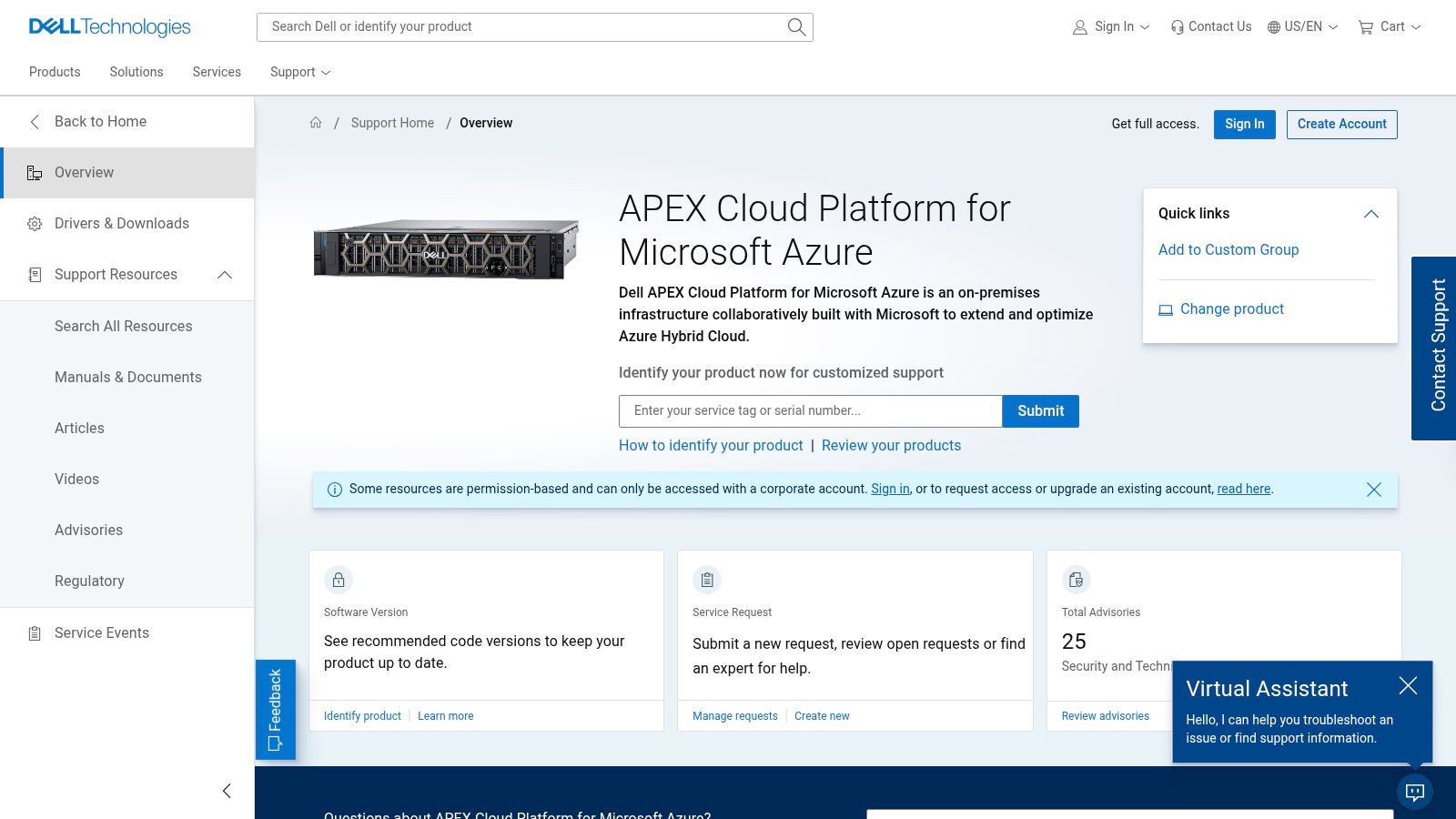
This platform stands out by providing native integrations with Azure management tools, including visibility directly within the Azure portal for monitoring and insights. Dell manages the lifecycle automation, validation, and support, creating a single-vendor experience for the entire hardware and software stack. This model is one of the more direct routes for hybrid cloud computing providers focused on Azure.
Key Considerations
- Use Case: Best for businesses that want a pre-validated, on-premises platform to run Azure services. It's ideal for those seeking to simplify hardware procurement and lifecycle management for their Azure Stack HCI deployment.
- Implementation: The solution is designed as a turnkey offering, which simplifies the initial setup compared to building an Azure Stack HCI environment from scratch. It still requires planning for data center space, power, and networking.
- Pricing: Costs are determined on a quote-by-quote basis. The pricing model combines hardware, software subscriptions, and Azure service consumption, with commercial terms that can vary based on the specific configuration and support levels required.
Pros: Accelerates Azure-centric hybrid deployments with validated hardware and software. A single-vendor stack for hardware and Azure HCI software simplifies support and reduces integration friction.
Cons: Pricing is complex and not transparent, requiring direct engagement for a quote. Commercial terms are variable and depend heavily on the final configuration and service level agreements.
Visit the Dell APEX Cloud Platform for Microsoft Azure Website
10. Nutanix – Nutanix Cloud Platform and Nutanix Cloud Clusters (NC2) on AWS/Azure
Nutanix offers a software-defined hybrid multicloud stack designed for organizations that want operational consistency and license portability between their on-premises data centers and public clouds. The platform allows you to run applications on a uniform stack that extends from your private environment to bare-metal instances within AWS and Azure. This makes it one of the key hybrid cloud computing providers for teams aiming to avoid cloud-specific lock-in.
The core offering, Nutanix Cloud Clusters (NC2), enables you to move your on-prem Nutanix workloads to dedicated hosts in AWS or Azure without re-architecting them. Using the native AHV hypervisor and Prism management console, you can manage both VMs and containers across all environments from a single interface. This is particularly effective for disaster recovery, on-demand capacity bursting, and migrating applications seamlessly.
Key Considerations
- Use Case: Ideal for organizations already invested in Nutanix on-prem seeking a straightforward path to cloud for DR or bursting. It also suits businesses wanting to maintain a consistent operating model and tooling across private and public infrastructure.
- Implementation: NC2 deploys Nutanix software onto dedicated bare-metal servers in the public cloud. This requires planning for network integration with your existing VPC/VNet and understanding the cloud provider's bare-metal instance specifications.
- Pricing: The model combines the cost of the underlying bare-metal cloud infrastructure with Nutanix software licensing. Nutanix offers flexibility with bring-your-own-license (BYOL) and pay-as-you-go options, but careful cost management is needed to balance these two expense streams.
Pros: Provides excellent operational consistency and tooling across private and multiple public cloud environments. Flexible licensing models accommodate different cloud consumption preferences and allow license portability.
Cons: Total cost includes both cloud provider bare-metal fees and Nutanix software, requiring careful financial planning. Managing a mixed environment involves both commercial and operational considerations.
Visit the Nutanix Hybrid Multicloud Website
11. Cisco – Hybrid Cloud Infrastructure Management (Cisco Intersight, Nexus Dashboard)
For organizations heavily invested in Cisco hardware for their data centers, extending management into a hybrid model is a natural progression. Cisco provides a suite of tools centered on unified operations, allowing teams to manage compute, Kubernetes, networking, and costs from a central point. This approach is built for enterprises that want to maintain operational control across their on-premises Cisco UCS servers, HyperFlex systems, and public cloud environments without needing to retrain staff on entirely new platforms.
The core offerings are Cisco Intersight, a SaaS platform for infrastructure and workload optimization, and Nexus Dashboard, which unifies multicloud networking. Intersight helps manage Cisco hardware and Kubernetes clusters, while its Workload Optimizer tool analyzes application demand to recommend ideal workload placement for performance and cost. Nexus Dashboard provides a single interface for network policy and orchestration across different cloud domains.
Key Considerations
- Use Case: Best for existing Cisco customers who want a single management plane for their on-premises UCS and HyperFlex infrastructure alongside their public cloud resources. It simplifies operations for network-centric hybrid deployments.
- Implementation: Deployment involves integrating Intersight with on-premises hardware and cloud accounts. The platform is software-based, avoiding a large physical hardware footprint for the management plane itself.
- Pricing: Cisco uses a subscription-based licensing model with tiers like Essentials and Advantage, which unlock different capabilities. The overall cost can become complex as you add more services and features, requiring careful evaluation against your specific needs.
Pros: Provides centralized hybrid operations for organizations standardized on Cisco data center and networking gear. It effectively bridges the gap between traditional IT infrastructure and modern cloud services.
Cons: The licensing structure can be intricate, and total costs may escalate at scale. It offers the most value within a Cisco-centric ecosystem, potentially limiting its appeal for more heterogeneous environments.
Visit the Cisco Hybrid Cloud Website
12. NetApp – BlueXP and Cloud Volumes ONTAP (Hybrid Multicloud Data Platform)
For organizations prioritizing data management and mobility above all else, NetApp presents a data-centric approach to hybrid cloud. Instead of focusing on compute and application orchestration, NetApp’s platform provides a consistent data storage and services layer that spans on-premises infrastructure and major public clouds like AWS, Azure, and GCP. This makes it one of the most compelling hybrid cloud computing providers for enterprises with complex data replication, disaster recovery, and compliance needs.
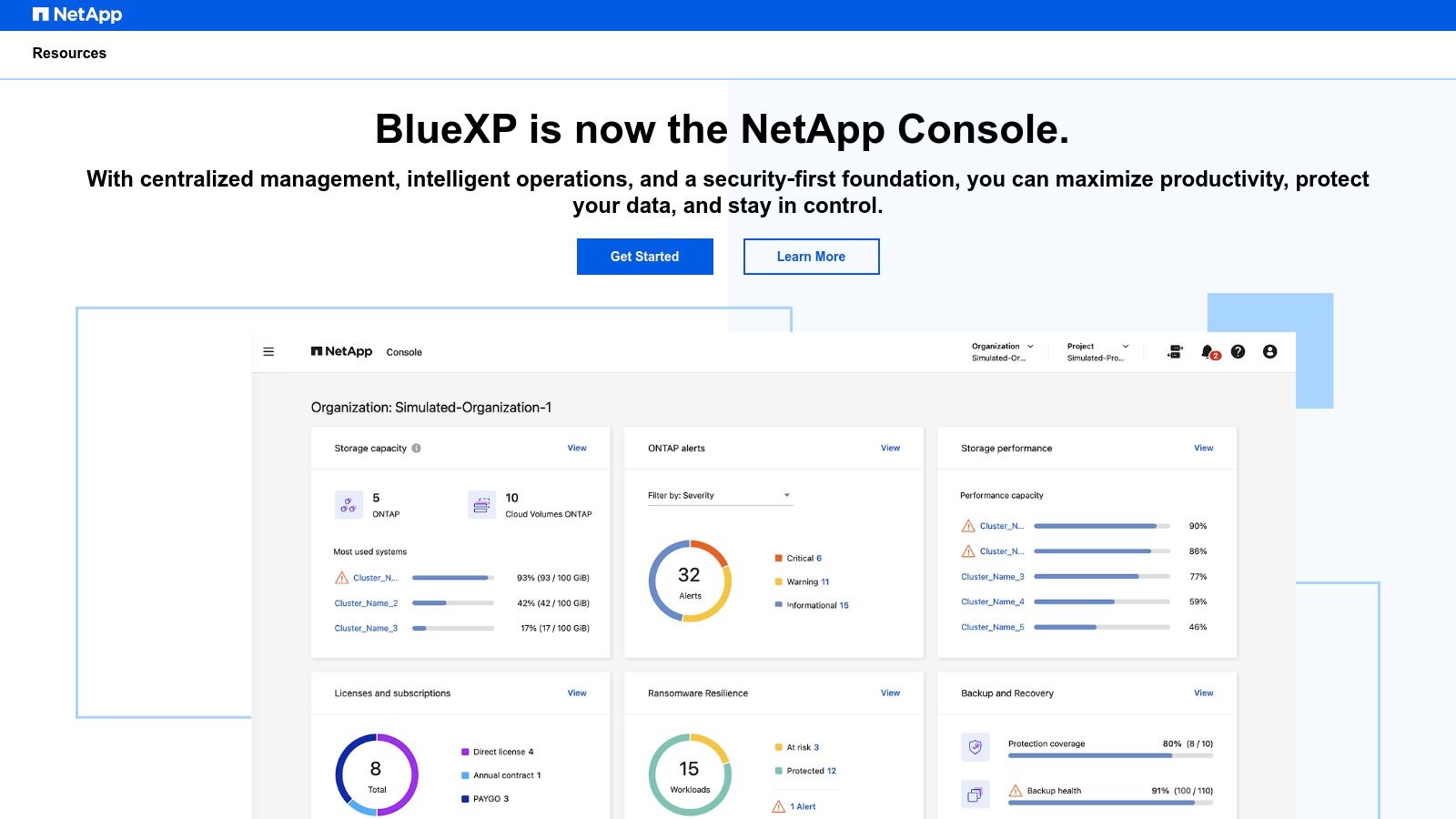
The core components are Cloud Volumes ONTAP, which runs NetApp's data management software on cloud infrastructure, and BlueXP, the unified control plane for managing it all. This combination allows you to seamlessly move data, apply consistent policies for backup and ransomware protection, and optimize storage costs with features like tiering and deduplication, regardless of where your data lives. It abstracts away the differences between cloud storage services.
Key Considerations
- Use Case: Best for data-heavy workloads requiring robust disaster recovery, data mobility between clouds, or cost optimization for large storage footprints. It's strong for file services and block storage in a multicloud context.
- Implementation: Deployment involves subscribing to Cloud Volumes ONTAP through a cloud marketplace and connecting it to the BlueXP control plane. While software-based, it requires understanding both NetApp's ONTAP and the target cloud's networking and security.
- Pricing: Involves NetApp software licenses (often pay-as-you-go or BYOL) on top of the underlying cloud provider's infrastructure costs. Careful cost modeling is needed to account for both.
Managing data consistently across different environments is a central challenge, and understanding the right tools is key. To get a better handle on this, you can review some effective strategies for multi-cloud management.
Pros: Excellent data mobility and disaster recovery capabilities across hybrid and multicloud environments. Powerful data efficiency features can significantly reduce primary storage and egress costs.
Cons: Introduces another software layer and license to manage on top of cloud infrastructure. Requires careful planning for governance and role-based access control within the BlueXP control plane.
Visit the NetApp BlueXP Website
Top 12 Hybrid Cloud Providers: Feature Comparison
| Solution | Core capabilities | Target audience | Unique selling points | Ease of deployment & UX | Pricing model |
|---|---|---|---|---|---|
| AWS – Outposts, Local Zones, ECS/EKS Anywhere, Direct Connect | On‑prem racks & software, container anywhere, low‑latency zones, private network links | AWS-centric teams wanting native tooling with local workloads | Native AWS APIs and broad service parity; low‑latency/edge options | Mature console; Outposts hardware lead times; complex billing | Consumption + hardware/capacity charges |
| Microsoft Azure – Azure Arc + Azure Stack HCI | Azure management across servers & K8s; validated HCI OS for VMs | Azure shops needing a familiar control plane on non‑Azure infra | Unified Azure policy, Defender, Update Manager across estates | Integrated Azure portal; some features add per‑service costs | Per‑resource/feature and per‑core HCI pricing |
| Google Cloud – Distributed Cloud & Anthos | Anthos/GKE for consistent K8s on‑prem/edge; managed or software‑only options | Kubernetes‑first orgs and teams integrating hybrid AI | K8s consistency across sites; air‑gapped options; AI integration | Strong K8s lifecycle tooling; product/license complexity | Quote‑based; licensing options vary |
| IBM Cloud – Cloud Satellite | IBM services + Red Hat OpenShift deployed distributed with central observability | Enterprises needing IBM services on‑prem, compliance and managed ops | Deep OpenShift integration; IBM‑managed Day‑2 operations | Centralized dashboard; service scoping required | Quote‑based; service‑dependent pricing |
| Oracle OCI – Dedicated Region / Cloud@Customer | Full OCI region/managed services on‑prem with OCI parity | Oracle DB/Exadata workloads and regulated environments | Operational parity with OCI; consistent global pricing emphasis | Enterprise onboarding and detailed solution design | Enterprise commitments; quoted engagements |
| VMware by Broadcom – VCF & hyperscaler VMware | Full SDDC stack across data center and public cloud managed services | Organizations standardized on VMware seeking lift‑and‑shift | Minimal app changes; familiar vSphere operational model | Mature tooling; licensing/commercial terms evolving | Partner/quote-based; variable commercial terms |
| Red Hat OpenShift | Enterprise Kubernetes platform with DevOps toolchain & security | Teams wanting consistent developer/ops experience across clouds/on‑prem | Enterprise support, integrated security and service mesh | Multiple deployment models (managed/self‑managed/cloud); operational overhead varies | Quote‑based for self‑managed; variable by model |
| HPE GreenLake | On‑prem as‑a‑service: metering, capacity buffers and monthly billing | Orgs wanting on‑prem capacity with cloud‑like OPEX and managed services | Predictable OPEX for on‑prem capacity; HPE hardware portfolio | Subscription experience; multi‑year commitments common | Monthly subscription; often multi‑year contracts |
| Dell APEX for Microsoft Azure | Turnkey Azure‑validated on‑prem platform with Azure management | Azure‑centric orgs wanting validated hardware + Microsoft integration | Co‑engineered with Microsoft; lifecycle automation & Azure visibility | Turnkey validated designs; quoted solution delivery | Quote‑based: hardware + software + Azure services |
| Nutanix – Cloud Platform & NC2 | Software‑defined hybrid with license portability to AWS/Azure; unified management | Orgs seeking consistent VM/container ops and licensing flexibility | Licensing portability (BYOL/PAAS); Prism unified management | Consistent operations; careful cost & mixed‑env planning needed | BYOL or pay‑as‑you‑go; cloud + software costs |
| Cisco – Intersight & Nexus Dashboard | Cloud/on‑prem infra and multicloud networking orchestration; optimization tools | Cisco‑standardized data center and edge environments | Network orchestration paired with workload optimization | Subscription tiers; licensing matrix can be intricate | Subscription tiers (Essentials/Advantage); quote‑based |
| NetApp – BlueXP & Cloud Volumes ONTAP | Unified data management, tiering, DR, backup and ransomware protection across clouds | Teams needing data mobility, storage efficiency and DR across hybrid clouds | Consistent data services + spend optimization (tiering, dedupe) | Central control plane; adds software layer and RBAC planning | License/software + cloud marketplace billing; quote‑based |
Final Thoughts
Choosing from the extensive list of hybrid cloud computing providers is a critical decision, not a simple procurement task. As we have explored, the market offers a rich spectrum of solutions, from hyperscaler extensions like AWS Outposts and Azure Stack to platform-centric approaches like VMware Cloud Foundation and Red Hat OpenShift. Each provider presents a distinct philosophy on how to best merge on-premises infrastructure with public cloud resources. Your final choice will define your organization's operational agility, cost structure, and capacity for future growth for years to come.
The right partner depends entirely on your specific circumstances. A business heavily invested in the VMware ecosystem might find VMware Cloud Foundation or its integrations with hyperscalers the most direct path. Conversely, a DevOps team building modern, containerized applications from the ground up could find Google Anthos or Red Hat OpenShift offers the most consistent development and deployment experience across environments. For those requiring the full power of a public cloud region within their own data center for data sovereignty or ultra-low latency, solutions like Oracle Cloud@Customer and AWS Outposts provide that dedicated, managed hardware.
Key Factors for Your Decision
Before committing to one of these powerful platforms, your team must conduct a thorough internal assessment. Move beyond the marketing materials and focus on the practical realities of implementation and daily management.
Consider these critical factors:
- Existing Infrastructure and Skills: What technologies and platforms are your teams already using and proficient in? A solution that aligns with your current expertise in VMware, Microsoft, or Kubernetes will dramatically reduce the learning curve and speed up adoption. Introducing a completely new stack can create significant training overhead and operational friction.
- Application Modernization Strategy: Are you planning to lift and shift existing virtual machines, or are you re-architecting applications into microservices and containers? Providers like Google Anthos and Red Hat OpenShift are built for a container-native world, whereas others offer more robust support for legacy VM-based workloads.
- Management and Operational Model: Who will manage the hybrid environment? Do you want a fully managed, appliance-like experience where the vendor handles hardware and software updates (e.g., AWS Outposts, Azure Stack HCI)? Or does your team have the skills and desire to manage the infrastructure software stack themselves (e.g., self-managed OpenShift or Nutanix)?
- True Cost of Ownership (TCO): Look beyond the initial hardware or subscription costs. Factor in migration expenses, network connectivity charges (like AWS Direct Connect), staff training, and the potential need for third-party management tools. The "sticker price" is rarely the final bill.
Your Path Forward
Navigating the offerings from today's top hybrid cloud computing providers requires a strategic, not just a technical, mindset. Start by clearly defining your business objectives for adopting a hybrid model. Is the primary goal to reduce public cloud spending, meet strict data residency requirements, or provide low-latency compute closer to end-users? With clear goals in mind, you can effectively evaluate how each provider's unique strengths, limitations, and pricing models align with your needs.
This journey is not just about connecting a data center to the cloud; it is about building a unified, flexible, and cost-effective platform that empowers your developers and serves your business goals. Take the time to run pilot programs, engage with provider sales engineers, and talk to existing customers. The right hybrid cloud solution is out there, and with careful evaluation, you can find the perfect fit to propel your organization forward.
As you evaluate hybrid cloud computing providers and work to control costs across your on-premises and public cloud environments, managing resource availability becomes critical. CLOUD TOGGLE offers policy-driven automation to intelligently start and stop non-production resources, ensuring you only pay for what you use. Integrate it into your hybrid strategy to achieve significant cost savings and operational efficiency by visiting CLOUD TOGGLE.