Uncontrolled cloud spending is a significant challenge for businesses of all sizes. The ease of spinning up new resources, combined with complex pricing models from providers like AWS and Azure, means costs can escalate quickly. Idle instances, overprovisioned servers, and a general lack of visibility often lead to surprising and substantial bills at the end of the month. This financial drain directly impacts profitability and can stifle innovation by diverting funds from core business objectives.
The practice of bringing financial accountability to the variable spending model of the cloud, known as FinOps, provides a framework for managing these costs. However, a cultural shift alone is not enough. To truly gain control, teams need specialized tools. This is where cloud cost management softwares become indispensable. These platforms provide the necessary visibility, automation, and analytics to translate FinOps principles into tangible savings. They empower engineering, finance, and operations teams to collaborate effectively on cost optimization. For further exploration into the overarching principles and related discussions on Cloud Cost Management, various resources are available.
This guide is designed to help you navigate the crowded market of cloud cost management tools. We will provide a comprehensive roundup of the leading software solutions, from simple resource schedulers to full-featured enterprise platforms. You will find short profiles on each tool, detailing key features, supported clouds, pricing models, and ideal use cases. Each entry includes screenshots and direct links, enabling you to quickly assess which platform best fits your specific needs, whether you are a small business looking to cut your AWS bill or a large enterprise managing complex multi-cloud environments.
1. CLOUD TOGGLE
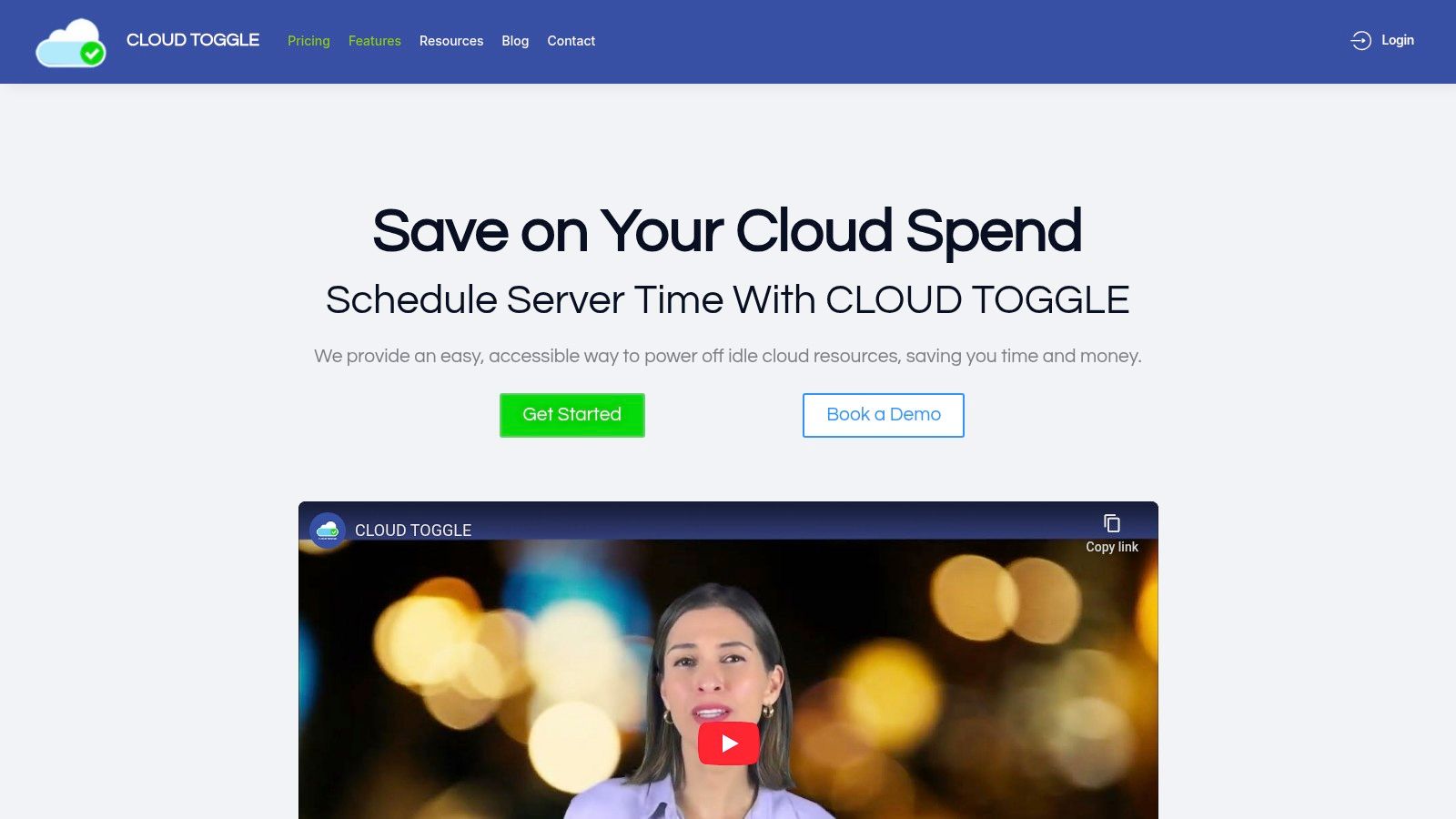
CLOUD TOGGLE presents a highly focused and effective solution for a critical area of cloud waste: idle compute resources. Positioned as a premier choice among cloud cost management softwares, it excels by providing a straightforward, policy-driven platform to automate the shutdown of non-production servers on AWS and Azure. This targeted approach delivers immediate and predictable savings, making it an ideal starting point for organizations beginning their cost optimization journey or for teams needing a dedicated tool for this specific, high-impact task.
Its core strength lies in its simplicity and accessibility. Unlike complex, all-in-one FinOps suites that can take months to master, CLOUD TOGGLE is designed for rapid adoption. The intuitive user interface allows DevOps, IT, and even non-technical finance teams to create and manage daily or weekly power schedules in minutes. This democratization of cost control is a significant advantage; it frees up senior engineers from managing routine shutdown tasks while empowering other stakeholders to contribute to savings. You can learn more about its foundational principles of cloud cost management on the company's blog.
Key Features and Use Cases
CLOUD TOGGLE's feature set is intentionally lean, concentrating on what matters for controlling idle server costs.
- Automated Scheduling: The platform's central function allows you to define "set-and-forget" schedules for virtual machines. A common use case is shutting down all development and staging environments outside of business hours (e.g., 7 PM to 7 AM on weekdays and all weekend), which can immediately reduce compute costs for those resources by over 60%.
- Role-Based Access Control (RBAC): This is a standout feature. It solves a major security and operational bottleneck by allowing managers to grant scheduling permissions to team members without giving them full access to the underlying AWS or Azure accounts. This means a project manager can instantly override a schedule to power on a server for a late-night test without needing to file an engineering ticket.
- Multi-Cloud Management: It provides a single dashboard to manage schedules across both AWS and Azure, simplifying operations for teams using a hybrid cloud strategy.
- Flexible Overrides: While automation is key, the platform allows for instant manual overrides to power servers on or off, ensuring that development workflows are never blocked by a rigid schedule.
Pricing and Availability
CLOUD TOGGLE offers a transparent, tiered pricing model that scales with usage, making it accessible for small teams and larger enterprises alike. All plans include a 30-day free trial to validate savings potential.
- Starter: $49/month for up to 15 servers, 1 team, 5 users, and 1 cloud connection.
- Growth: $99/month for up to 50 servers, 5 teams, 25 users, and 2 cloud connections.
- Business: $249/month for up to 200 servers, 10 teams, 100 users, and 5 cloud connections.
- Enterprise: Custom pricing is available for organizations with larger infrastructure needs.
Pros and Cons
Pros:
- Immediate ROI: Delivers measurable cost reductions from day one by targeting idle resources.
- Simplicity and Usability: The non-engineer-friendly interface ensures rapid team adoption.
- Secure Delegation: RBAC allows safe collaboration on cost savings without exposing sensitive cloud credentials.
- Scalable and Predictable: Pricing tiers align with growth, and the solution is easy to manage.
Cons:
- Limited Scope: It is not a comprehensive FinOps platform; it focuses exclusively on compute scheduling and does not manage Reserved Instances, savings plans, or storage costs.
- Narrow Cloud Support: Currently supports only AWS and Azure, which may not be suitable for organizations using Google Cloud Platform or other providers.
Website: https://cloudtoggle.com
2. AWS Marketplace (Cost Optimization and Cost Management)
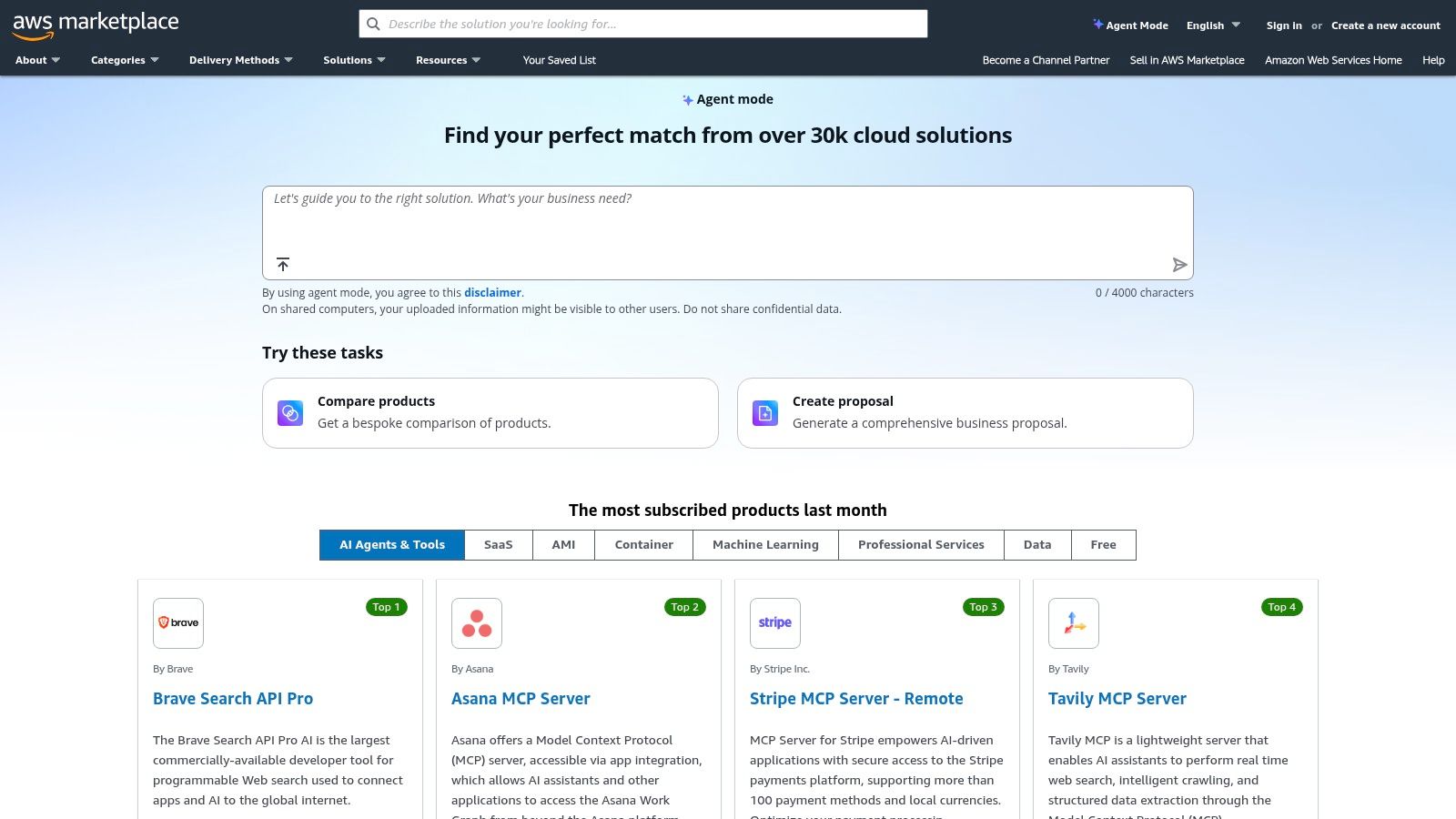
While not a singular software, the AWS Marketplace is a critical hub for any organization deeply invested in the AWS ecosystem. It acts as a digital catalog, allowing businesses to find, purchase, and deploy third-party cloud cost management softwares directly through their existing AWS account. This streamlined procurement process is its primary advantage, centralizing billing and simplifying vendor management. For FinOps teams, this means software subscriptions appear as a line item on their standard AWS invoice, creating a unified view of cloud expenditure.
Key Features and Use Cases
The platform's value extends beyond simple purchasing. AWS offers governance features like custom catalogs, enabling administrators to create a curated list of pre-approved tools for their teams. This prevents shadow IT and ensures compliance. Many listings also offer flexible consumption models, including trials and usage-based pricing, allowing you to test solutions before committing.
- Ideal Use Case: An established enterprise standardized on AWS needs to evaluate and purchase a new cost optimization tool. Using the Marketplace, they can leverage private offers for custom pricing and consolidate the new software's billing into their existing AWS Enterprise Discount Program (EDP).
- Implementation Tip: Navigating the vast selection and negotiating private offers can be complex. Working with specialized AWS Consultants can significantly enhance an organization's ability to identify the right tools and implement effective, long-term cost management strategies.
Pros and Cons
Pros:
- Consolidated Billing: Simplifies procurement and expense tracking by adding software costs directly to your AWS bill.
- Governance Controls: Enables creation of private, curated software catalogs for internal teams.
- Streamlined Deployment: Many tools offer one-click deployment via CloudFormation templates.
Cons:
- Vendor Lock-in: Tightly couples software procurement to the AWS ecosystem, which is less ideal for multi-cloud organizations.
- Pricing Opacity: Not all vendors list transparent pricing, often requiring direct contact for a quote.
Website: https://aws.amazon.com/marketplace/
3. Microsoft Azure Marketplace (Cost/FinOps solutions)
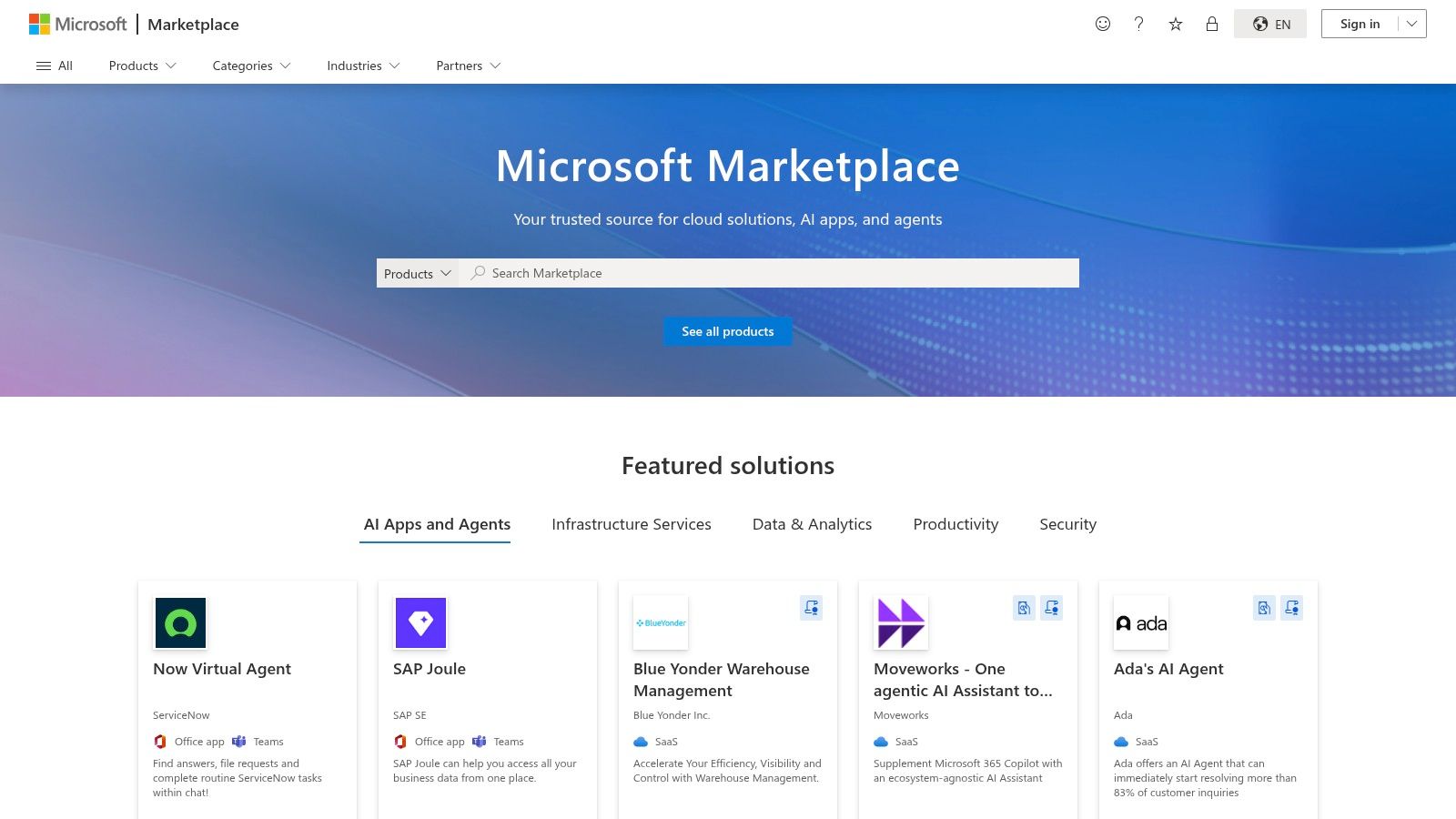
For organizations heavily invested in the Microsoft ecosystem, the Azure Marketplace serves as a vital resource hub. It's a digital storefront where businesses can discover, purchase, and deploy third-party cloud cost management softwares directly through their existing Azure accounts. Its key advantage is simplifying the procurement process; software purchases are consolidated and appear directly on the Microsoft Azure invoice. This creates a unified financial view for FinOps teams, integrating new tool costs with overall cloud spend.
Key Features and Use Cases
Beyond simple transactions, the marketplace aligns tightly with Azure's billing and governance frameworks. Purchases can be tied to specific Azure billing profiles for granular reporting within Azure Cost Management. The platform includes a mix of software-as-a-service (SaaS) applications and specialized consulting offers, providing a comprehensive catalog for optimizing Azure expenditure. Many listings leverage enterprise procurement options available through existing Microsoft agreements.
- Ideal Use Case: A company with a Microsoft Enterprise Agreement wants to add a new FinOps tool without a separate procurement cycle. They can use the Azure Marketplace to purchase a solution, have it billed directly to their agreement, and immediately see the cost data within their Azure Cost Management dashboard.
- Implementation Tip: Before purchasing, verify how a specific marketplace offer integrates with Azure Cost Management. Some tools provide deeper, more seamless reporting integration than others, which is a key factor for achieving a single-pane-of-glass view of your finances.
Pros and Cons
Pros:
- Unified Billing: Integrates software costs directly into your Azure bill, simplifying expense management and procurement.
- Tight Integration: Offers strong alignment with Azure Cost Management + Billing for centralized financial reporting.
- Enterprise Procurement: Leverages existing Microsoft agreements for streamlined purchasing and potential discounts.
Cons:
- Azure-Centric: Provides the most significant benefits for organizations standardized on Azure, offering less value for multi-cloud environments.
- Limited Price Transparency: Many listings require contacting the vendor for a quote, which can slow down the evaluation process.
Website: https://azuremarketplace.microsoft.com/
4. Apptio Cloudability
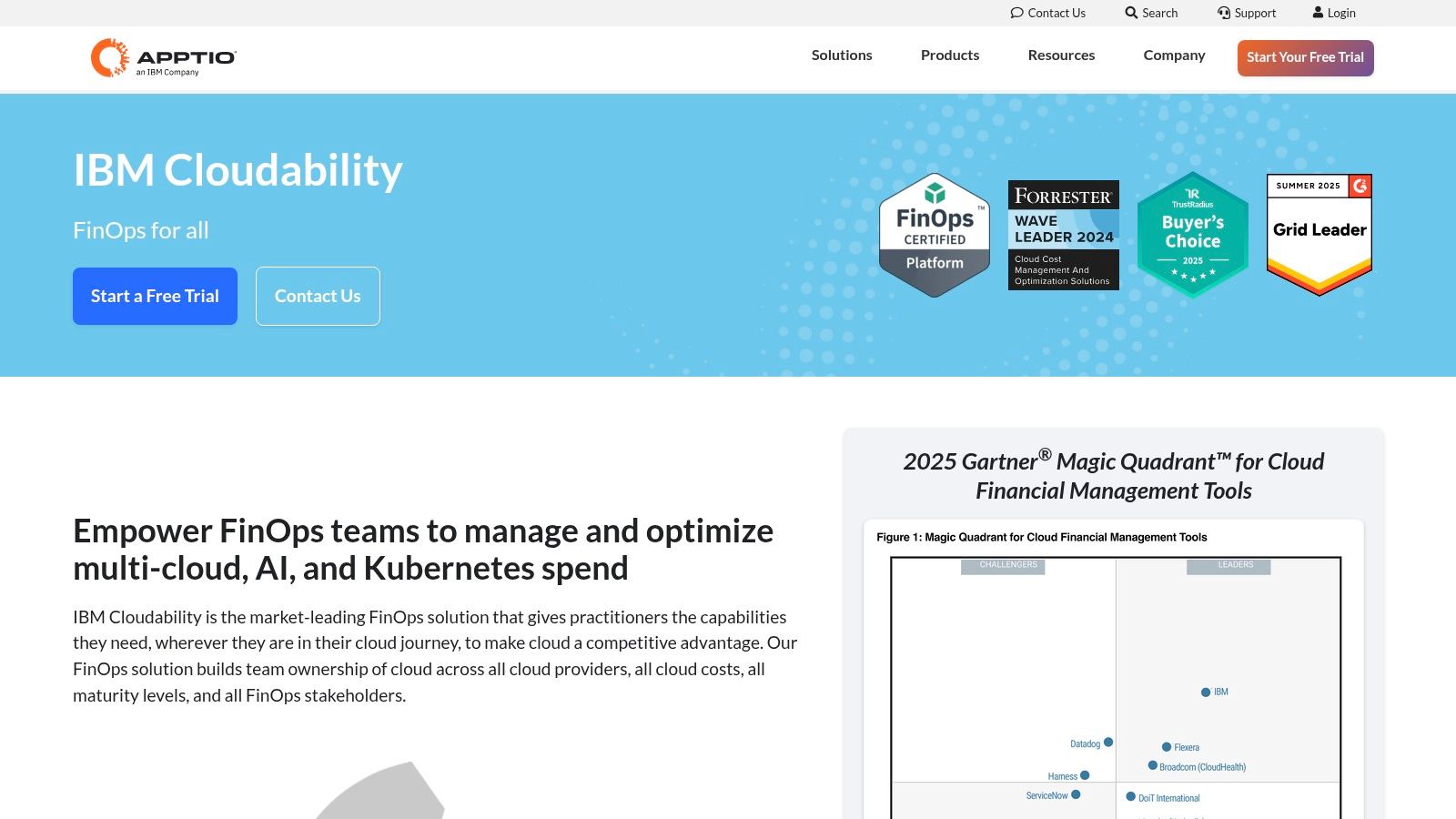
Apptio Cloudability is a full-stack FinOps platform designed for mature organizations seeking granular, multi-cloud financial management. Acquired by Apptio, Cloudability has a long history in the space, offering robust tools for cost visibility, allocation, and optimization across AWS, Azure, and Google Cloud. It excels at translating complex cloud billing data into actionable business metrics, making it a powerful tool for established FinOps practices.
Key Features and Use Cases
The platform provides deep visibility into containerized environments, allowing teams to accurately allocate Kubernetes costs. Its planning and forecasting capabilities, combined with savings automation for commitments like RIs and Savings Plans, help enterprises maximize their cloud investment. Anomaly detection alerts teams to unexpected spending spikes, preventing budget overruns.
- Ideal Use Case: A large enterprise with a dedicated FinOps team needs to standardize cost reporting and optimization workflows across its AWS, Azure, and GCP environments. They use Cloudability to create detailed chargeback reports and automate the management of their large portfolio of committed-use discounts.
- Implementation Tip: The initial data modeling and tagging setup are critical for success. Invest time upfront to align your business dimensions and tagging strategy with Cloudability’s framework to ensure accurate cost allocation and reporting from day one.
Pros and Cons
Pros:
- Mature FinOps Workflows: Offers established, enterprise-grade features recognized by analyst firms like Gartner.
- Strong Multi-Cloud Support: Provides comprehensive visibility and allocation across AWS, Azure, and GCP.
- Advanced Analytics: Powerful tools for forecasting, budgeting, and commitment portfolio management.
Cons:
- Complex Implementation: Can require significant effort to configure data models and align tagging strategies.
- Enterprise Pricing: The cost may be prohibitive for smaller teams or businesses just starting their FinOps journey.
Website: https://www.apptio.com/products/cloudability/
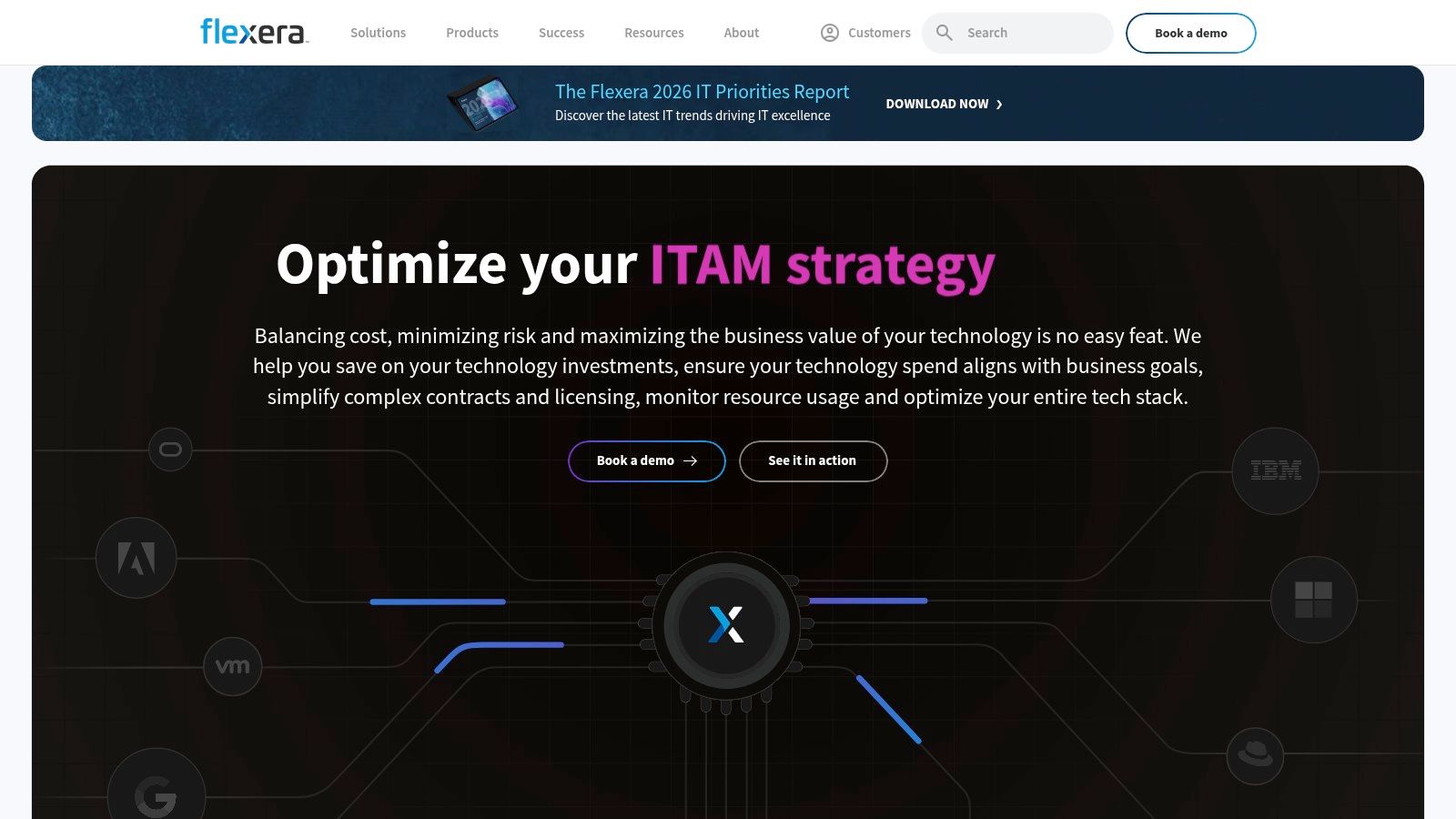
5. Flexera One – Cloud Cost Optimization
Flexera One stands out by bridging the gap between FinOps (Cloud Financial Operations) and ITAM (IT Asset Management). It provides a unified platform to manage and optimize spending across a hybrid IT estate, encompassing public cloud, on-premises data centers, and SaaS applications. This holistic view is its key differentiator, allowing enterprises to see the full context of their technology spend instead of just isolated cloud bills. For organizations managing complex licensing agreements alongside cloud consumption, this integrated approach is invaluable.
Key Features and Use Cases
The platform's strength lies in its policy-driven governance and deep analytics, powered by its Technology Intelligence Platform. This allows teams to not only receive optimization recommendations but also to automate enforcement and benchmark their spending against industry peers. Flexera One integrates data from multiple sources to provide a single, trustworthy source for IT asset and cloud cost data, enabling more strategic decision-making.
- Ideal Use Case: A large enterprise with a significant on-premises footprint is migrating workloads to a multi-cloud environment. They need a tool that can manage legacy software licenses, optimize new cloud spend, and enforce consistent governance policies across both worlds.
- Implementation Tip: Leverage the platform's ITAM capabilities early. Integrating your on-premises software license and hardware data will provide the comprehensive visibility needed to make informed decisions about cloud migration and hybrid cost optimization.
Pros and Cons
Pros:
- Unified Hybrid View: Combines cloud and on-premises software cost management into a single platform.
- Strong Governance: Policy-based automation helps enforce cost-saving measures and compliance.
- Industry Recognition: Frequently recognized as a leader in analyst evaluations for both FinOps and ITAM.
Cons:
- Enterprise Focus: The sales process is geared towards large organizations, making it less accessible for smaller teams.
- Complex Implementation: Can require significant effort to integrate all data sources for a complete view.
Website: https://www.flexera.com/products/flexera-one
6. Harness Cloud Cost Management (CCM)
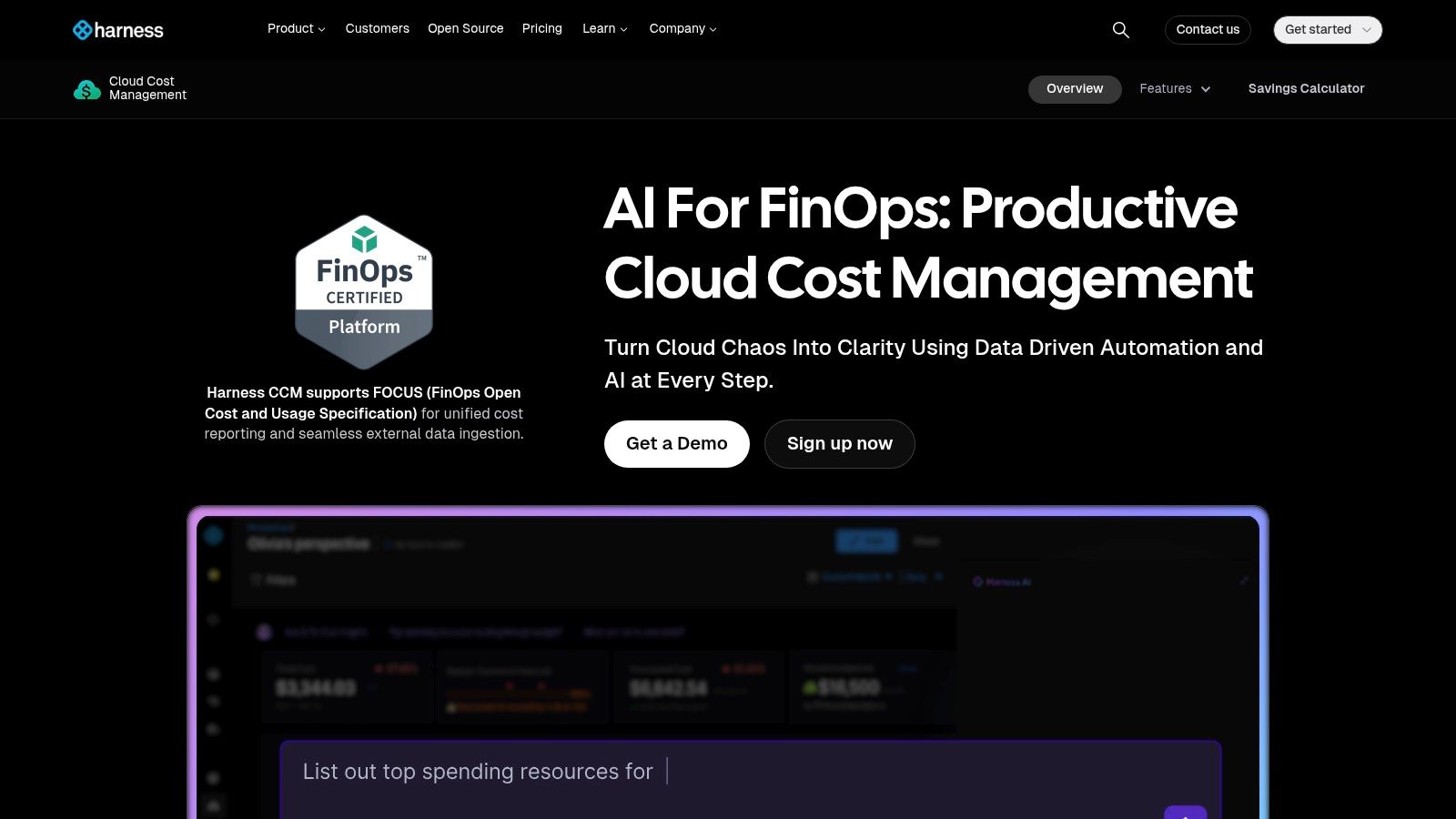
Harness Cloud Cost Management (CCM) is a FinOps platform designed for engineering-centric organizations that prioritize automation. It distinguishes itself by moving beyond simple cost visibility and actively reducing waste through features like AutoStopping, which automatically shuts down idle, non-production resources. The platform provides granular cost perspectives across multi-cloud environments, including detailed insights into Kubernetes spend, a common blind spot for many teams.
Key Features and Use Cases
Harness CCM goes beyond reporting to provide actionable, automated cost reduction. Its commitment orchestration helps manage Reserved Instances and Savings Plans, while governance-as-code capabilities allow teams to enforce budget policies directly within their CI/CD pipelines. This proactive approach makes it one of the more powerful cloud cost management softwares for teams looking to integrate financial discipline into their development lifecycle.
- Ideal Use Case: A fast-growing tech company needs to control spiraling development and testing environment costs. They implement Harness CCM's AutoStopping to automatically eliminate idle resource waste without requiring manual intervention from developers.
- Implementation Tip: Start with the generous Free Forever tier to connect your cloud accounts and gain initial visibility. This allows you to identify the most significant areas of waste before committing to an enterprise plan for advanced automation and governance features. For a broader view, it's useful to learn about different cloud cost optimization strategies.
Pros and Cons
Pros:
- Action-Oriented Automation: AutoStopping feature directly reduces costs with minimal manual effort.
- Generous Free Tier: The Free Forever plan offers significant value for smaller teams or for evaluation purposes.
- Kubernetes Focus: Provides deep, granular cost visibility for containerized workloads.
Cons:
- Feature Limitations in Free Tier: Data retention and advanced automation capabilities are restricted in the free version.
- Setup Complexity: Enterprise-level features like governance-as-code require initial setup and integration effort.
Website: https://www.harness.io/products/cloud-cost-management
7. CloudZero
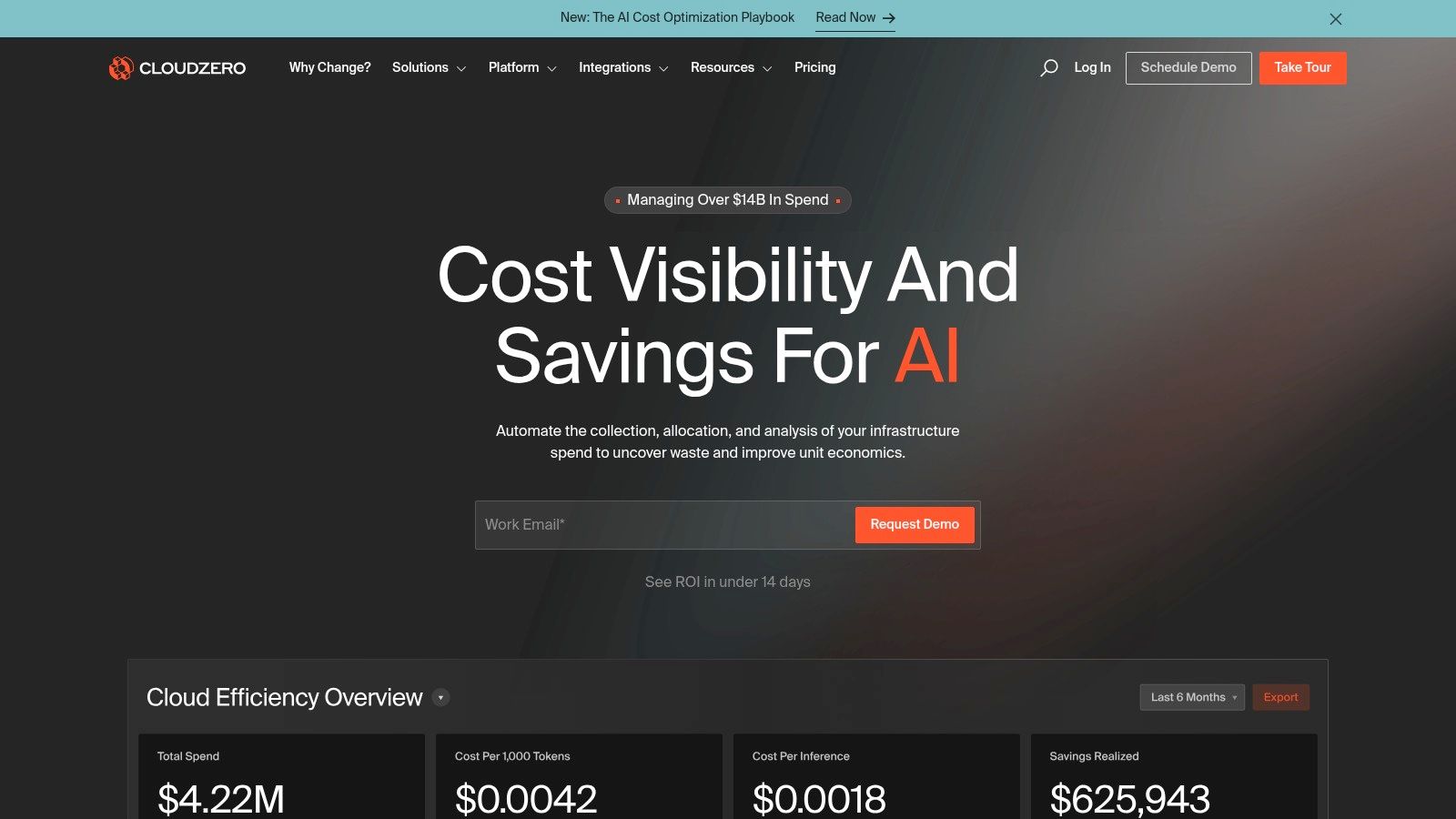
CloudZero positions itself as a cost intelligence platform, shifting the conversation from simple cost visibility to understanding unit economics. It excels at answering business-critical questions like "What is our cost per customer?" or "How much does this product feature cost to run?" By mapping every dollar of cloud spend to specific business dimensions, it empowers engineering teams to make cost-aware architectural decisions and provides FinOps teams with granular showback capabilities.
Key Features and Use Cases
The platform's core strength lies in its ability to ingest and normalize cost data from AWS, Azure, GCP, and Kubernetes environments. Using its proprietary CostFormation engine, it allocates 100% of spend, including shared and untagged resources, providing a complete picture of expenditure. This makes it one of the most effective cloud cost management softwares for organizations with complex, containerized architectures.
- Ideal Use Case: A SaaS company needs to understand the profitability of individual customers and product tiers. CloudZero allows them to allocate shared infrastructure costs and accurately calculate the cost per tenant, informing pricing strategies and engineering priorities.
- Implementation Tip: Invest time upfront to define your business dimensions and unit cost metrics. The platform's value grows exponentially once you model what truly matters to your business, a process often guided by CloudZero's FinOps account management team during onboarding.
Pros and Cons
Pros:
- Unit Cost Economics: Unmatched capability for analyzing cost per customer, feature, or team.
- Engineering-Centric: Empowers developers with relevant cost data without requiring them to become FinOps experts.
- Complete Cost Allocation: Effectively allocates shared, multi-tenant, and untagged resource costs.
Cons:
- Pricing Opacity: No public pricing is available; requires engaging with the sales team for a custom quote.
- Initial Setup Effort: Realizing its full potential requires a thoughtful setup to model business-specific dimensions.
Website: https://www.cloudzero.com/
8. Kubecost
For organizations where Kubernetes is the center of the cloud universe, Kubecost provides unparalleled, real-time cost visibility. Built on the open-source foundation of OpenCost, it is one of the most effective cloud cost management softwares for understanding the precise cost of every Kubernetes resource. It breaks down expenses by namespace, deployment, service, pod, and even individual containers, translating complex cluster activity into clear financial data. This granular view is essential for teams practicing FinOps within a containerized environment, allowing for accurate showbacks and chargebacks.
Key Features and Use Cases
Kubecost excels at providing actionable insights directly to engineering teams. It integrates with cloud provider billing APIs to assign accurate costs to Kubernetes resources, factoring in discounts and on-demand pricing. The platform also offers dynamic recommendations for rightsizing cluster resources, helping to eliminate waste from over-provisioned requests and idle assets. Its Helm-based installation process is straightforward, allowing for rapid deployment and quick time to value.
- Ideal Use Case: A DevOps team running microservices on EKS, GKE, or AKS needs to understand which specific services are driving up their cluster costs. They can use Kubecost to identify inefficient pods and receive specific recommendations for adjusting CPU and memory requests to optimize spending without impacting performance.
- Implementation Tip: Start with the free, open-source version (OpenCost) to get a baseline understanding of your cluster costs. This allows your team to validate its usefulness and build a business case for upgrading to a commercial edition for features like SAML, long-term metric retention, and dedicated support.
Pros and Cons
Pros:
- Granular Kubernetes Visibility: Delivers unmatched cost allocation detail for containerized workloads.
- Open-Source Foundation: Strong community backing and transparency through the OpenCost project.
- Actionable Recommendations: Provides specific, actionable advice for rightsizing container resources.
Cons:
- Niche Focus: Primarily centered on Kubernetes; visibility into other cloud services like RDS or S3 requires integrations.
- Opaque Enterprise Pricing: Pricing for commercial tiers is not publicly listed and requires a sales consultation.
Website: https://www.kubecost.com/
9. Spot by NetApp (Spot Eco and CloudCheckr)
Spot by NetApp provides a powerful, dual-pronged approach to cloud cost management by combining two major platforms: Spot Eco for automated commitment management and CloudCheckr for comprehensive FinOps governance. This suite is engineered to move beyond simple visibility, actively automating the purchase and management of Reserved Instances (RIs) and Savings Plans to maximize savings with minimal human intervention. It continuously analyzes usage and market prices to buy, sell, and modify commitments, ensuring optimal coverage.
Key Features and Use Cases
The integration of CloudCheckr adds a crucial layer of security, compliance, and multi-account analytics, making it a robust solution for large-scale operations. It provides the deep visibility and governance controls that FinOps teams need, while Spot Eco's automation engine handles the complex, high-frequency trading of commitments. This synergy makes it one of the most hands-off yet effective cloud cost management softwares available for complex environments.
- Ideal Use Case: A Managed Service Provider (MSP) or a large enterprise with hundreds of AWS accounts needs to optimize commitment portfolios without dedicating a full-time team to the task. Spot Eco automates the RI lifecycle, while CloudCheckr provides centralized billing, security checks, and reporting across all client accounts.
- Implementation Tip: Start by allowing the platform to analyze your usage patterns in a read-only mode. Use its initial recommendations to build trust and validate the potential savings before granting it permissions to execute automated commitment purchases.
Pros and Cons
Pros:
- Advanced Automation: Drastically reduces the manual effort needed to manage RIs and Savings Plans, reacting to usage changes in real-time.
- Comprehensive Governance: CloudCheckr integration offers robust security, compliance, and multi-account visibility.
- MSP-Friendly: Built with features specifically designed for managing multiple distinct client environments.
Cons:
- Complex for Small Teams: The platform's breadth and strategic depth might be overwhelming for smaller organizations with simple cloud footprints.
- Quote-Based Pricing: Pricing is not publicly listed and requires engaging with the sales team, making initial evaluation more difficult.
Website: https://spot.io/
10. ProsperOps
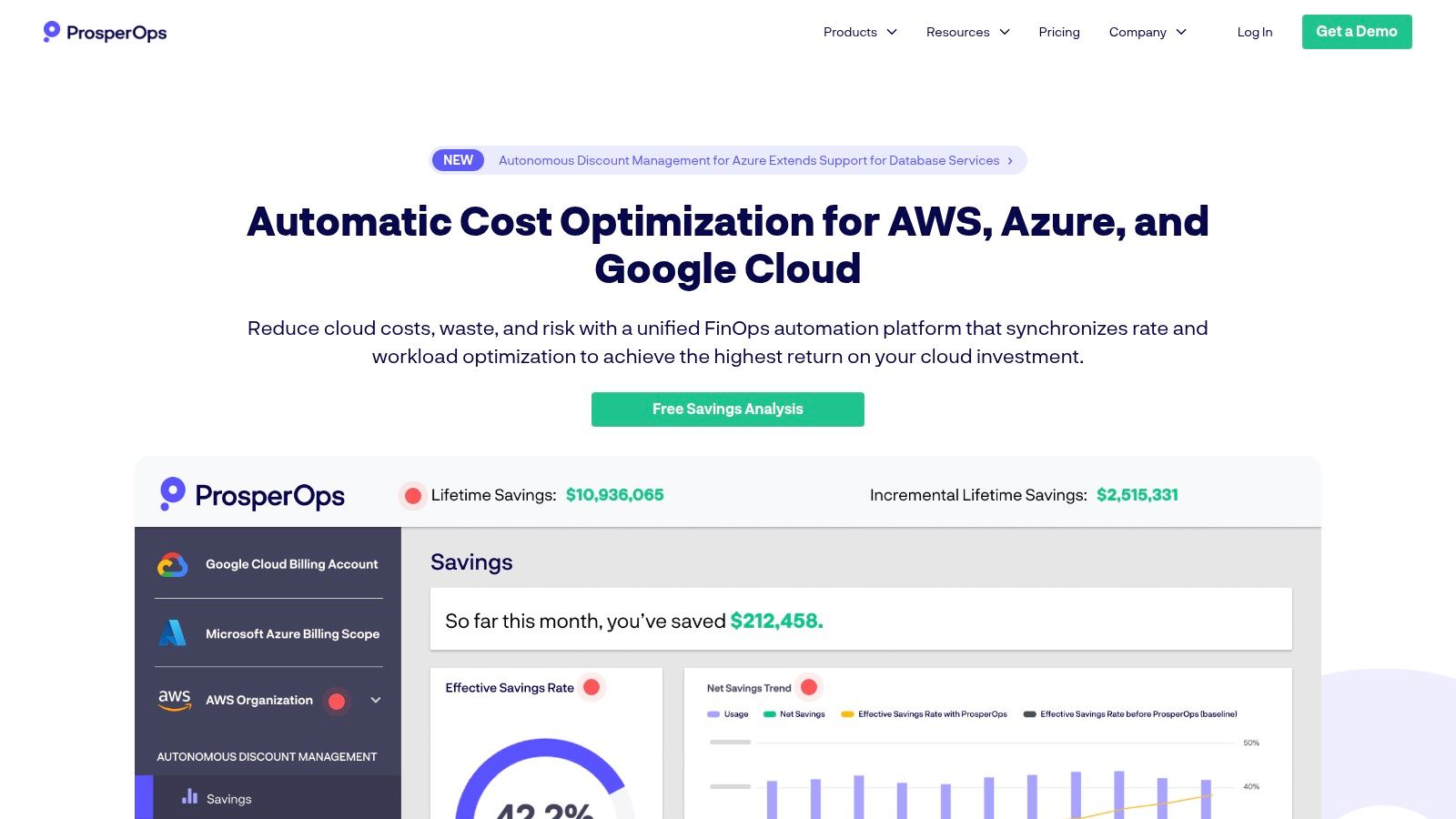
ProsperOps offers a unique, autonomous approach to AWS discount management, positioning itself less as a dashboard and more as an automated, hands-off service. It specializes in optimizing AWS Reserved Instances (RIs) and Savings Plans, using algorithms to dynamically manage commitment portfolios. This continuous optimization aims to maximize savings with minimal human intervention, making it one of the more specialized cloud cost management softwares for organizations looking to automate this complex task.
Key Features and Use Cases
The core of the platform is its Autonomous Discount Management engine, which continuously adjusts commitments to match changing usage patterns. ProsperOps also offers a free savings analysis to benchmark your current coverage and identify potential gains before you commit. An optional scheduler add-on provides another layer of optimization by helping teams automatically stop non-production resources outside of business hours.
- Ideal Use Case: A fast-growing company on AWS whose infrastructure usage fluctuates constantly. ProsperOps would automate their RI and Savings Plan management, ensuring high coverage and savings without requiring a FinOps engineer to manually analyze and adjust commitments daily.
- Implementation Tip: Start with the free savings analysis. It provides a clear, data-backed projection of the savings you can expect, which is powerful for building an internal business case to adopt the service.
Pros and Cons
Pros:
- Pays-for-itself Model: The primary pricing model is a percentage of realized savings, aligning vendor costs directly with financial outcomes.
- Minimal Operational Overhead: Designed as a set-and-forget solution that requires little ongoing effort after the initial setup.
- Effective Automation: Excels at a very specific task: managing AWS commitments for maximum discount coverage.
Cons:
- AWS-Focused: Its deep automation capabilities are limited to AWS, making it less suitable for multi-cloud environments.
- Niche Pricing Model: The savings-share pricing structure, while attractive, may not align with all corporate procurement or compliance policies.
Website: https://www.prosperops.com/
11. VMware Tanzu CloudHealth (CloudHealth)
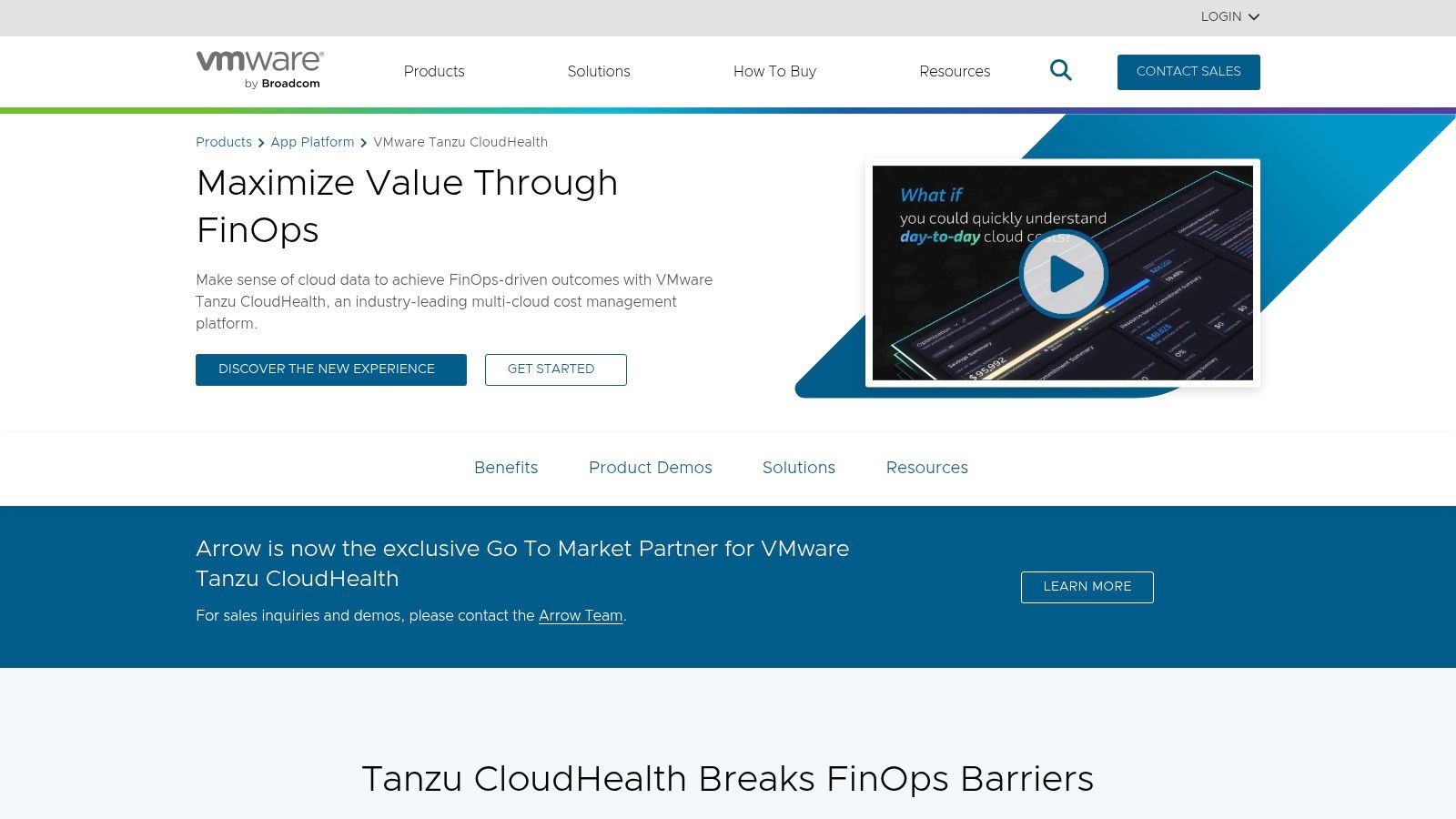
VMware Tanzu CloudHealth is a mature and widely adopted multi-cloud FinOps platform, known for its extensive capabilities in cost visibility, resource allocation, and policy-driven governance. As one of the original players in the space, it has a long history of serving large enterprises and Managed Service Providers (MSPs). Now part of the VMware Tanzu portfolio, the platform continues to evolve, integrating modern features to enhance its robust foundation as a comprehensive tool for cloud cost management softwares.
Key Features and Use Cases
CloudHealth excels at creating detailed financial accountability across complex cloud environments. Its strong governance engine allows organizations to set and enforce policies for cost, configuration, and security. Recent updates have introduced AI-assisted features like Intelligent Assist and Smart Summary, designed to surface critical insights and recommendations more efficiently. The platform's multi-tenant architecture also makes it a powerful tool for MSPs managing billing and optimization for multiple clients.
- Ideal Use Case: A large enterprise or MSP managing significant spend across AWS, Azure, and GCP needs a single platform for detailed cost allocation, showback/chargeback, and automated governance policies to control spending.
- Implementation Tip: Given the changes following the Broadcom acquisition, prospective buyers should verify the current procurement and support channels. Engaging with a VMware or Broadcom partner can clarify the purchasing process and ensure a smooth onboarding experience.
Pros and Cons
Pros:
- Enterprise-Grade: A long track record with deep features proven to work at scale for large enterprises and MSPs.
- Strong Governance: Excellent policy-based automation for managing costs and enforcing security and configuration standards.
- Continuous Innovation: Ongoing product updates introduce modern features like AI-assisted analysis and reporting.
Cons:
- Complex Procurement: Sales and support channels have shifted post-acquisition, requiring careful navigation by buyers.
- Opaque Pricing: Pricing is primarily enterprise-driven and not publicly available, requiring direct sales engagement for a quote.
Website: https://tanzu.vmware.com/cloudhealth
12. Finout
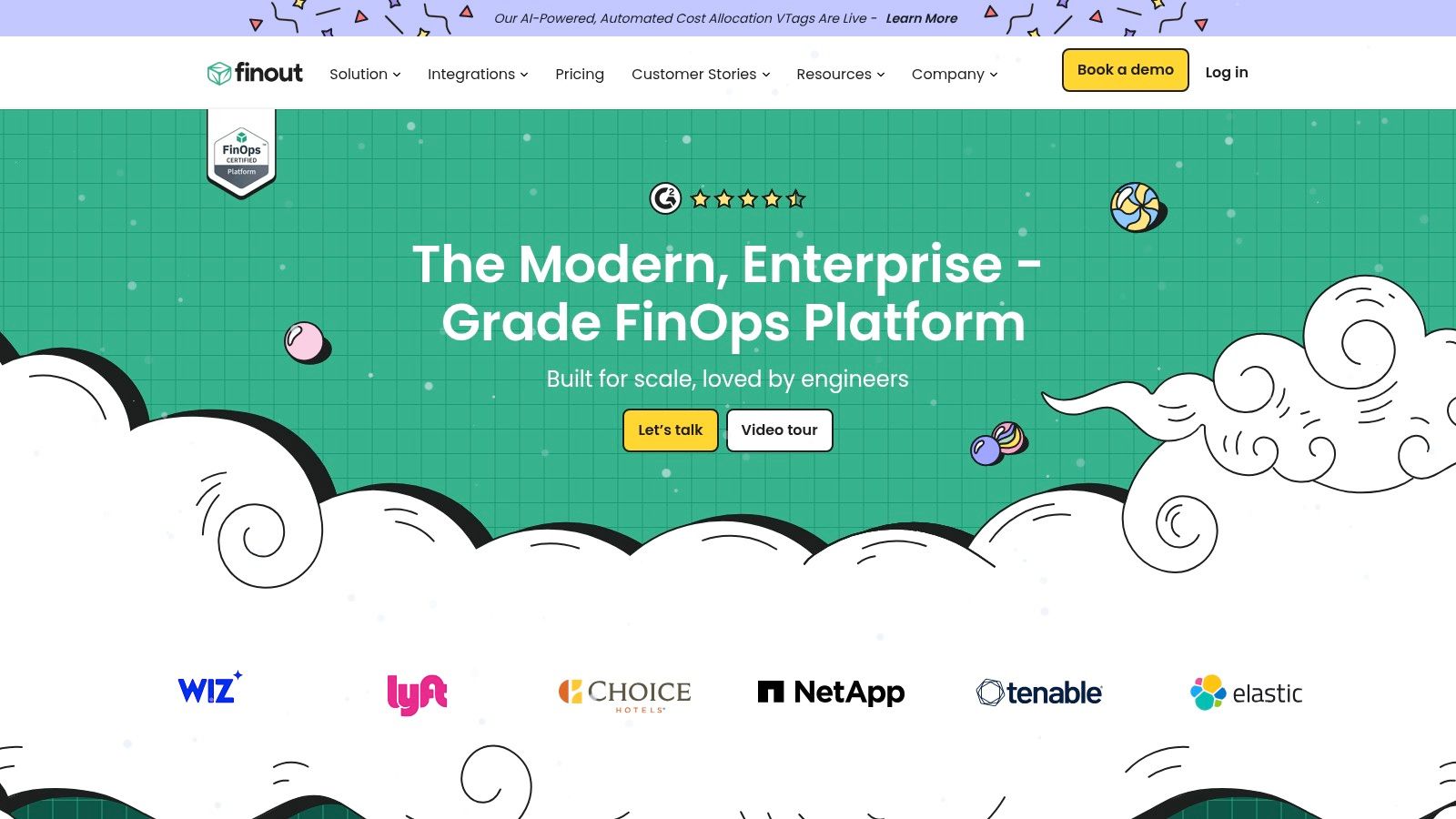
Finout is a modern FinOps platform built to unify complex cost data from multiple sources into a single, understandable view. Its core "MegaBill" feature aggregates expenses from multi-cloud environments like AWS, Azure, and GCP, alongside SaaS vendors such as Snowflake and Datadog. This consolidated approach allows businesses to move beyond basic cloud bills and analyze true unit economics, making it a powerful tool for teams needing granular cost allocation without extensive re-tagging.
Key Features and Use Cases
The platform excels at providing business context to technical costs. Using virtual tagging, teams can assign costs to features, customers, or projects without altering production tags. Finout also offers an AI-powered cost optimizer for AWS commitments and provides robust anomaly detection to catch unexpected spending spikes. The transparent pricing and free proof-of-concept (POC) offers make it particularly accessible for growing companies.
- Ideal Use Case: A mid-market SaaS company using a mix of AWS, GCP, and Datadog needs to calculate the exact cost-per-customer. Finout can ingest all these disparate bills and use virtual tags to allocate shared infrastructure costs, providing clear unit cost visibility.
- Implementation Tip: Start by connecting your primary cloud provider and one major SaaS tool during the POC. Focus on defining one or two key business metrics (like cost per feature) to prove the value of the platform's unit economics engine before expanding to all sources.
Pros and Cons
Pros:
- Clear Published Plans: Transparent pricing models are well-suited for SMB and mid-market buyers who need predictable costs.
- Holistic Cost View: The "MegaBill" successfully unifies cloud, data warehouse, and major SaaS spend.
- Rapid Innovation: The platform is evolving quickly with a strong feature set and product momentum.
Cons:
- Tier-Gated Features: Certain capabilities, like the number of included cost centers, are limited in lower-priced plans.
- Optimizer Focus: The AI-powered optimizer is most mature for AWS, with support for other platforms still developing.
Website: https://www.finout.io/
Top 12 Cloud Cost Management Tools: Features & Pricing
| Tool | Key features | UX & setup | Value / unique selling point | Target audience | Pricing / licensing |
|---|---|---|---|---|---|
| CLOUD TOGGLE | Auto power-off idle VMs (AWS, Azure); daily/weekly schedules; RBAC; instant overrides; multi-team support | Intuitive UI; minimal setup; non-engineer friendly | Low-friction idle compute savings; share scheduling without exposing cloud permissions | SMBs, MSPs, DevOps, IT, FinOps teams | Starts $49/mo; 30-day free trial; tiered plans (15/50/200 servers) |
| AWS Marketplace (Cost Optimization and Cost Management) | Centralized vendor listings; consolidated billing; procurement controls | Easy procurement for AWS shops; varies by vendor | Buy and bill third-party tools through AWS with centralized invoicing | AWS-centric orgs, procurement, FinOps | Vendor-dependent pricing; billed via AWS; private offers possible |
| Microsoft Azure Marketplace (Cost/FinOps solutions) | Azure-billed procurement; integration with Azure Cost Management; consulting offers | Fits Azure environments; procurement via Microsoft agreements | Unified billing and tight Azure integration for marketplace buys | Azure-centric orgs, enterprise procurement | Vendor-dependent; appears on Azure bill; enterprise procurement options |
| Apptio Cloudability | Multi-cloud visibility (AWS/Azure/GCP); forecasting; savings automation | Enterprise onboarding; data modeling and setup time | Full-stack FinOps for large orgs; analyst-recognized platform | Enterprises, large FinOps teams, MSPs | Sales-based pricing; demos/quotes required |
| Flexera One – Cloud Cost Optimization | Multi-cloud + ITAM; policy recommendations; benchmarking & governance | Enterprise deployment; integration-heavy | Combines cloud cost and software/asset management in one suite | Large enterprises, ITAM + FinOps teams | Enterprise pricing via sales |
| Harness Cloud Cost Management (CCM) | Multi-cloud & K8s cost allocation; AutoStopping; commitment orchestration | Action-oriented automation; documented Free Forever tier | Automation-first cost reduction with a free tier for small teams | DevOps, Kubernetes teams, SMBs to enterprise | Free Forever tier; enterprise plans via sales |
| CloudZero | Full-spend allocation; unit-cost analytics; anomaly detection; K8s support | Engineering-centric UX; onboarding & FinOps account support | Unit economics and engineering-focused showback for product teams | Engineering-led FinOps, product & finance teams | Quote-based pricing; sales-driven |
| Kubecost | Real-time K8s cost by namespace/deployment/pod; OpenCost roots | Fast time-to-value for K8s; Helm install; OSS + commercial options | Best-in-class Kubernetes cost visibility with open-source transparency | Kubernetes/platform engineering teams | Open-source free; enterprise editions via sales |
| Spot by NetApp (Spot Eco & CloudCheckr) | Automated commitment buying/blending; governance & security; multi-account analytics | Powerful automation; enterprise/MSP deployment | Automates RI/Savings Plan management plus governance checks | Enterprises, MSPs managing many accounts | Sales-based pricing; ROI varies with scale |
| ProsperOps | Autonomous discount management for AWS; scheduler add-on; savings analysis | Low ongoing ops after setup; outcome-based engagement | Pays-for-itself model (share of realized savings) for AWS commitments | AWS-focused enterprises and finance teams | Savings-share pricing or per-resource fees; scheduler add-on |
| VMware Tanzu CloudHealth (CloudHealth) | Multi-cloud cost visibility, allocation, policy governance; AI-assisted features | Mature product; procured via partners/marketplaces | Enterprise-grade FinOps and governance with partner ecosystem | Large enterprises, MSPs, regulated orgs | Enterprise sales-driven; partner/channel procurement |
| Finout | Consolidates cloud & SaaS bills; unit metrics; AI optimizer; virtual tagging | Transparent public plan examples; SMB/mid-market friendly | Multi-cloud + SaaS billing (MegaBill) and published plans for SMBs | SMBs, mid-market FinOps teams, SaaS-heavy orgs | Public plan examples; free POC offers; tiered pricing |
From Insight to Action: Implementing Your Chosen Solution
Navigating the landscape of cloud cost management softwares can feel overwhelming. We have explored a wide array of powerful solutions, from comprehensive FinOps platforms like Apptio Cloudability and VMware Tanzu CloudHealth to specialized Kubernetes-focused tools like Kubecost and automated Reserved Instance managers like ProsperOps. We've also seen the unique value proposition of solutions like CLOUD TOGGLE, which targets the persistent and costly problem of idle compute resources with precision and simplicity.
The central takeaway is clear: there is no single "best" platform for every organization. The ideal choice hinges entirely on your specific circumstances. A large enterprise with a mature FinOps practice and a multi-cloud strategy will have vastly different requirements than a midsize business struggling with unpredictable development and staging costs in a single AWS environment. The right tool is the one that directly addresses your most significant pain points, aligns with your technical maturity, and fits within your team's operational workflow.
Making the Right Choice for Your Team
Before committing to any of the cloud cost management softwares we've discussed, it's crucial to assess your needs. Is your primary challenge a lack of visibility into your spending, where a tool like CloudZero can provide unit cost economics? Or are you struggling to manage complex Kubernetes clusters, making Kubecost an essential consideration? Perhaps your biggest opportunity for savings lies in automating the shutdown of non-production environments, which is precisely where CLOUD TOGGLE excels.
Consider the complexity of your infrastructure. If you operate across AWS, Azure, and GCP, a multi-cloud platform like Flexera One is designed for that scope. However, if your team is smaller and focused on getting quick, tangible wins, a more targeted solution will deliver value faster without the steep learning curve and implementation overhead of an enterprise-grade suite. Your decision should be a strategic one, balancing powerful features against the practical realities of implementation and adoption.
A Practical Checklist for Successful Implementation
Choosing a tool is only the first step. Successful implementation is what transforms a software subscription into tangible ROI. Regardless of which solution you select, from a marketplace offering to a dedicated platform, following a structured approach will dramatically increase your chances of success.
Here is a concise, actionable checklist to guide your implementation process:
-
Start with a Trial or Proof of Concept (POC): Never commit long-term without hands-on experience. Use a free trial to connect the tool to a non-critical part of your cloud environment. This allows you to validate its features, assess its usability, and confirm it can deliver the insights you expect without any upfront financial risk.
-
Define a Specific, Measurable Goal: Avoid vague objectives like "save money." Instead, set a clear target. For example, aim to "reduce our non-production EC2 costs by 30% within 60 days" or "achieve 95% Reserved Instance coverage for our production RDS fleet." A specific goal provides focus and a clear benchmark for success.
-
Secure Stakeholder Buy-In: Cloud cost is a shared responsibility. Involve key stakeholders from Engineering, Finance, and IT operations from the very beginning. Engineers need to understand how the tool impacts their workflows, while Finance needs to see a clear path to cost reduction. Gaining this alignment early prevents friction and encourages adoption.
-
Begin with a Small Scope and Expand: Don't try to solve every cloud cost problem at once. Identify a single team, project, or environment as your initial focus. Use it as a pilot program to learn the tool, refine your processes, and demonstrate a quick win. This success story will build momentum and make it easier to roll out the solution across the entire organization.
Ultimately, the journey to effective cloud cost management begins with a single, decisive action. It could be as simple as scheduling a meeting to discuss your cloud bill or as proactive as signing up for a free trial. The key is to move from analysis to action. By carefully selecting a tool that fits your unique needs and following a structured implementation plan, you can finally gain control over your cloud spend and ensure every dollar invested delivers maximum value.
Ready to see how quickly you can stop paying for idle cloud resources? CLOUD TOGGLE offers the simplest way to automate the shutdown of non-production environments, delivering immediate savings with minimal effort. Start your free trial today and discover your potential savings in just a few clicks at CLOUD TOGGLE.