
Skip to content Skip to footer

Save on Your Cloud Spend

Schedule Server Time With CLOUD TOGGLE

We provide an easy, accessible way to power off idle cloud resources, saving you time and money.

CLOUD TOGGLE works with

Pricing Plans

  • Basic Subscription
    Free Trial

    A basic service so you can trial CLOUD TOGGLE

    $49 / month

    with a 30 day free trial

    • Servers: 15
    • Teams: 1
    • Users: 5
    • Cloud Connections: 1
  • Plus Subscription

    For companies with a small number of servers and users

    $99 / month

    • Servers: 50
    • Teams: 5
    • Users: 25
    • Cloud Connections: 2
  • Pro Subscription

    For businesses with a significant amount of servers

    $249 / month

    • Servers: 200
    • Teams: 10
    • Users: 100
    • Cloud Connections: 5

Don’t see what you need? Contact us for custom pricing.

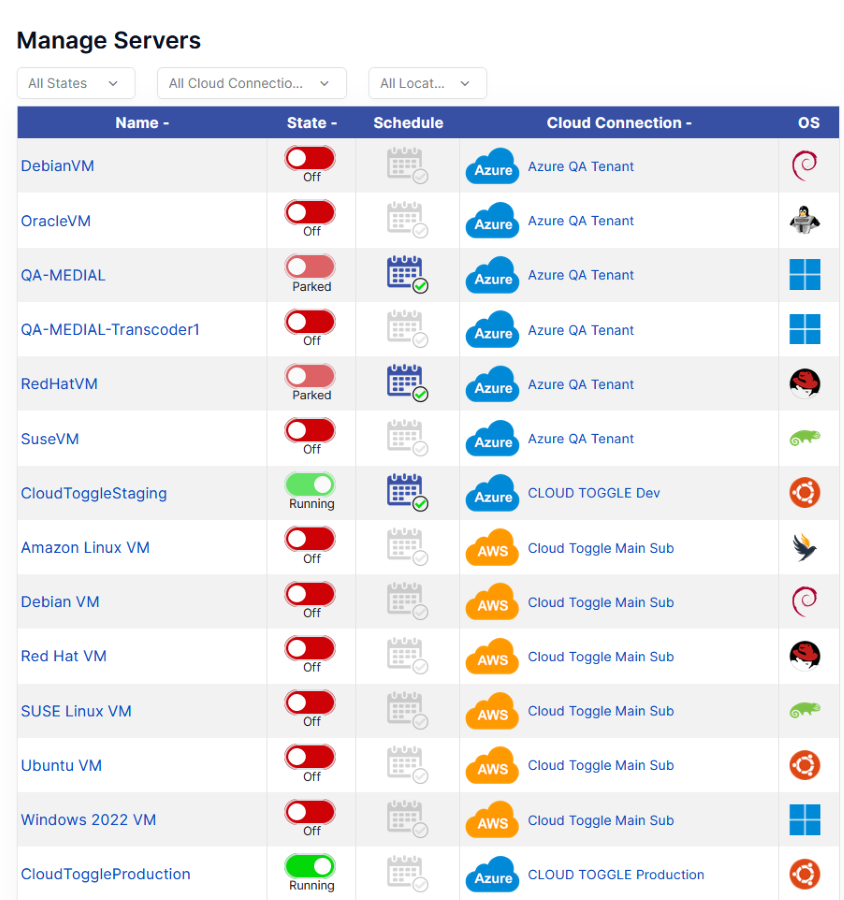
Override a cloud VM schedule with CLOUD TOGGLE

Easy-to-Use Interface

Anyone can get started on the CLOUD TOGGLE platform in minutes with our intuitive UI. You don’t have to be an engineer to save time, resources, and money in just a few clicks.

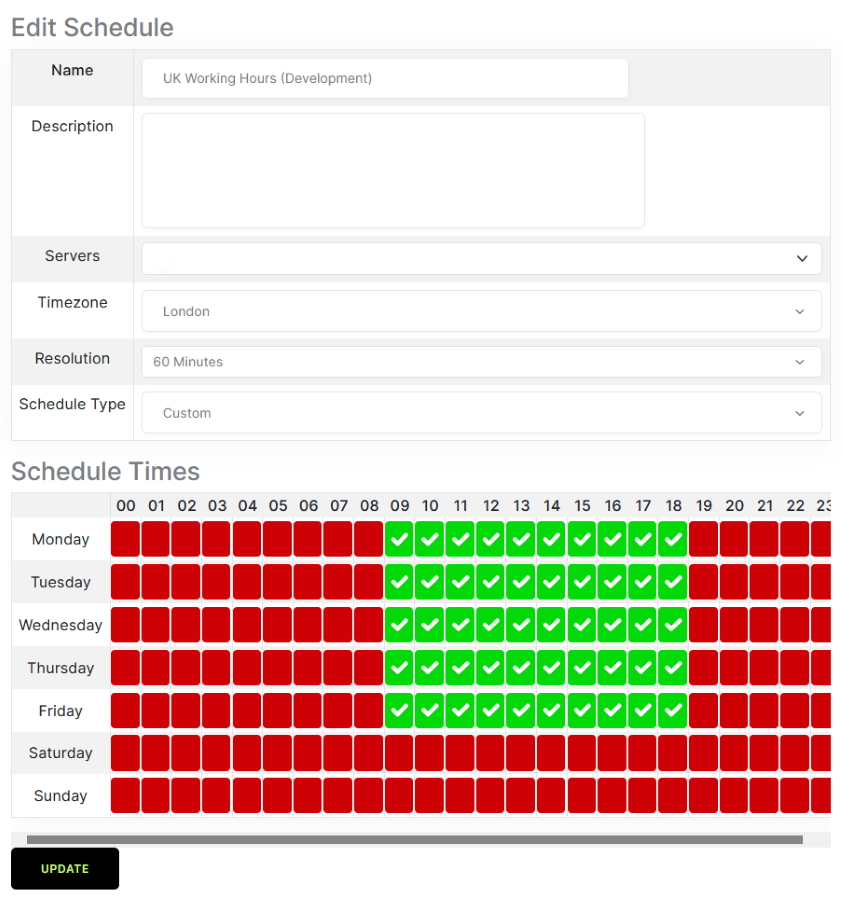
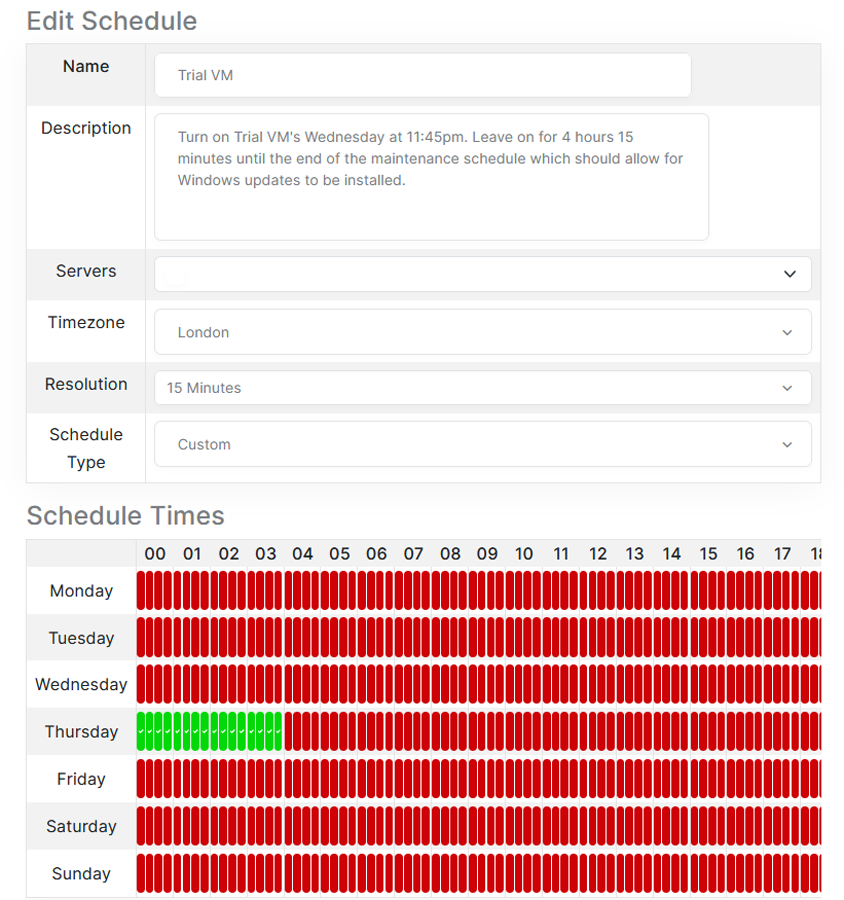
Flexible Custom Scheduling

Set up daily and weekly schedules with precision timing and role-based access control. Set it and forget it, tweak over time as needs change, or override a schedule in seconds when necessary.

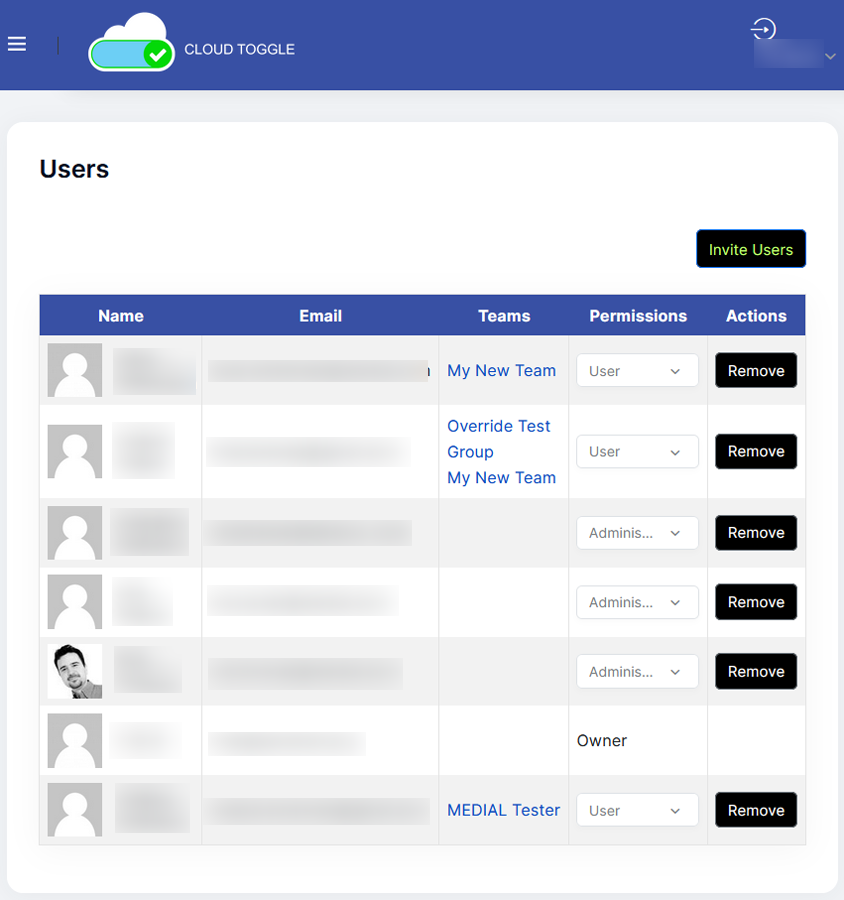
Simplified User and Team Access

Unlike AWS, Azure, and other providers, CLOUD TOGGLE lets you share access to these features without letting people into the entire account. Create users and role-based teams so the right people can take action when they need to.

Scalable Savings

Save from day one with our Free Trial and prices starting at only $49.00 per month. As your business scales, so do your savings.

Popular Resources

A Practical Guide to Automation in DevOps
Automation in DevOps is all about using technology to handle the repetitive, manual chores of software development, freeing up your team to focus on what really matters. It's the engine that creates a seamless and efficient pipeline to get code…
Autoscaling in Kubernetes: A complete guide to autoscaling in kubernetes
Autoscaling in Kubernetes is all about automatically adjusting your compute resources to match what your application actually needs, right now. It means dynamically adding or removing resources, like pods or nodes, to handle traffic spikes gracefully and, just as importantly,…
Choose Between c4 vs c5: Which EC2 Instance Fits Your Workload?
When you're comparing C4 and C5 instances on AWS, the main takeaway is simple: C5 is a massive architectural leap forward. It delivers far better performance and efficiency. While C4 instances were built on older hardware, the C5 family runs…

Ready to start saving?